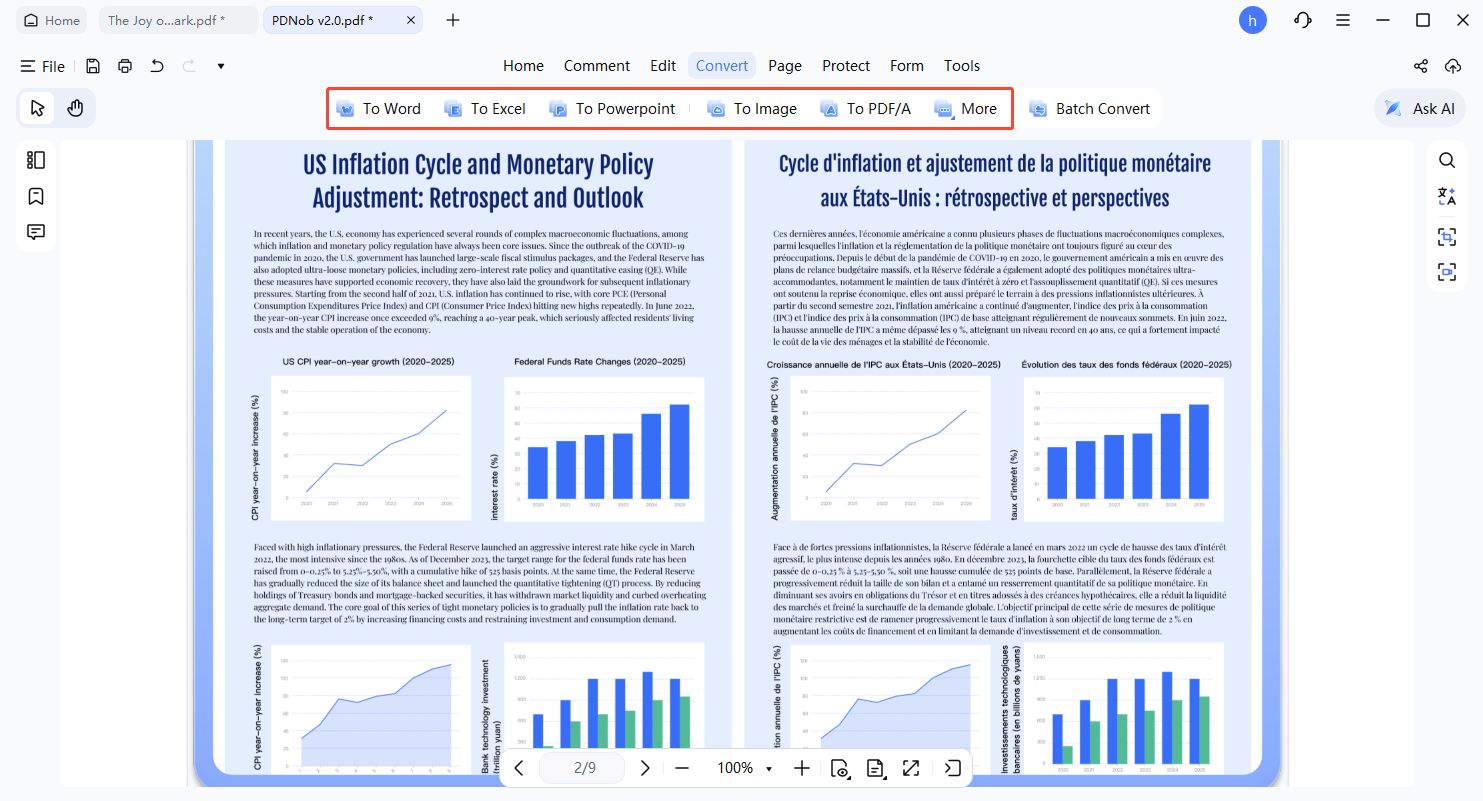
How to Convert PDF to Other Formats with PDNob - User Guide
PDNob PDF Editor allows effortless conversion of PDFs into multiple formats, including Word, Excel, PowerPoint, Images, and others. The user interface is straightforward, and the process completes in just a few clicks. Follow the instructions below to begin.
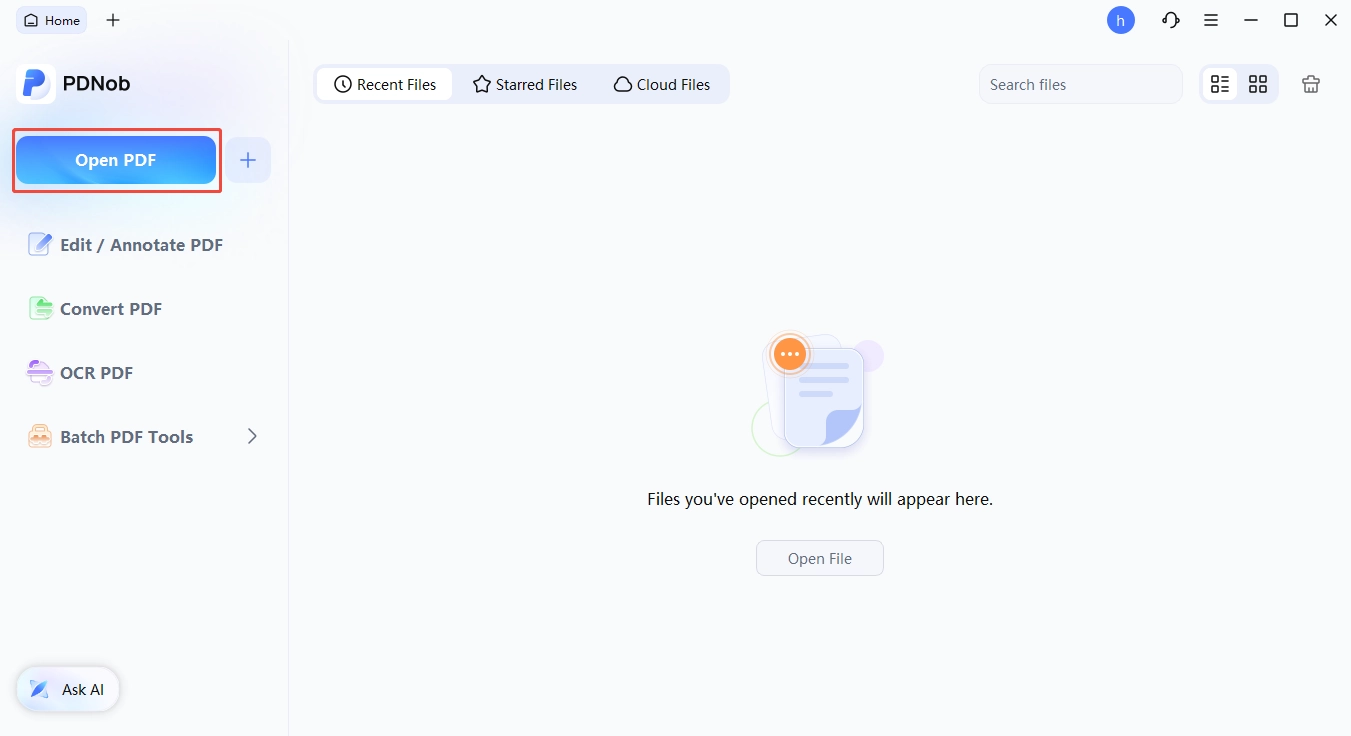
- Open the PDNob PDF Editor application on your computer.
- Within the main window, select the Open PDF option to locate and choose the file you wish to convert.
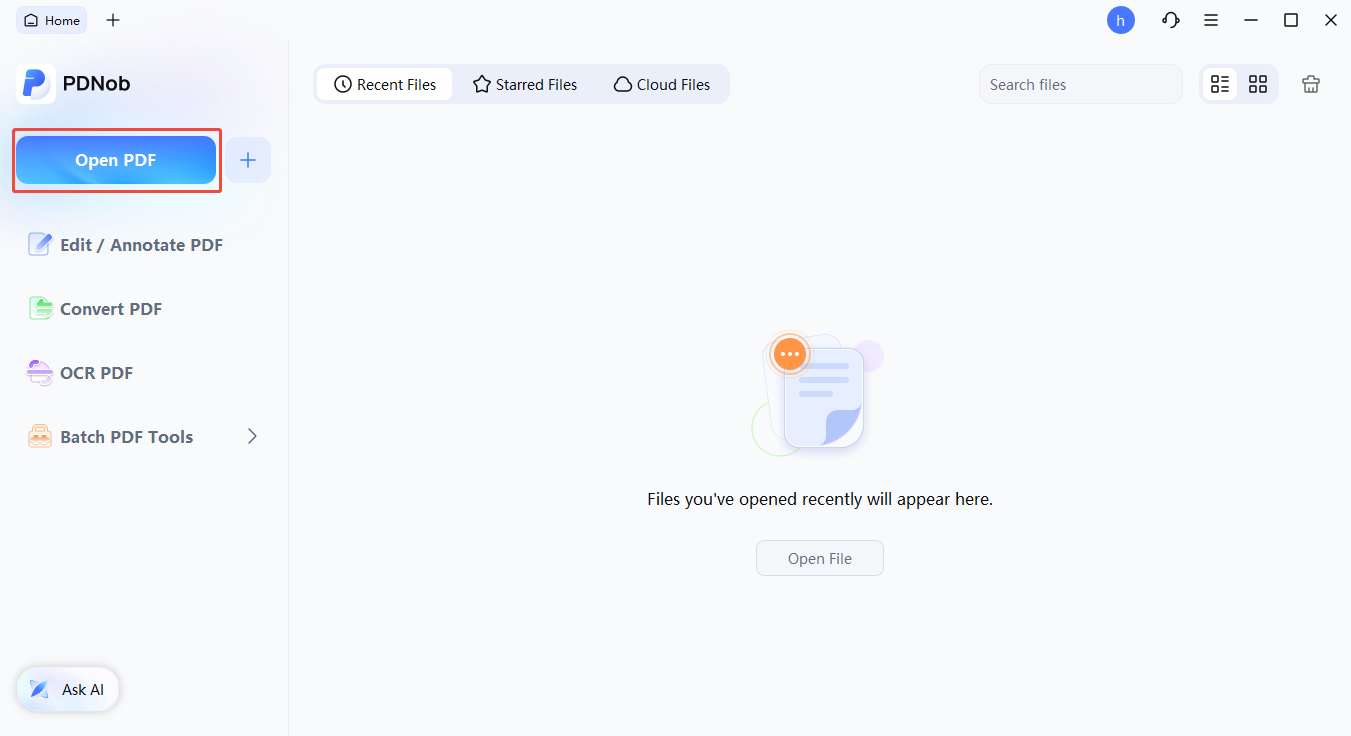
- Navigate to your desired files, select them, and press "Open" to import the PDFs into PDNob PDF Editor.
- After the PDF is loaded, click the Convert button on the toolbar to proceed.
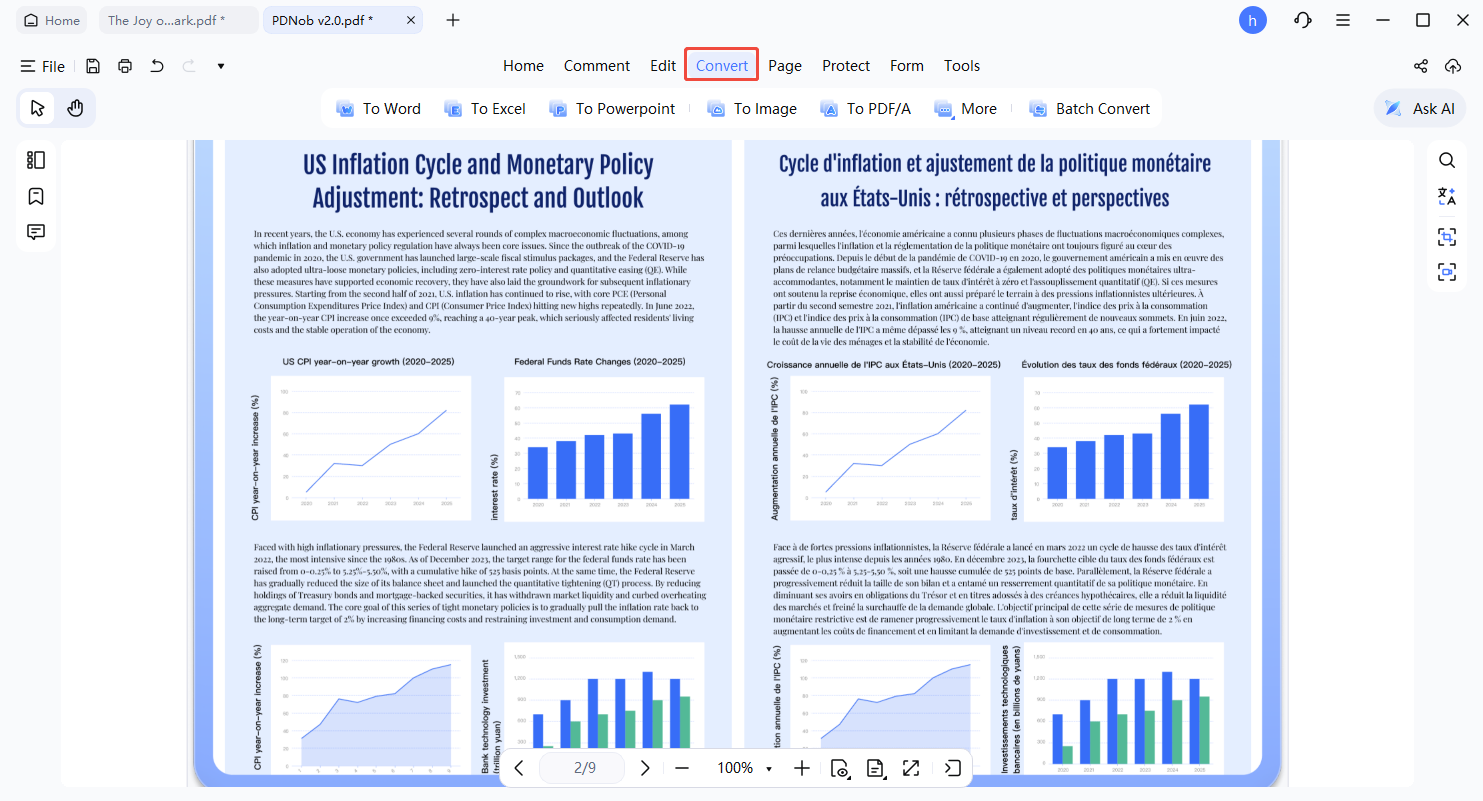
- PDNob PDF Editor offers multiple output formats on the toolbar. Choose the one that fits your requirements, whether it’s Word, Excel, PowerPoint, Image, or another available option.