V2.1.1
2026/8/31New Subscription Plan:
- PDNob Team Plan: Introducing the new team plan for centralized team member and license management, with support for license assignment and revocation.
New Features:
- PDNob Team Plan: Centralized management of team members and licenses.
- Tiled Watermarks: Add repeating watermarks to enhance document protection and identification.
- Extract Text from Images: Quickly recognize and extract text from images in PDFs.
- File Drag and Drop: Drag and drop files directly onto PDF pages to quickly add content.
- Cloud Sharing Links: Create sharing links for files stored in the cloud and easily share documents.
Improvements:
- Added support for digital signatures with P12 certificates and precise object positioning using arrow keys.
- Expanded PDF merging to support combining PDFs with non-PDF files.
V2.1.0
2026/7/29New Features:
- AI PDF Agents: Use natural language agents to run PDF tools instantly, including OCR, file conversion, and compression.
- Full Document Translation: Translate entire documents quickly while preserving the original layout, with side-by-side bilingual translation for easy comparison.
- Batch Tool Improvement: Improved batch tools with a more user-friendly workflow.
Improvements:
- Enhanced performance and smoother interactions across the app.
Fixes:
- Fixed several issues to improve stability and reliability.
V2.0.2
2026/6/11New Features:
- Smaller application window sizes: Better support for split-screen and multi-tasking workflows.
- More AI model options: Added support for Qwen and Gemini.
- New preference settings: Customize startup behavior and keyboard shortcuts.
Improvements:
- Enhanced AI response formatting and overall chat experience.
- Added bookmark search for quicker navigation.
- Added notifications when opening PDF/A-compliant documents.
Fixes:
- Fixed issues that could cause document corruption, missing text, or garbled content after editing and saving.
- Fixed text corruption when copying and pasting content from OCR-processed documents.
- Improved compatibility with Adobe PDF forms.
V2.0.0
2026/4/2New Features:
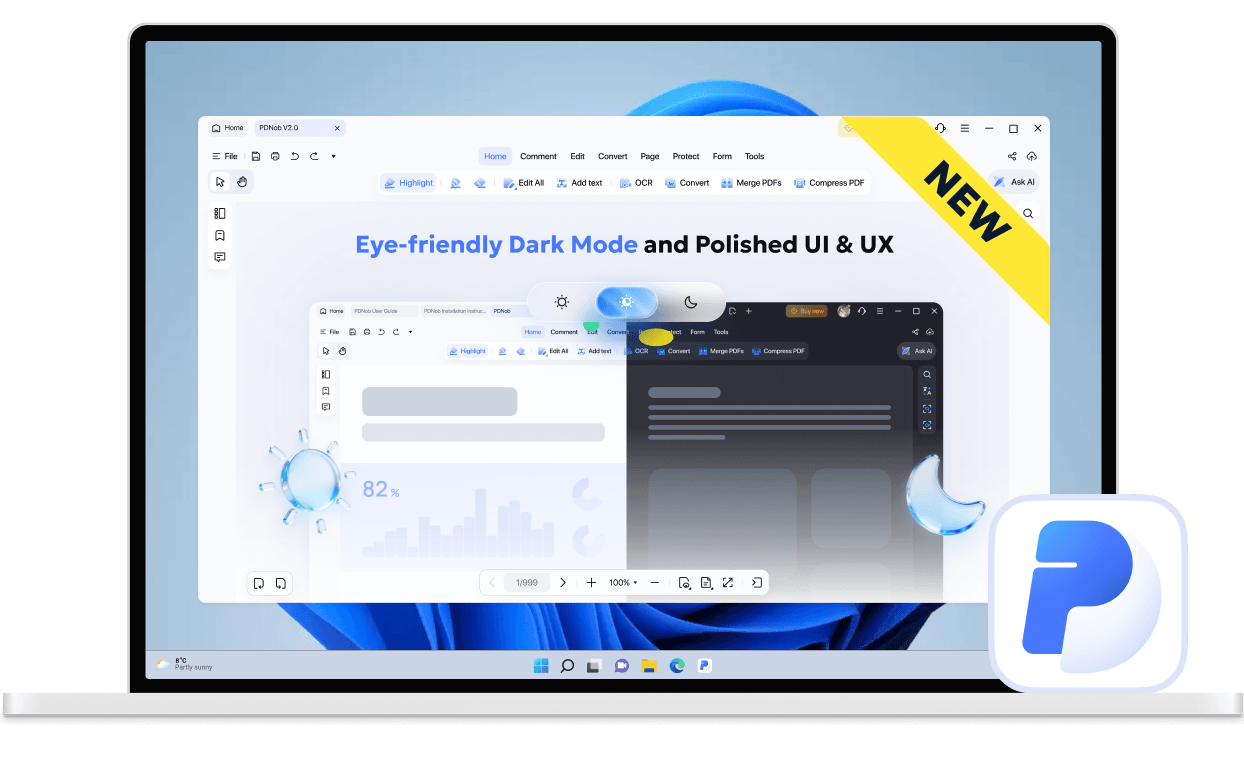
- Brand new software UI: Navigate faster with a redesigned homepage and sidebar - like Editing, Converting, and OCR—just one click away.
- Comfortable reading experience: Add notes, comments, and highlights to any PDF, with Light and Dark Mode for distraction-free reading.
- Enhanced OCR Experience 2.0: Auto-crop, deskew, and noise reduction for cleaner, professional-looking pages.Enhanced local contrast and image-text detection for pinpoint OCR precision, even on blurry or complex documents.


- Faster startup speed: We rewrote the core loading logic, improving startup speed by 40%, and it starts up with a single click.
V1.6.0 2025/11/6
New Features:
- Added the ability to create and edit PDF forms seamlessly.
- Added a right-click option to convert local images to PDF.
- Added email + verification code login option.
Enhancements:
- Optimized eraser tool and annotation interactions; text highlights now move smoothly with the text in editing mode.
- Enhanced AI assistant: added recommended questions and smoother Q&A interactions.
- Improved layer management when editing text and images simultaneously.
- Optimized certificate signature removal verification for smoother operation.
- Added support for cropping, copying, cutting, and pasting images efficiently.
V1.5.6 2025/9/18
- Added support for macOS 26.
- Introduced Mac screen recording with performance improvements.
- Added TXT to PDF conversion.
- Enabled multi-threaded document processing for faster performance.
- AI result rendering now supports Markdown format.
- Improved feedback system with document and video upload support.
V1.5.0 2025/6/20
- New Features:Addedencryptionandscreenshot functionality(Windows only), and support forpolyline shape annotations.
- Enhancements: Multiple image import methods supported (drag & drop,clipboard paste), including transparent images.
- Improved Workflow: Automatically converts and opens non-PDF files dragged into the app. Dragging images to the thumbnail area now auto-inserts them as PDF pages.
- OCR Improvements: Reduced garbled text issues and enhanced usability with optimized interactions.
- Editing Upgrades: Expanded editable object types to include images within Form Xobjects for more flexible editing.
V1.4.0 2025/4/7
- Expanded AI features: copywriting assist, content polishing, summarization, and explanations.
- Added new print modes (poster, multi-page, booklet).
- Extended batch tools with batch printing and batch creation.
