PDF Solution for Teams & Enterprise

One PDF Platform for Every Team & Workflow

Powerful PDF tools for your team, with centralized control over users, permissions, and licenses.


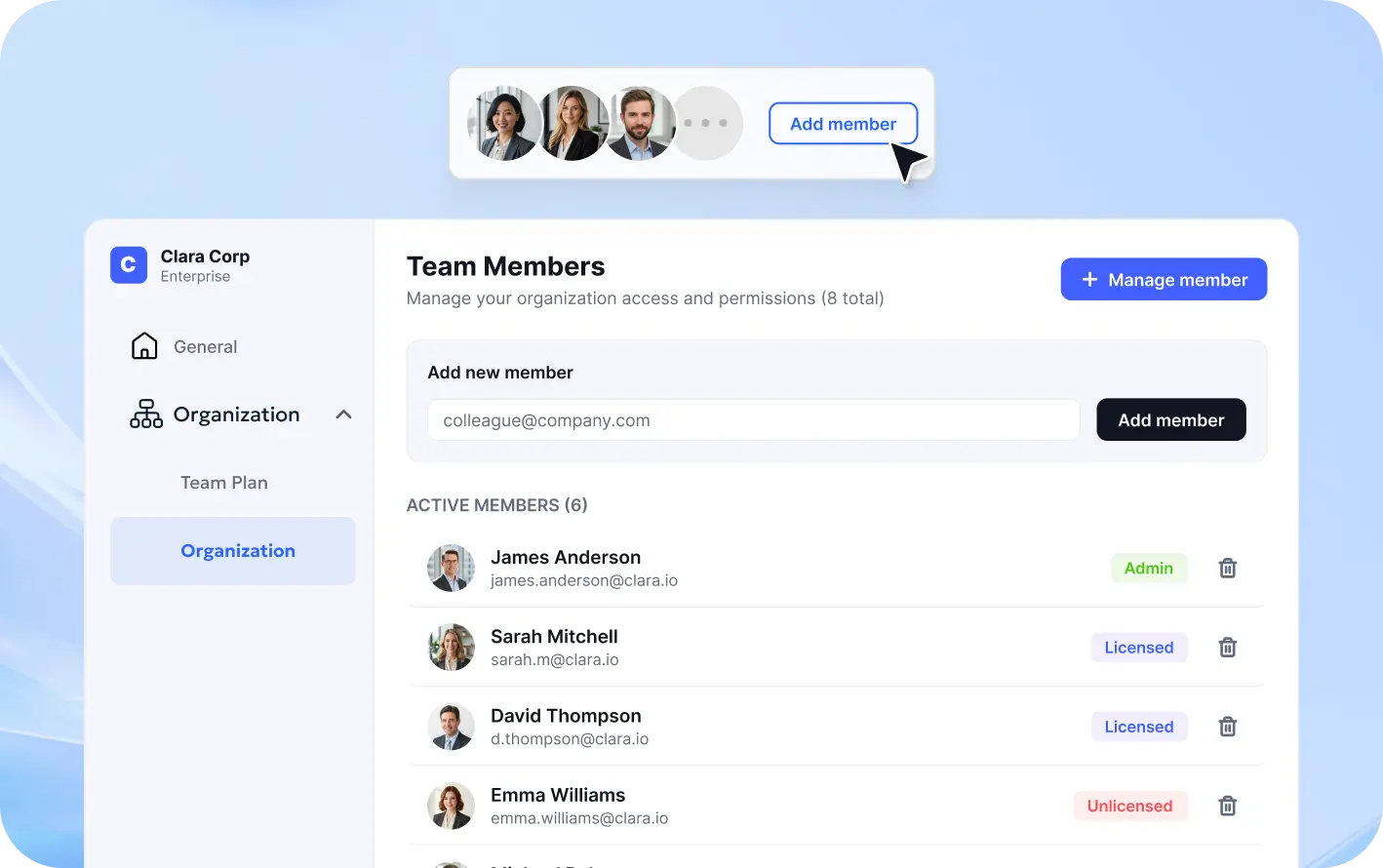
Centralized User Management
Flexible License Allocation
Multi-Device Access
banner banner
Trusted by Enterprise Teams Worldwide
12,000+ Businesses Served
210M+ PDFs Processed Annually
4.9/5 Customer Rating
60% Average Cost Savings

One Platform to Manage All Your PDF Needs

A complete enterprise PDF solution that helps you manage access, optimize resources, and protect sensitive documents.

License Management
User Management
PDF Management

Efficient License Management

Simplify license administration with centralized control, smarter allocation, and better resource utilization.
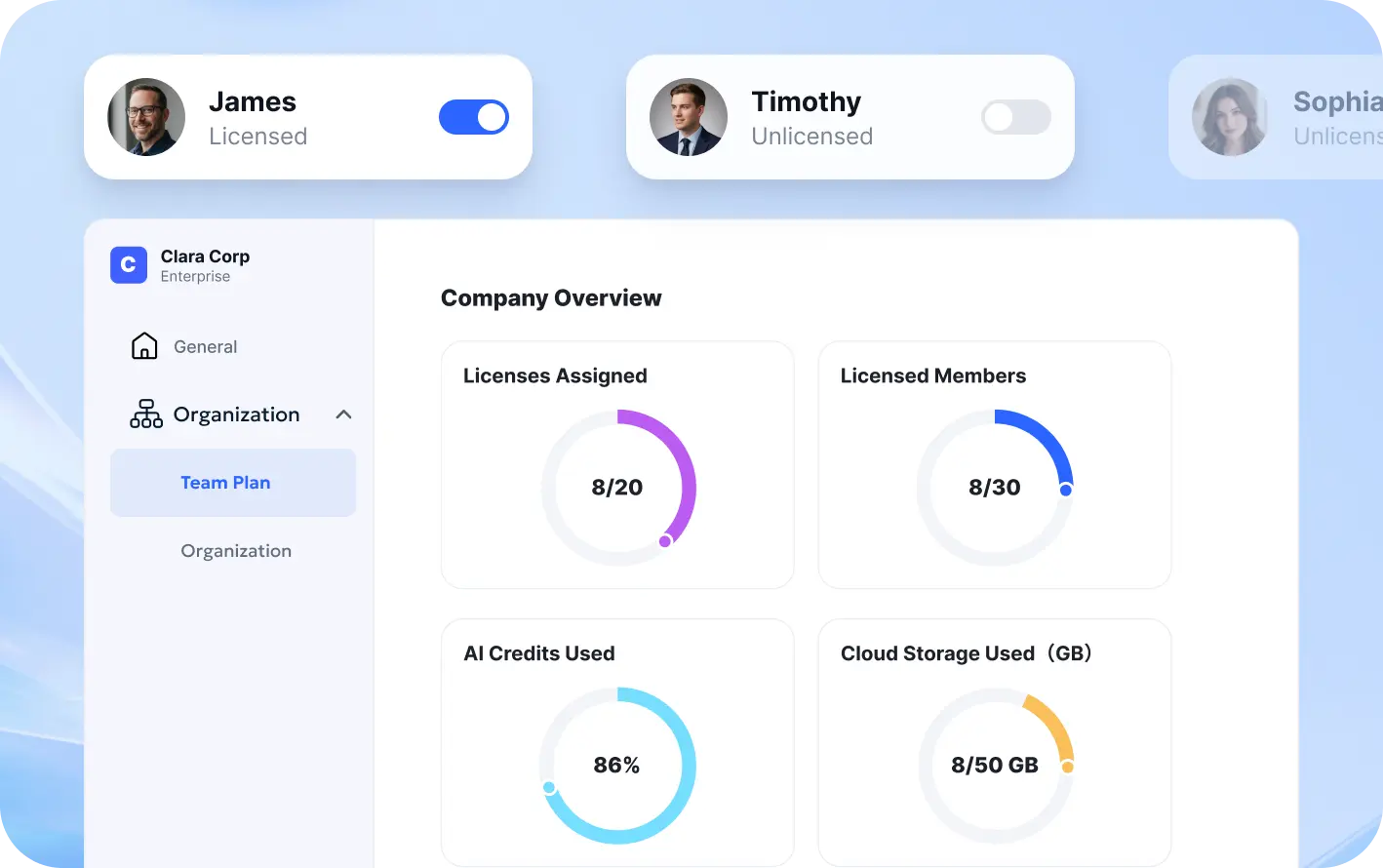
  • Easily assign and manage licenses
  • Monitor usage and optimize resources
  • Flexibly allocate user entitlements based on needs

Flexible User Management

license management

Flexible User Management

Adapt quickly to organizational changes with effortless user and license management.

  • Add or remove users anytime
  • Reassign licenses instantly
  • Support team expansion with ease

All-in-One PDF Solution

license management

All-in-One PDF Solution

Bring all your PDF workflows together with an all-in-one platform for efficient document processing.
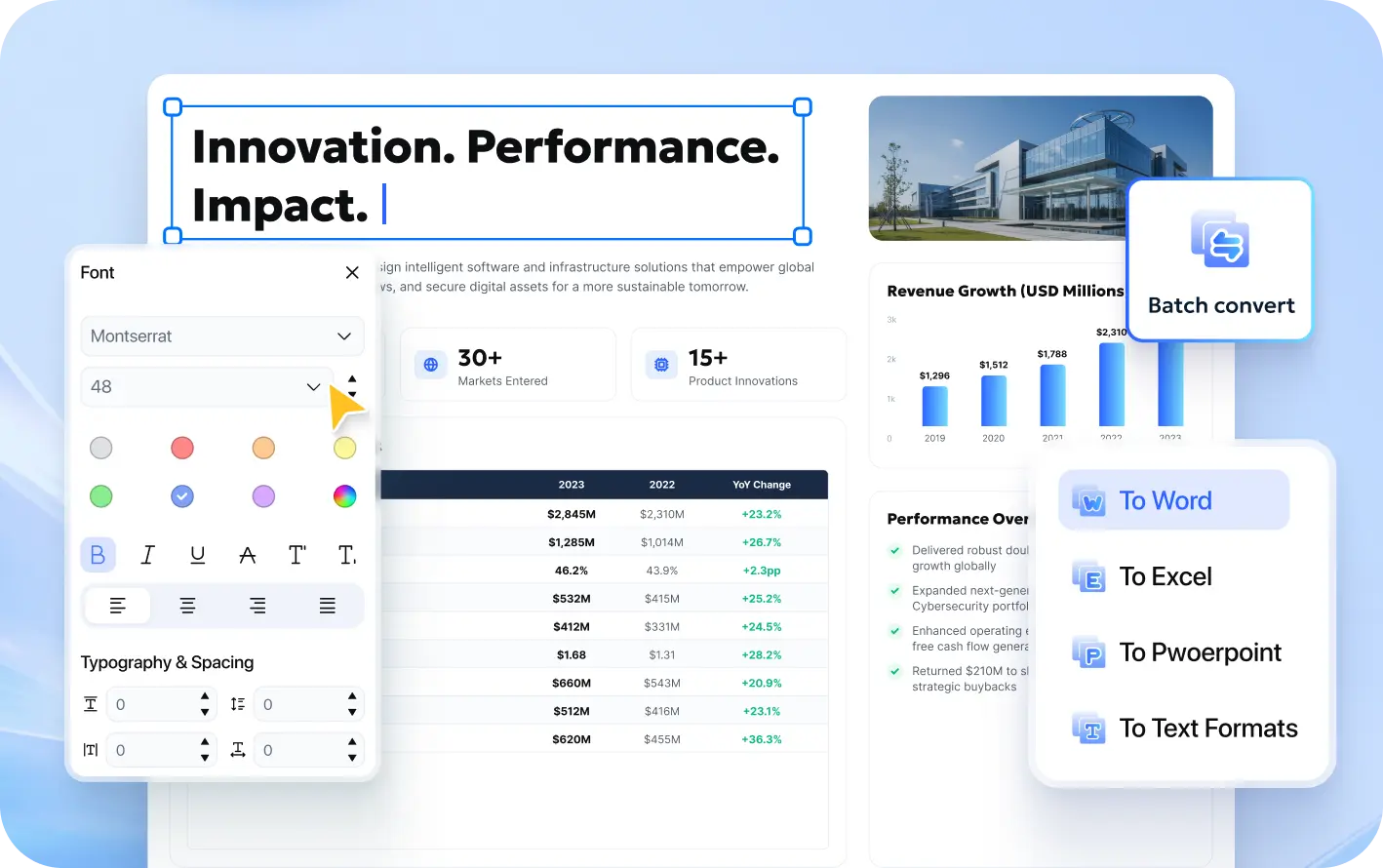
  • Edit, convert, and manage PDFs in one place
  • Digitize documents with advanced OCR
  • Boost productivity with AI-powered tools

Efficient License Management

license management

Smarter PDF Experience for More Efficient Teams

PDFob Team Edition integrates PDF tools and team management, streamlining workflows and boosting document efficiency for businesses.

icon 1

Efficient License Management

Simplify license administration with centralized control, smarter allocation, and better resource utilization.

icon 2

One-stop PDF Processing

Provides professional PDF editing, OCR, format conversion, page management, and electronic signature features to help business employees handle documents more quickly and efficiently.

icon 3

Clean & Intuitive UI

A clean and clear interface design reduces operational complexity, enabling team members to quickly find the functions they need and create a smoother PDF workflow.

icon 4

Constant experience optimization

PDNob continuously optimises product features and intelligent experiences to help businesses adapt to evolving office needs and enhance long-term value.

icon 5

Cross-device collaboration

Covers desktop, mobile, and web platforms, allowing enterprise teams to flexibly choose devices based on work needs and efficiently complete PDF processing tasks.

icon 6

Easy to master

Compared to complex tools like Adobe, PDNob uses a simple and intuitive design, allowing quick mastery without extra training, reducing team deployment costs.

Enterprise-Grade Document Security for Your Confidential Data

PDNob safeguards your business documents with local processing, granular access controls, and advanced encryption.

security icon 1

Local AI File Processing

100% local processing, reducing data leakage risk

OCR, conversion, and AI functions run locally, so sensitive documents do not need to be uploaded, reducing the risk of data leakage.

0-byte uploadData never leaves the device
security icon 2

Doc Access Control

Fine-grained permission control to ensure file security

Restrict document opening, editing, printing and copying operations through PDF encryption and permission settings to prevent unauthorized use of sensitive data.

Role PermissionsSecurity Control
security icon 3

Data Protection and Encryption

AES-256 Military-Grade Secure Encryption

PDNob adopts AES-256 encryption technology to protect enterprise documents, delivering high-strength security protection during storage and transmission.

AES-256Encryption Standard
gold
Trusted Security & Compliance Standards

Supports secure document management and GDPR compliance.

GDPR
ISO 9001 & 56005
PCI DSS
CPRA

Complete PDF Solutions for Every Team & Industry

PDNob provides industry-specific PDF solutions to help businesses handle complex document tasks.

Education
IT Services
law
Medical care
Finance
government
manufacture
Publishing industry
Schools & Educational Institutions
  • Centralized Teaching Resource Management: Organize course materials, textbooks, and teaching documents in one place.
  • Digital Processing of Research Literature: Use OCR to recognize scanned documents for fast conversion and content extraction.
  • Document Annotation & Review: Highlight key content and streamline the review of teaching materials.
  • AI-Powered Document Analysis: Quickly summarize key information to improve document processing efficiency.
Schools & Educational Institutions
education
IT & Technical Teams
  • Efficient Batch Document Processing: Batch OCR, convert, and compress PDFs with ease.
  • Centralized Document Management: Organize product documentation and project files efficiently in one place.
  • Flexible Multi-Platform Access: Work seamlessly across Windows, macOS, iOS, and Web.
  • Centralized Team Management: Manage team members, permissions, and usage from one place.
IT & Technical Teams
IT services
Law Firms & Legal Teams
  • Streamlined Legal Document Review: Optimize annotation, markup, and review workflows for legal documents.
  • Centralized Case File Management: Organize evidence and case-related documents in one place.
  • Digital Processing of Legal Documents: Use OCR to convert scanned files and improve document searchability.
  • AI-Powered Legal Document Analysis: Quickly extract key information to support legal workflows.
Law Firms & Legal Teams
law
Hospitals & Medical Teams
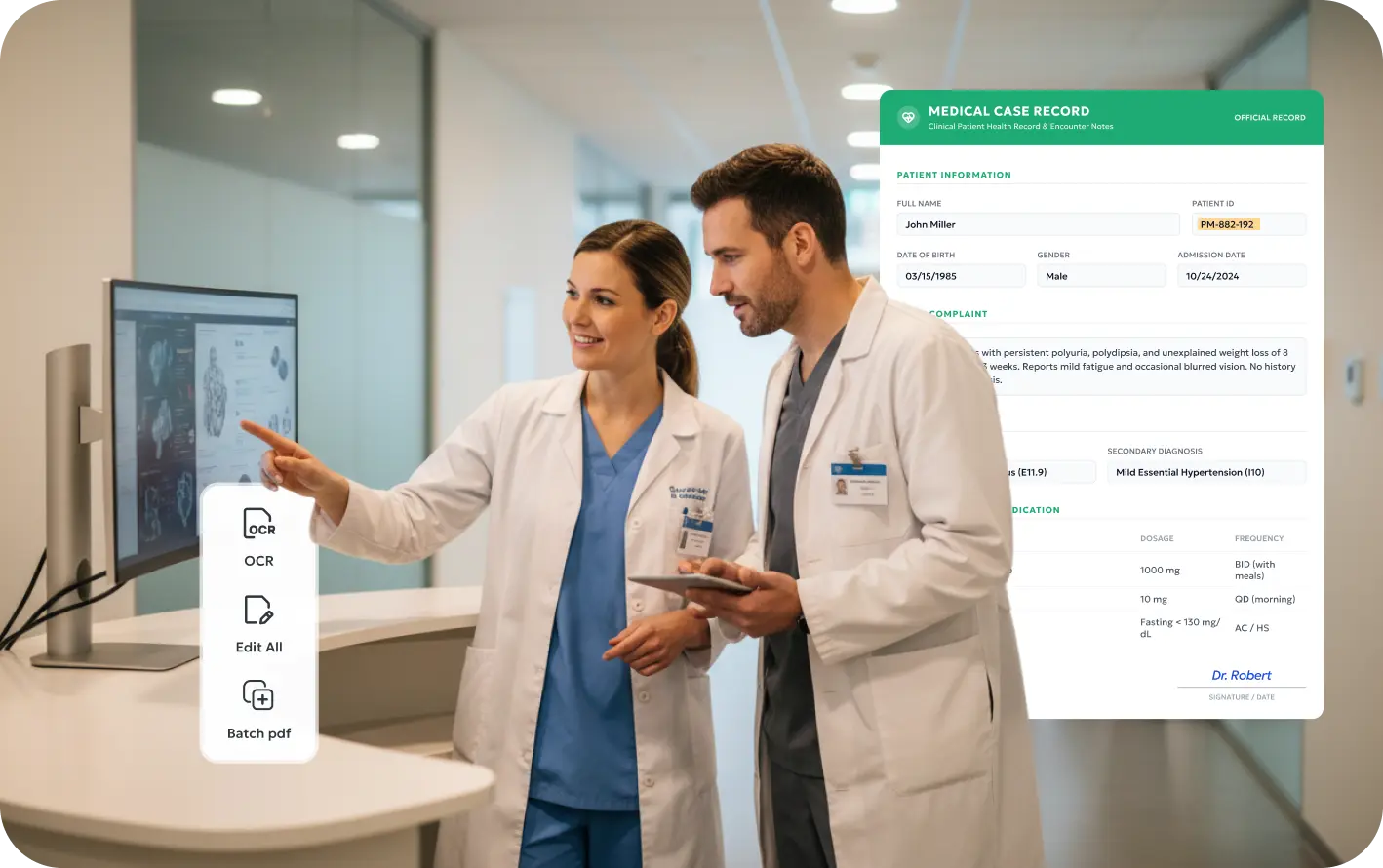
  • Digital Medical Document Management: Use OCR to convert scanned reports for more efficient document management.
  • Centralized Medical Document Management: Organize medical records and documents in one place.
  • Efficient Report Review: Highlight key information and streamline document review workflows.
  • Secure Medical File Management: Help protect medical documents during storage and use.
Hospitals & Medical Teams
medical care
Banks, Insurance & Financial
  • Efficient Financial Document Processing: Edit, convert, and organize financial reports and documents with ease.
  • Automated Data Extraction: Use OCR to recognize invoice and table data for more efficient processing.
  • Centralized Contract Management: Organize contract documents and streamline review and archiving workflows.
  • Secure Business Document Management: Help protect financial documents during storage and processing.
Banks, Insurance & Financial
finance
Government Agencies
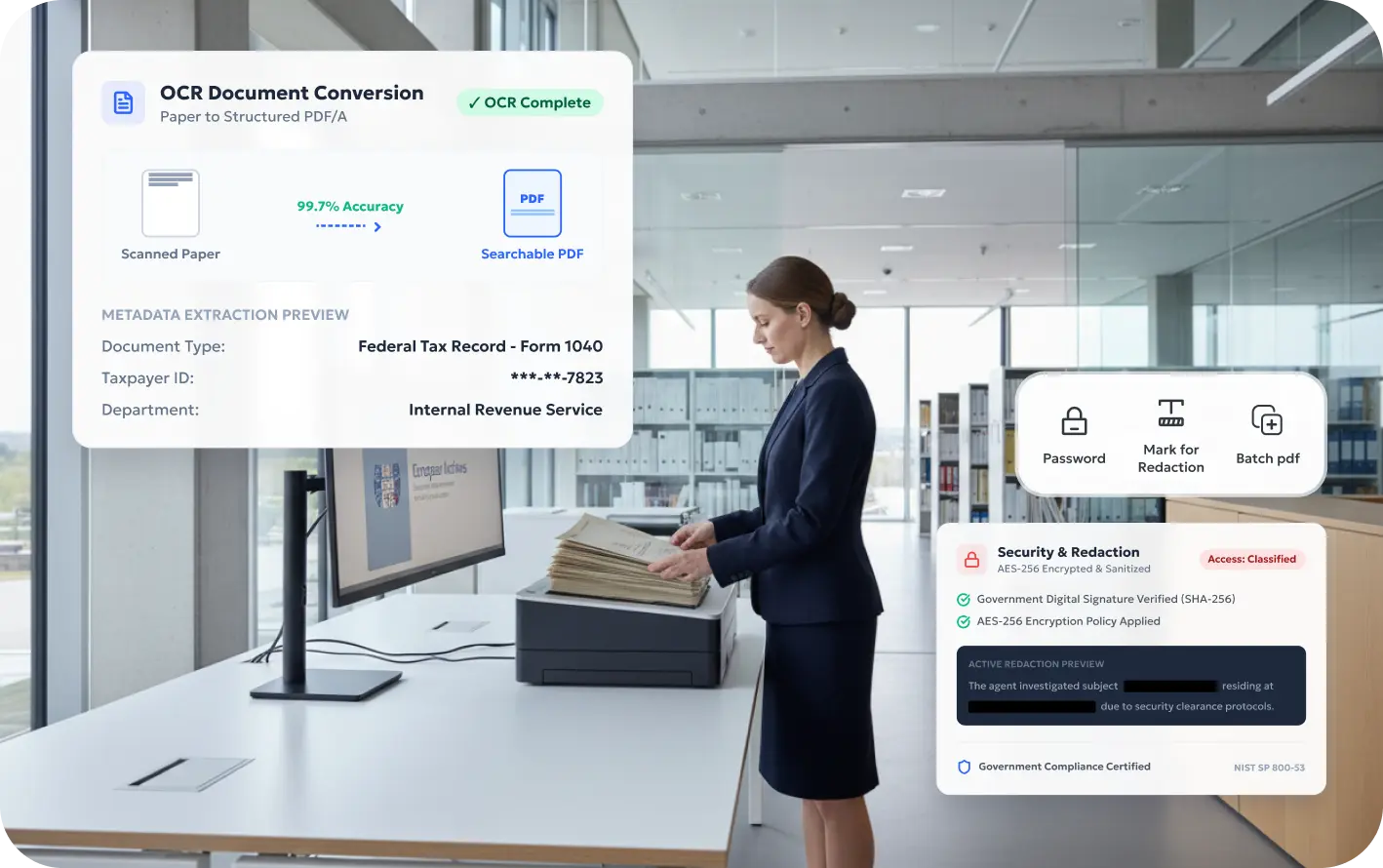
  • Digital Archive Management: Use OCR to convert paper documents and improve archive management efficiency.
  • Efficient Official Document Processing: Simplify the editing, conversion, and organization of reports and official documents.
  • Centralized Document Management: Organize and manage multiple PDF documents in one place.
  • Sensitive Information Protection: Safely redact sensitive information to help protect confidential documents.
Government Agencies
government
Manufacturing & Engineering
  • Centralized Technical Document Management: Organize product manuals and engineering documents in one place.
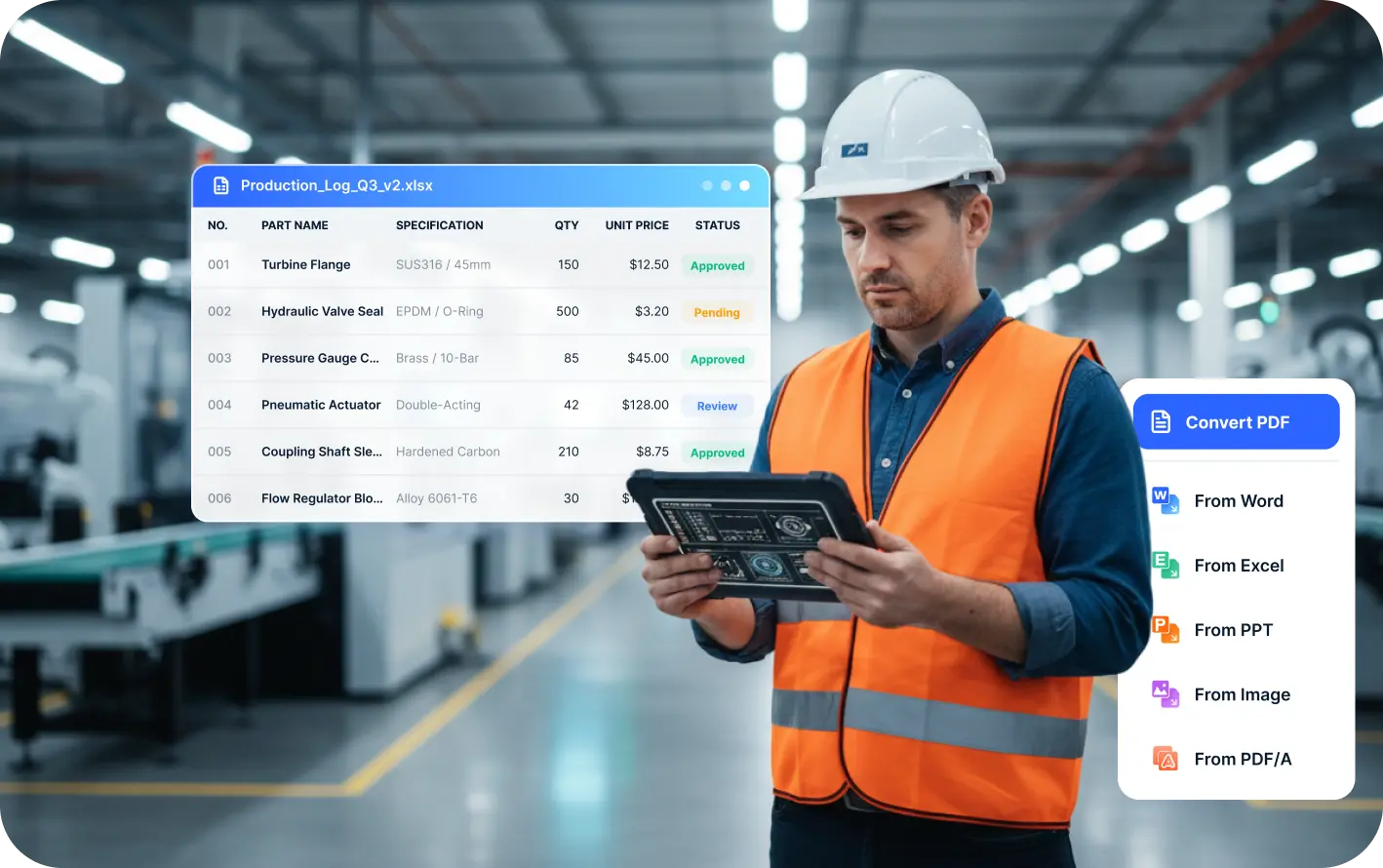
  • Efficient Production Document Processing: Simplify PDF conversion, compression, and archiving workflows.
  • Streamlined Quality Report Review: Annotate inspection reports and organize review records efficiently.
  • Cross-Language Document Processing: Translate technical documents efficiently to support global collaboration.
Manufacturing & Engineering
manufacture
Publishing
  • Efficient Publishing Document Review: Streamline annotation, editing, and review workflows for manuscripts.
  • Flexible Document Conversion: Convert documents between PDF, Word, EPUB, and other formats.
  • Centralized Publishing Resource Management: Organize project files and publishing resources in one place.
  • Long-Document Content Extraction: Quickly identify key information and improve content processing efficiency.
Publishing
publishing industry

PDNob Team vs Adobe Acrobat Team

Fulfill enterprise PDF needs at a lower cost, with professional features and security guarantees.

How many licenses do you want?
You Saved: $734.64 USD
Price
PDNob
PDNob Enterprise Plan
Lifetime Plan
Adobe
Adobe Acrobat Pro
Annual Plan
Year 1 Cost $109 USD $287.88 USD
Year 2 Cost $0 USD $287.88 USD
Year 3 Cost $0 USD $287.88 USD
3-Year Total Cost $109 USD $863.64 USD

Get Started with PDNob Team

Simplify team PDF workflows with powerful tools and centralized license management.

Available on: