

PDNob Online is currently available only on Windows and Mac desktop computers. Please switch to a desktop browser to use our features.
Founded in 2007, Tenorshare PDNob is trusted by millions to simplify work.


8,574,720 files have been successfully converted for free.
Get PDNob Desktop, Your All-in-One PDF Solution!
Only 3 steps to free convert PDF to Word online:
Upload files to this free PDF to Word Converter Online.
Convert PDF to editable Word free, or OCR PDF to Word.
Download your Word file and click on Save to export it to the computer.
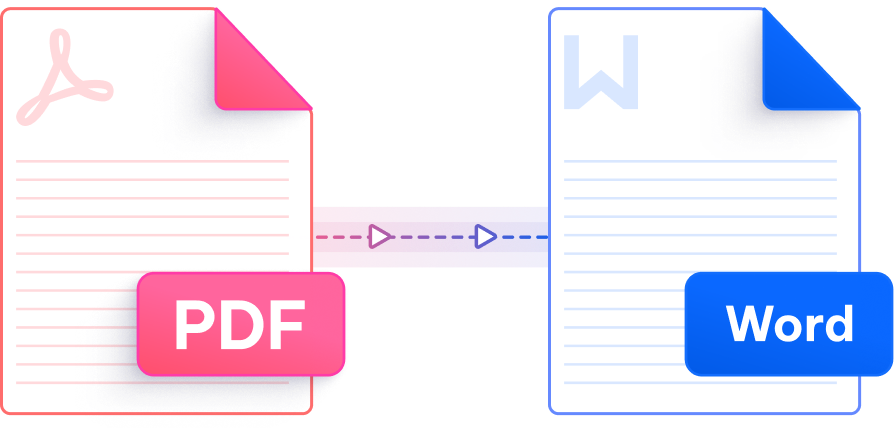
Achieve more with a smarter, faster, and secure PDF tool — accurate, free, and multilingual.

Preserve original formatting, fonts, and layouts ord file that looks exactly like your PDF.

Convert your files online for free without creating an account. Simply upload, convert, and download your results in a few clicks.

ABBYY is a global leader in OCR and intelligent document processing. You can convert scanned PDF into fully editable Word documents.

We support 16 major languages, including English, Japanese, French, German, Spanish, Portuguese, Russian, Korean, Arabic, Chinese Simplified, Chinese Traditional, Dutch, Indonesian, Italian, Thai, Turkish, etc.

Convert PDFs to Word documents instantly from any device. No downloads, sign-ups, or installations required.

Your files are protected with 256-bit SSL encryption. We comply with GDPR.
This Al-powered PDF editor offers advanced editing, smart annotations,precise OCR scanning, and batch processing, etc -all offline. ldeal for students, professionals, and efficient document management.

Use PDNob's free online PDF to Word converter. Upload your PDF, click Convert, and download the editable Word file in seconds. No signup, no email, and no fees are required.
Yes. Scanned PDFs are images, so they need OCR to become editable. PDNob uses ABBYY-powered OCR to turn scanned PDFs into Word documents you can edit, search, and copy.
Yes. PDNob retains the original layout, fonts, tables, and images when converting PDF to Word, so the output looks the same as the source PDF with minimal formatting loss.
Reputable online converters like PDNob protect your files with 256-bit SSL encryption and auto-delete uploads after processing. For highly sensitive documents, PDNob Desktop lets you convert PDF to Word completely offline.
Yes. PDNob Desktop lets you convert PDF files to Word format without an internet connection, which is useful for private or sensitive documents.
Misaligned text, missing images, or font changes usually come from complex PDF layouts. Simplify the original PDF or use OCR for scanned files. For best results, try PDNob Desktop and fine-tune the output manually after conversion.
In Word, choose "Save As" and select PDF format to convert Word to PDF. You can also use a Word to PDF converter tool or a PDF to editable PDF converter when you need to re-export edits from Word back to PDF format.
Edit, merge, sign, and convert PDFs effortlessly.
 PDNob Online
750,796,000 Users

PDF Leaders
Since 2007
10M+ Docs
Protected Daily
ISO
Certified Tools
Your Files
Never Stored