

PDNob Online is currently available only on Windows and Mac desktop computers. Please switch to a desktop browser to use our features.
Founded in 2007, Tenorshare PDNob is trusted by millions to simplify work.


3,508,979 files have been successfully splitted for free.
Get PDNob Desktop, Your All-in-One PDF Solution!
How to split pdf into multiple files?
Click the “Choose Files” button or drag a file into the drop zone.
Click the "Split" button to split PDF manually.
Download your file.
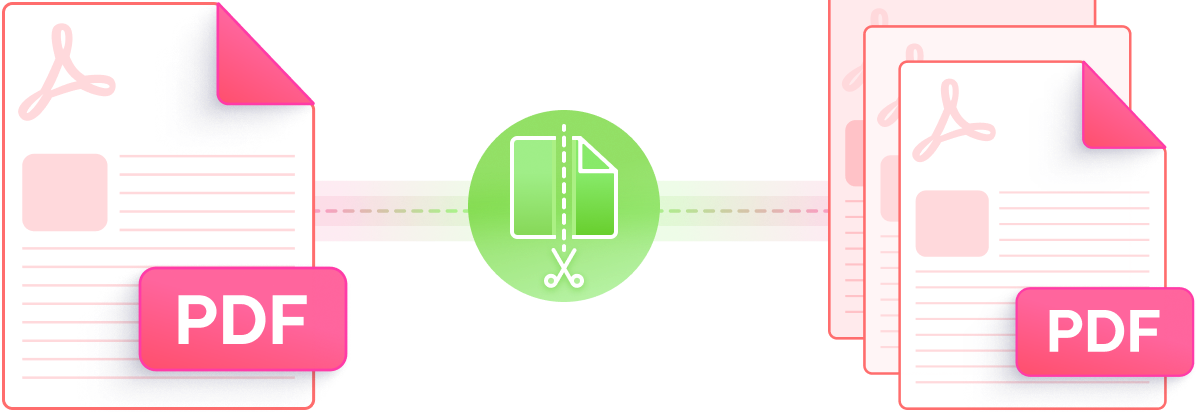
Split PDFs for free with our secure, high-quality PDF Splitter. Fast, easy to use, and works on any device—no registration required!

Handle various file sizes and splitting tasks for free.

Ensure fonts, images, and layouts remain intact after splitting.

Split large PDFs in seconds with lightning-fast processing. No delays—get your files divided instantly, no matter the size.

Extract specific pages or divide PDFs into multiple files seamlessly.

Easily split password-protected PDFs with secure results.

We follow strict privacy standards to keep your files safe.
This AI-powered PDF editor offers advanced editing, smart annotations,precise OCR scanning, and batch processing, etc - all offline. Ideal for students, professionals, and efficient document management.

Use a PDF splitter online like PDNob to easily extract pages from PDF. Upload your file, choose the pages to extract, and download the split files.
Yes, PDNob ensures that your split PDF retains its fonts, images, and layout without any quality loss. Whether you use the tool to split PDF into pages or extract specific pages from PDF, the results remain intact.
PDNob supports flexible options: extract PDF pages online or split by page range or intervals. Use PDNob as a PDF cutter online free to divide documents by bookmarks or sections.
No, currently PDNob's PDF splitter is available for use directly from your browser on desktop devices. Support for splitting PDFs on mobile is under development and will be available soon.
PDNob handles large PDFs within its supported file size range. Whether you're extracting pages or splitting documents, it's built for big jobs — with clear, reliable limits that ensure stable performance.
Use PDNob’s PDF extractor directly in your browser. It’s an easy, secure way to extract pages from PDF or split PDF online free without downloading additional tools.
Yes. PDNob desktop allows you to split by bookmarks, sections, or chapters. It’s a versatile PDF separator that adapts to your splitting needs.
Yes, PDNob is a PDF splitter online free that lets you split PDF into pages or extract specific PDF pages without any cost or watermarks.
With PDNob, you can extract pages from PDF in seconds, even for large files. It’s one of the fastest PDF splitter online tools available.
PDNob follows strict GDPR standards, ensuring your data remains private. Whether you’re using it as a PDF extractor or a PDF cutter online, your files are deleted after processing.
Edit, merge, sign, and convert PDFs effortlessly.
 PDNob Online
750,796,000 Users

PDF Leaders
Since 2007
10M+ Docs
Protected Daily
ISO
Certified Tools
Your Files
Never Stored