

PDNob Online is currently available only on Windows and Mac desktop computers. Please switch to a desktop browser to use our features.
Founded in 2007, Tenorshare PDNob is trusted by millions to simplify work.


4,568,999 files have been successfully converted for free.
Get PDNob Desktop, Your All-in-One PDF Solution!
Only 3 steps to free convert Excel to PDF online with PDNob:
Select and upload your Excel (XLS or XLSX) file.
Click the "Convert" button to start the conversion.
Once finished, click "Download" to get your PDF file.
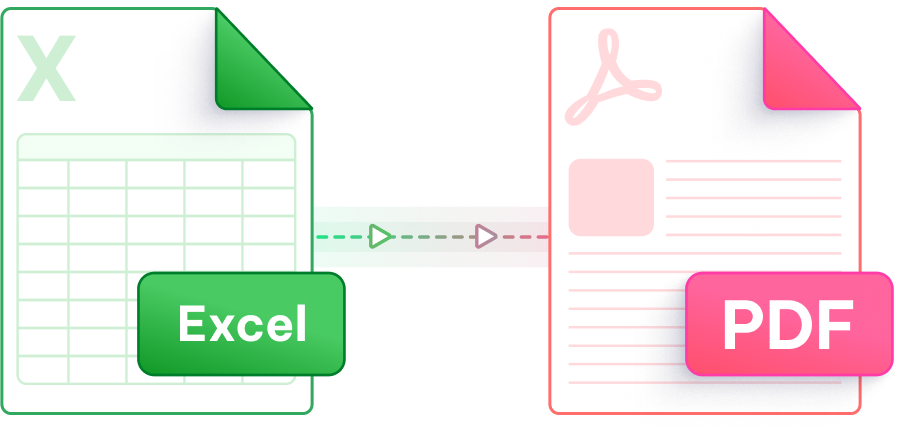
Seamless online conversion with speed, quality, and simplicity at its core - PDNob redefines Excel to PDF.

Preserve tables, charts, and formulas without losing the original layout.

Easily convert Excel file to PDFs in one click without complex settings, saving time and effort.

Powered by advanced technology, quickly convert Excel to PDF and save your time.

No software download, no registration - convert Excel to PDF for free in just three steps.

Your files are protected with 256-bit SSL encryption and auto-deleted after conversion. We’re GDPR compliant.

Simple and intuitive design for hassle-free conversion, even for beginners.
This AI-powered PDF editor offers advanced editing, smart annotations,precise OCR scanning, and batch processing, etc —all offline. Ideal for students, professionals, and efficient document management.

With PDNob, just upload your Excel file (XLS/XLSX), click “Convert”, and download the PDF instantly. No sign-up, no software - 100% free and fast!
Yes! Batch convert up to 50 files simultaneously. Just drag and drop all your files into the tool.
Use a trusted tool like PDNob. When converting PDF to Excel, it preserves tables and content structure. When converting Excel to PDF, it keeps original formatting, including fonts, colors, and layout. No data loss, no layout shifts.
Yes! 100% free with no hidden fees, no watermarks, and no ads.
We support all major formats: XLS, XLSX, XLSM. Even older Excel 97-2003 files work perfectly.
Your privacy is our priority. Files are automatically deleted from our servers, and we never store or share your data.
Yes. Just download the PDNob Desktop version (Windows/Mac) to convert files locally without an internet connection.
Edit, merge, sign, and convert PDFs effortlessly.
 PDNob Online
750,796,000 Users

PDF Leaders
Since 2007
10M+ Docs
Protected Daily
ISO
Certified Tools
Your Files
Never Stored