

PDNob Online is currently available only on Windows and Mac desktop computers. Please switch to a desktop browser to use our features.
Founded in 2007, Tenorshare PDNob is trusted by millions to simplify work.


4,368,933 files have been successfully protected for free.
Get PDNob Desktop, Your All-in-One PDF Solution!
Just 3 simple steps to encrypt and lock your PDF files online:
Choose your PDF files to upload on PDNob online.
Set a single password for all files or assign unique passwords to each.
Click “Protect PDF” to encrypt and instantly download your secured PDFs.
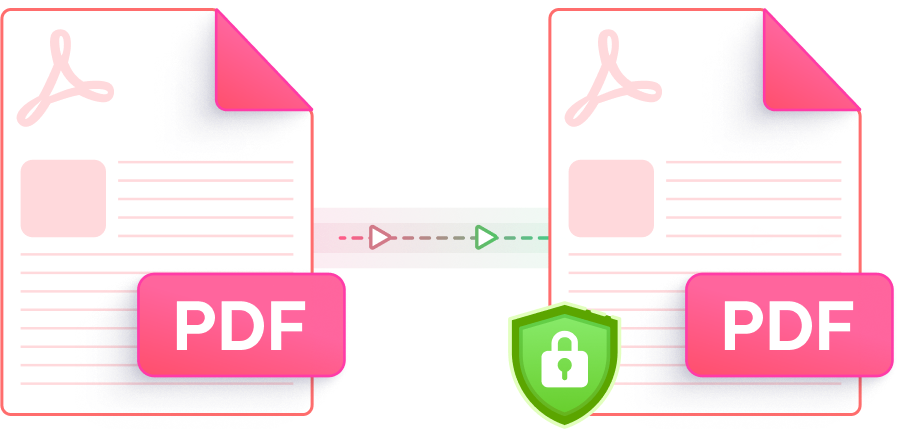
Quick, safe, and easy PDF protection with batch encryption and strong privacy.

Protect your PDFs with AES-256 encryption to block unauthorized access, editing, or printing. Keep your important documents safe and secure.

Encrypt multiple PDF files at once. Set one password for all files or assign unique passwords to each. Flexible and convenient, far beyond similar tools.

Complete encryption within seconds. No technical skills required, and works smoothly on all devices including mobile.

Fully online with no downloads or plugins required. Works on Windows, macOS, Linux, Android, and iOS - protect your PDFs anytime, anywhere.

Easy-to-use and no ads. No confusing steps or redirects. Just simple and fast PDF protection.

Your privacy matters. All uploaded files are automatically deleted from our servers to ensure your files are never saved or leaked.
This AI-powered PDF editor offers advanced editing, smart annotations,precise OCR scanning, and batch processing, etc —all offline. Ideal for students, professionals, and efficient document management.

Simply upload your PDF files, set a password for one or all files, and click “Protect PDF” to encrypt and download your secured PDFs.
Yes, PDNob provides free online PDF password protection with no hidden fees and no registration required, making it easy and accessible for everyone.
Yes, PDNob supports batch encryption where you can assign unique passwords to each PDF file or set one password for all.
Yes, your privacy is our top priority. All uploaded files are automatically deleted from PDNob’s servers after processing to ensure your data is safe and never stored.
After encryption, try opening the PDF. You will be prompted to enter the password you set to access the file.
Yes! PDNob Desktop offers the same powerful PDF password protection features without needing an internet connection. It’s perfect for users who prefer offline, faster, and more secure PDF encryption.
Edit, merge, sign, and convert PDFs effortlessly.
 PDNob Online
750,796,000 Users

PDF Leaders
Since 2007
10M+ Docs
Protected Daily
ISO
Certified Tools
Your Files
Never Stored