

PDNob Online is currently available only on Windows and Mac desktop computers. Please switch to a desktop browser to use our features.
Founded in 2007, Tenorshare PDNob is trusted by millions to simplify work.


2,068,190 files have been successfully converted for free.
Get PDNob Desktop, Your All-in-One PDF Solution!
Follow these steps to convert PDF to searchable Text:
Upload files to this free PDF to Text Converter Online.
Convert PDF to editable Text file free, or OCR PDF to Text.
Download your file and click on Save to export it to the computer.
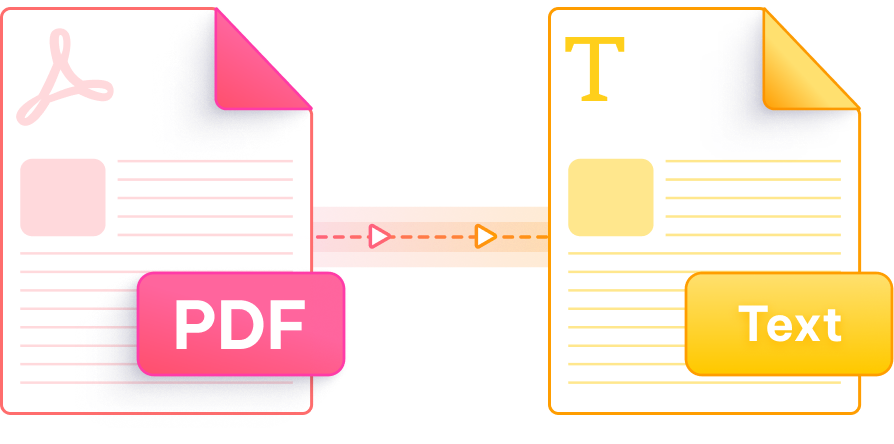
PDNob delivers fast, secure, and high-quality PDF converting anytime, anywhere.

Convert files online anytime without installing software. Enjoy accurate results while preserving original fonts, formatting, images, and layouts.

Our tool is 100% free with no hidden costs. The clean, intuitive interface makes conversion

Your files are protected with 256-bit SSL encryption and auto-deleted after conversion. We’re GDPR compliant.

Powered by advanced technology, quickly convert PDF to Text and save your time.

Preserve original formatting, fonts, and layouts ord file that looks exactly like your PDF.

Simple and intuitive design for hassle-free conversion, even for beginners.
This AI-powered PDF editor offers advanced editing, smart annotations,precise OCR scanning, and batch processing, etc —all offline. Ideal for students, professionals, and efficient document management.

Use PDNob's free PDF to text converter to extract editable text while preserving formatting. Unlike other paid OCR tools, PDNob offers unlimited conversions with 98% accuracy for digital PDFs.
PDNob's OCR tool makes scanned/image PDFs searchable by converting them to selectable text. For basic digital PDFs, free tools like Google Drive also work but lack PDNob's batch processing.
PDNob's web tool works seamlessly in Safari/Chrome. Mac users can also use Preview's "Export as Text" (limited to digital PDFs) or Terminal commands (pdftotext), but PDNob handles scans and complex layouts better.
PDNob's AI handwriting OCR converts handwritten notes to editable text (supports 10+ languages).
PDNob's OCR accurately extracts text from scanned images, books, and forms. Unlike free converters that output garbled text, PDNob auto-detects document structure.
Upload image-based PDFs to PDNob's PDF-to-Text tool to create editable documents. For programmers, Python libraries like Tesseract OCR work but require coding.
In Acrobat Pro: Open PDF > Click "Scan & OCR" > Select "Recognize Text" > Save as text. PDNob matches this accuracy for free and processes batches faster.
Use PDNob's text-to-PDF tool to generate searchable PDFs from Word/docs. Simpler than Adobe's multi-step process, it preserves hyperlinks and fonts with drag-and-drop ease.
Edit, merge, sign, and convert PDFs effortlessly.
 PDNob PDF
750,796,000 Users

PDF Leaders
Since 2007
10M+ Docs
Protected Daily
ISO
Certified Tools
Your Files
Never Stored