
PDNob Online is currently available only on Windows and Mac desktop computers. Please switch to a desktop browser to use our features.
Founded in 2007, Tenorshare PDNob is trusted by millions to simplify work.


2,068,190 files have been successfully converted for free.
Get PDNob Desktop, Your All-in-One PDF Solution!
Follow these 3 steps to extract text from any scanned file:
Upload your scanned PDF or image file to the free Scan to Text converter.
Our OCR engine automatically recognizes and extracts text from your scan.
Download the editable text file and save it to your device.
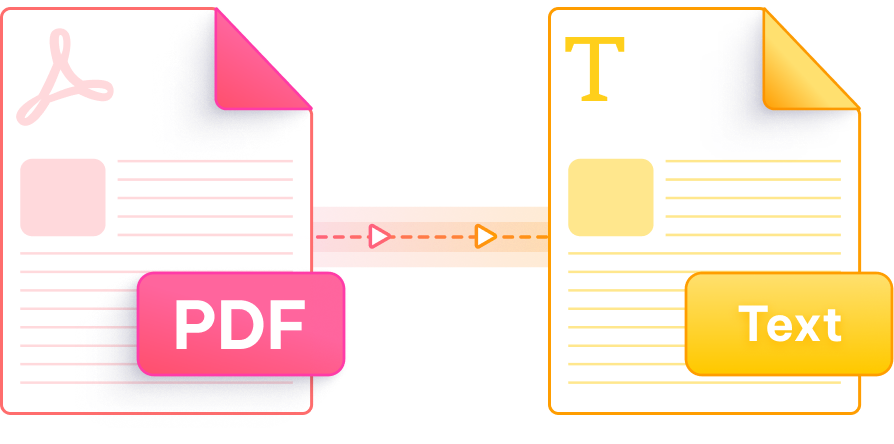
Reliable, accurate, and secure — PDNob makes scan-to-text conversion effortless.

Advanced OCR technology recognizes text from scanned documents and images with up to 99% accuracy, preserving layout and structure.

Access the scan to text tool online at no cost. No registration, no software installation — just upload and convert.

Every file is transferred over 256-bit SSL encryption and permanently removed from servers after processing. Fully GDPR compliant.

Powered by cloud-based OCR infrastructure, your scan is processed and ready to download within seconds — no waiting around.

Convert scanned PDFs, JPG, PNG, and other image formats to editable text. One tool handles all your scanning and OCR needs.

Designed so anyone can start converting in seconds. No technical knowledge needed — the interface guides you through every step.
The PDNob desktop app goes far beyond online conversion — offering full PDF editing, AI-powered OCR, smart annotations, and advanced document management, all running offline. Built for students, office professionals, and anyone who works with documents daily.

Upload your scanned file to PDNob's scan to text tool online. The OCR engine will automatically extract all readable text and generate an editable output file — no account or software required. Results are typically ready within seconds.
Yes. PDNob's scan to text converter runs entirely in your browser. Simply upload a JPG, PNG, or scanned PDF, and the tool processes it in the cloud — no app installation needed on Windows, Mac, or mobile.
PDNob supports scanned PDFs as well as common image formats including JPG, JPEG, and PNG. Files up to 15MB can be processed through the online tool. For larger files, the PDNob desktop app is recommended.
PDNob's OCR engine achieves up to 99% accuracy on clearly scanned documents with standard fonts. Accuracy may vary on handwritten content, low-resolution scans, or documents with complex multi-column layouts. For best results, use scans at 300 DPI or higher.
Use your phone's built-in camera or a scanning app to capture the document and save it as a JPG or PDF. Then open PDNob's scan to text page in your mobile browser, upload the file, and download the extracted text. No separate app is needed.
PDNob encrypts all uploads using 256-bit SSL and automatically deletes files from its servers after conversion. The service is GDPR compliant, and your documents are never shared or retained for any other purpose.
PDNob's OCR supports text recognition across 10+ languages, including English, French, German, Spanish, Chinese, and Japanese. The tool auto-detects the document language in most cases, though selecting the language manually improves results for mixed-language documents.
Scanning to PDF creates an image-based file where text cannot be selected or edited. Scanning to text uses OCR to recognize and extract the actual characters, producing an editable document you can copy, search, and modify. PDNob supports both workflows.
Edit, merge, sign, and convert PDFs effortlessly.
 PDNob PDF
750,796,000 Users

PDF Leaders
Since 2007
10M+ Docs
Protected Daily
ISO
Certified Tools
Your Files
Never Stored