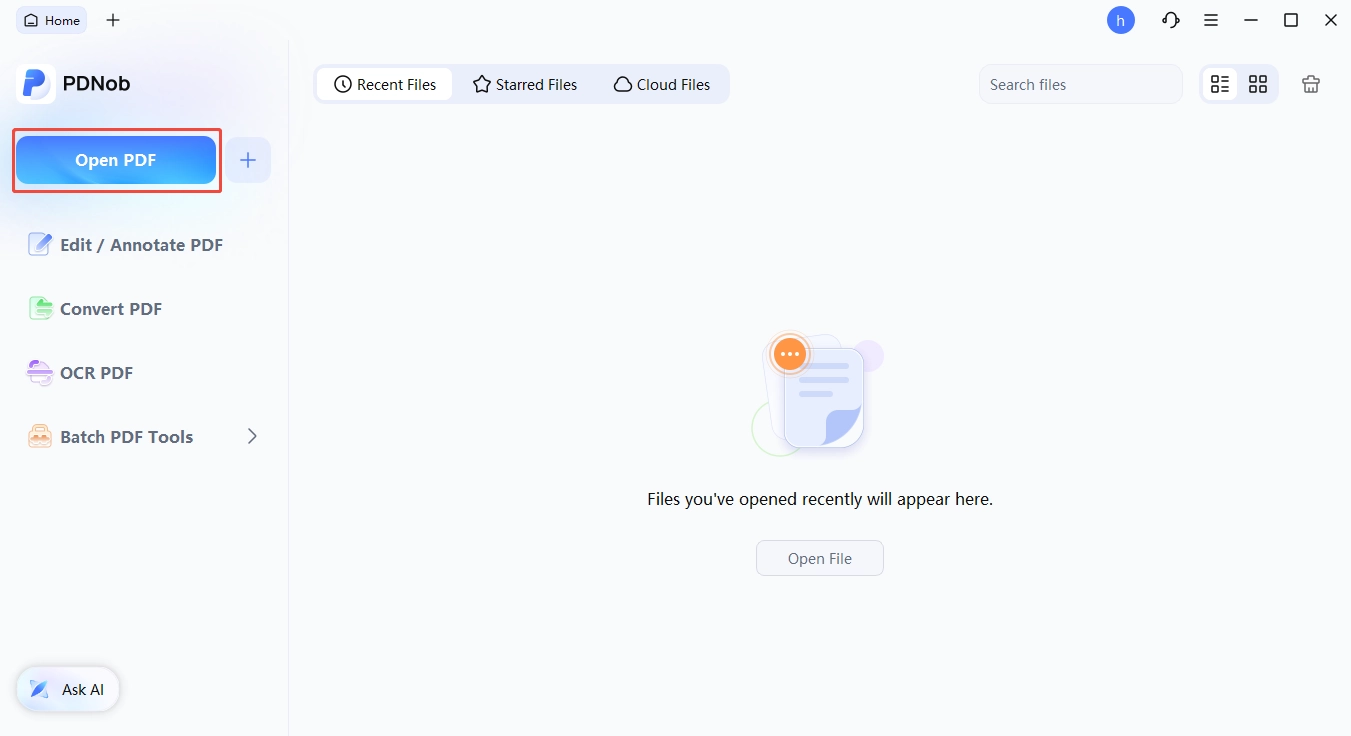
Edit Text in PDF
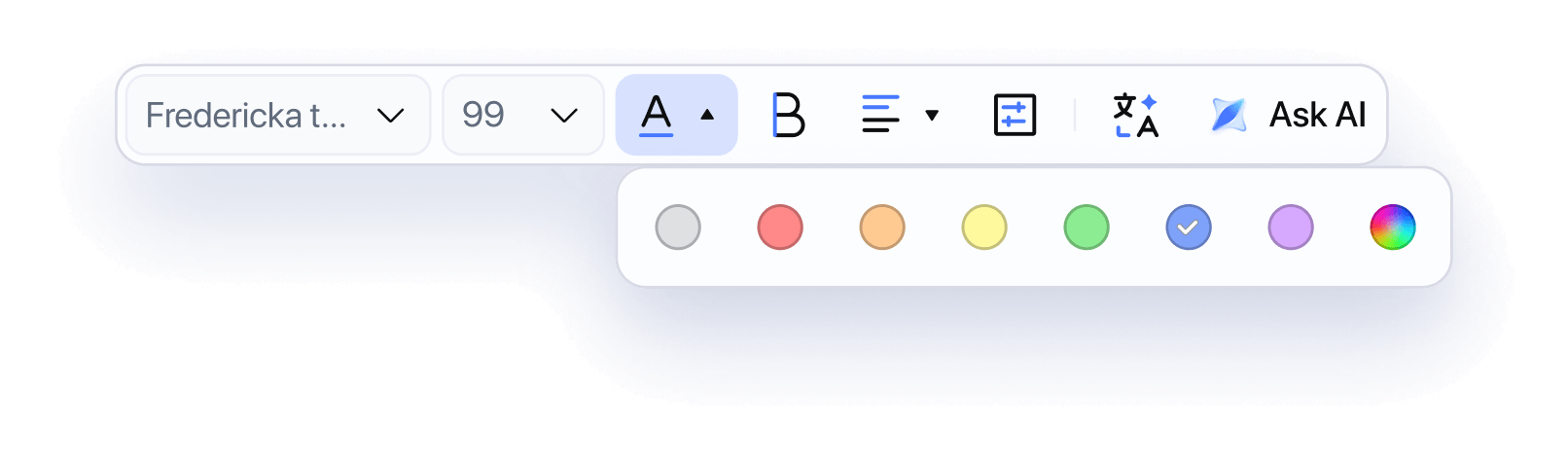
Modify text directly in your PDF — fix typos, update content, or rewrite paragraphs with ease.
PDNob
Edit PDFs as easily as in Word — edit text, replace images, add links, and edit scanned PDFs with OCR, all without hassle.

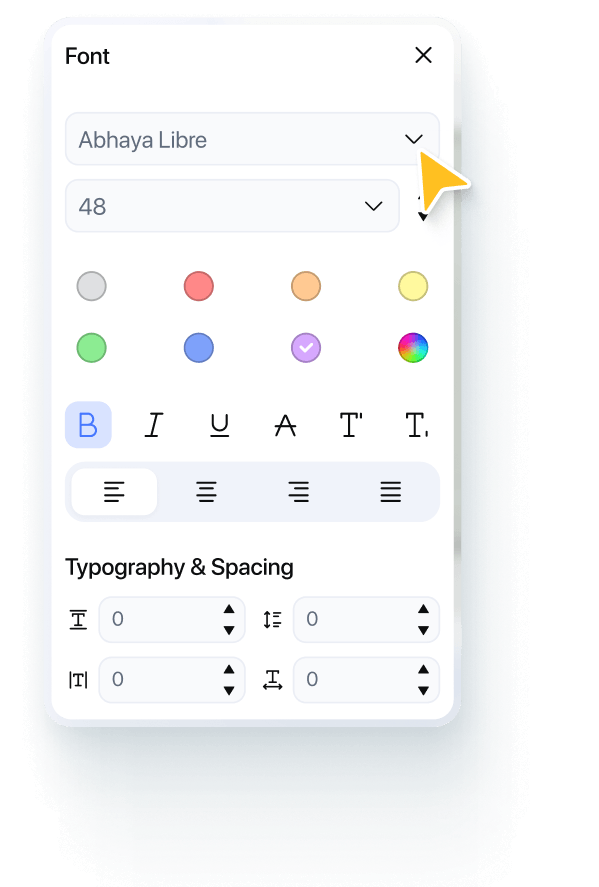






Modify text directly in your PDF — fix typos, update content, or rewrite paragraphs with ease.

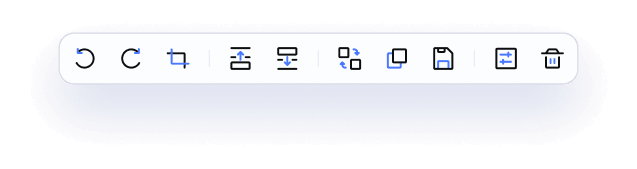
Replace, resize, crop, or rotate images the way you want.

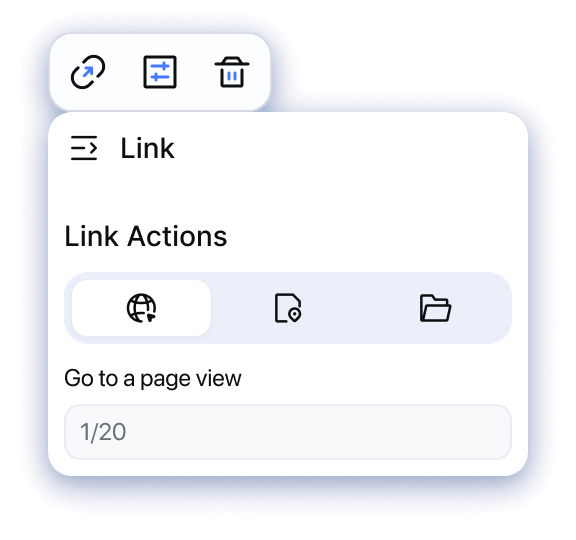
Insert hyperlinks or edit existing ones to keep your documents interactive and up to date.

Crop pages to remove extra margins.

Fill out forms or create fillable PDFs with ease.

Reorder, insert, or delete pages without disrupting your layout.

Add, remove, or update watermarks.

Add or change document backgrounds.

Add footer, header or Bates numbers to PDF.
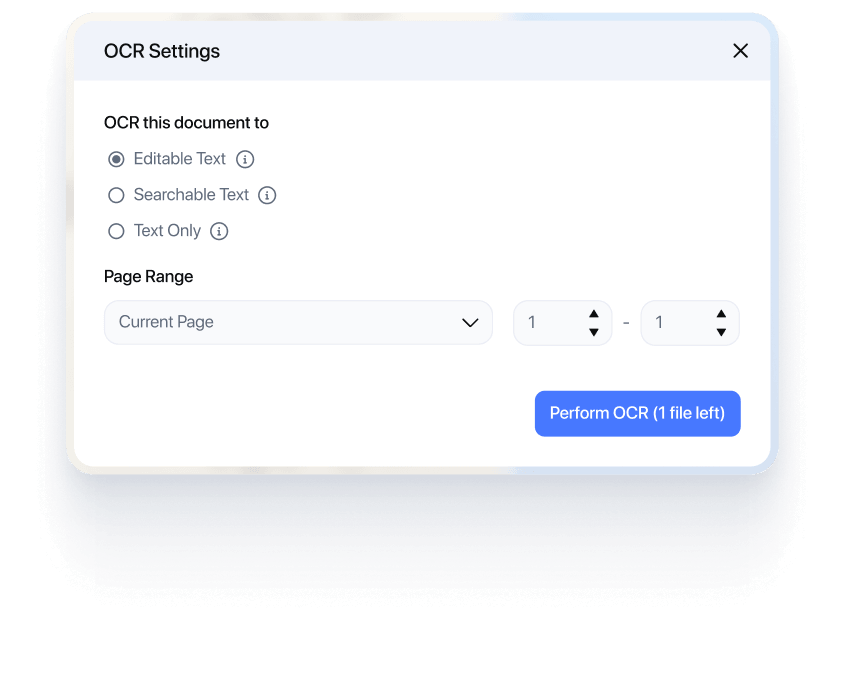
Turn scanned PDFs into editable, searchable text with one click. Edit, copy, or format content easily — no retyping needed.



Made Editing Research PDFs So Much Easier
“Working with scanned papers used to be frustrating. Now I can quickly edit, highlight, and organize everything without retyping.”


Dr. Emily Carter
PhD Candidate in Biomedical Sciences
Perfect for Handling Academic Documents
“I often need to update references and notes in PDFs. PDNob makes it feel as easy as editing a Word document.”

Daniel Kim
Research Assistant in Cognitive Psychology
Saved Hours on Thesis Preparation
“From editing text to rearranging pages, everything is smooth and fast. It really helped me finalize my thesis on time.”

Sophia Martinez
Graduate Student in Education Studies
My Go-To Tool for Client Documents
“I edit contracts and proposals daily. PDNob lets me make quick changes without starting from scratch.”

Alex Turner
Independent Business Consultant
Fast Edits, No Hassle
“I love how easy it is to update PDFs. Whether it’s text or images, I can fix everything in seconds.”

Rachel Green
Freelance Graphic Designer
Makes Me Look More Professional
“Adding watermarks, editing layouts, and sending polished PDFs has never been easier.”


Jason Lee
Freelance Content Writer
Handles Complex PDFs Smoothly
“I work with large technical PDFs, and PDNob opens and edits them without lag.”

Michael Chen
Mechanical Design Engineer
Accurate OCR for Technical Content
“Even scanned documents with formulas and data are easy to convert and edit.”

Priya Nair
Data Scientist in AI Research
Reliable for Daily Documentation Work
“From editing diagrams to updating reports, everything stays well-formatted and precise.”

David Müller
Systems Engineer (Enterprise IT)
Quick Edits for Sales Materials
“I often update pricing sheets and proposals. PDNob helps me edit PDFs instantly before sending to clients.”

Laura Johnson
B2B Sales Manager
Perfect for Last-Minute Changes
“Need to fix a typo or update content before a meeting? It only takes seconds now.”

Kevin Brown
Account Executive (SaaS)
Keeps Our Documents On Brand
“Editing layouts, adding backgrounds, and updating content is super easy and fast.”

Olivia Wilson
Digital Marketing Specialist
Start free with everything you need
$ 0.00
Free to use as long as you like. No credit card
Top Features
Upgrace only if you want more advanced features
$ 64.99
Lifetime License - 2 Users
Top Features
PDNob PDF Editor is an all-in-one PDF tool that allows you to edit, convert, annotate, and manage PDF files. It also includes advanced features like OCR and AI-powered tools to improve productivity.
PDNob offers a free version with basic features, while advanced functions like OCR, full editing, and conversions are available in paid plans.
Yes, PDNob PDF Editor is designed with data security and privacy protection. Files are processed securely and are not shared with third parties.
Yes, you can edit text, images, and formatting directly in a PDF, similar to editing a Word document.
PDNob offers similar core features such as editing, converting, and OCR, but is generally more affordable and easier to use than Adobe Acrobat.
Yes, PDNob supports OCR for scanned PDFs and can convert files to formats like Word, Excel, PowerPoint, and images with high accuracy.
Yes, PDNob PDF Editor is compatible with both Windows and macOS, allowing users to work seamlessly across different devices.
No, PDNob preserves the original layout while you edit. Your fonts, spacing, and structure remain intact after changes.
Edit PDF
 Convert PDF
 AI PDF Tips
 OCR Tips
 PDF Reviews
Can't edit your PDFs just right? Learn how to modify text, rearrange pages, add annotations, and lock files with passwords.
File stuck in the wrong format? Discover how to turn PDFs into Word, Excel, images, and back again — hassle-free.
Still doing PDF work manually? Unlock AI-powered tricks to summarize long docs, rewrite content, and extract key info in seconds.
Scanned docs you can't copy from? Master OCR tools to turn images into editable, searchable text — fast.
Not sure which PDF tool is safe or worth it? Read honest, real-world tests and buying guides.
Your all-in-one PDF editor for Windows, Mac and iOS. Edit, convert, and manage PDFs anywhere - across all your devices.