



PDNob

Ultra-Fast PDF Conversion with Zero Formatting Loss

Convert PDFs to Word, Excel, PowerPoint, or images without losing formatting. Preserve tables, text, and images while handling multiple files at once - fast, precise, and efficient.

Available on:
QR Code Get PDNob App
best pdf conversion pdnob batch convert convert pdf to word convert pdf to excel convert pdf to ppt convert pdf to image convert

Lossless Format Conversion for Every File

pdf to office

PDF to Office

pdf to image

PDF to Image

scanned pdf

Scanned PDF

other formats

Other Formats

create pdf

Create PDF

Batch Conversion

Batch Conversion

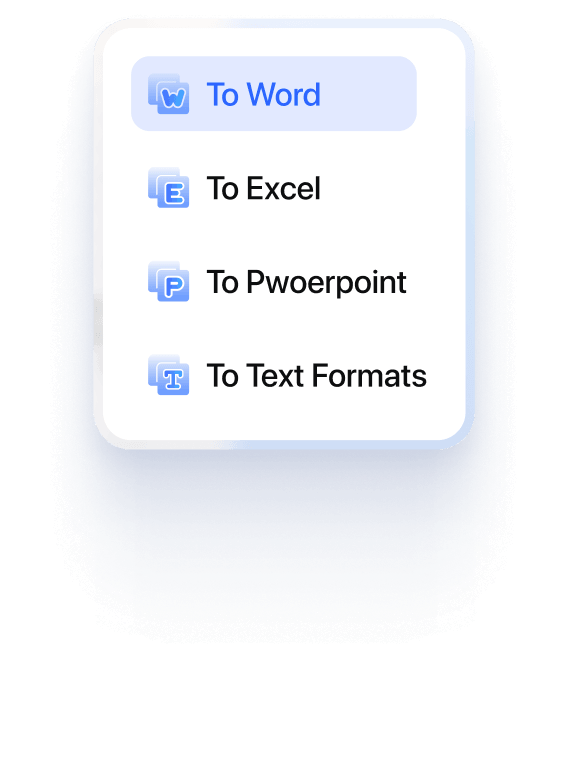
Convert PDF to Office with layout preserved

  • · Convert PDFs to Word, Excel, PowerPoint, and text formats with high accuracy.
  • · Preserve original fonts, layouts, and formatting with no extra adjustment needed.
  • · Keep tables and text in place for easy editing.

Convert PDF to Office with layout preserved

Convert PDF to Office with layout preserved Convert PDF to Office PDNob Convert PDF to Office

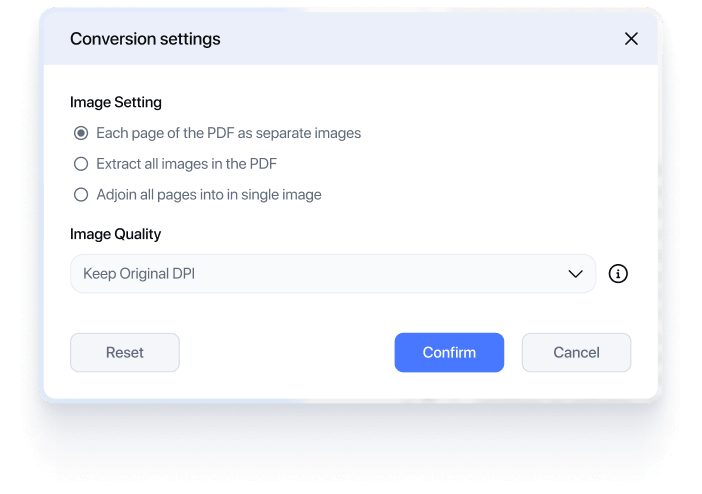
Convert PDF to images with original quality

  • · Convert PDF pages into high-resolution image files without quality loss.
  • · Original colors, sharp text, and graphic details are preserved exactly as in the source PDF.
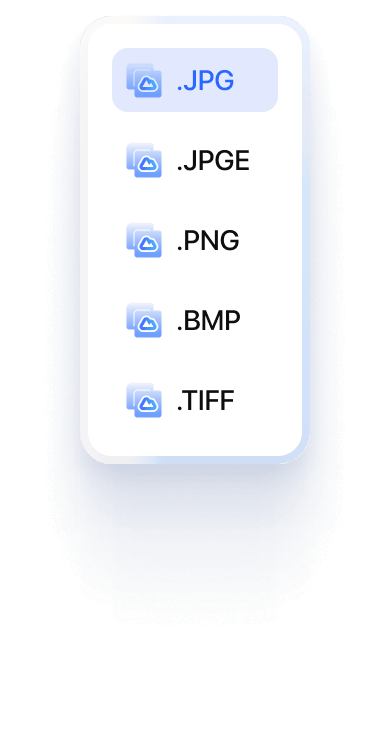
  • · Export pages as JPG or PNG for easy sharing, previewing, or design use.

Convert PDF to images with original quality

Convert PDF to images with original quality Convert PDF to images PDNob Convert PDF to images

Convert scanned PDF to editable text

  • · Turn scanned PDFs into searchable and editable text using built-in OCR technology.
  • · Text is accurately recognized and extracted while preserving the original layout.
  • · Edit, copy, or reuse content without retyping.

Convert scanned PDF to editable text

Convert scanned PDF to editable text

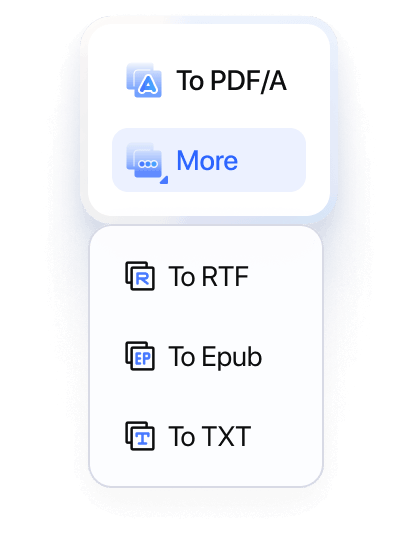
Convert PDF to text and other formats

  • · Convert PDF files into editable text and multiple output formats, including PDF/A.
  • · Text and content are accurately extracted while preserving structure and layout.
  • · Support reliable and consistent conversion results across formats.

Convert PDF to text and other formats

Convert PDF to text and other formats Convert PDF to text Convert PDF to other formats

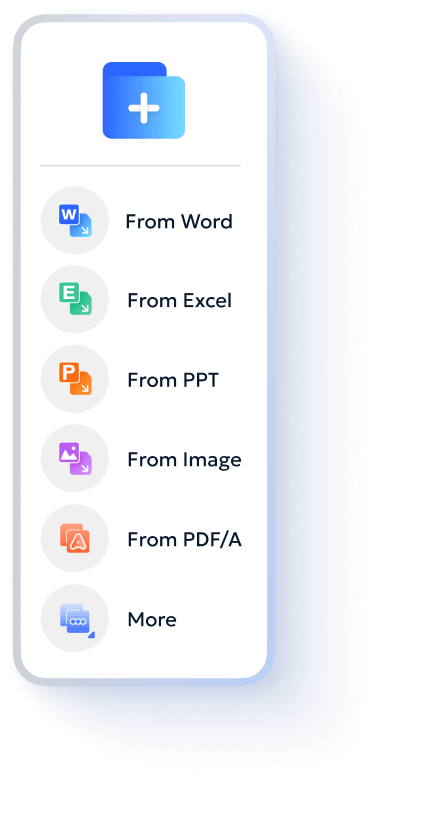
Create PDF from Office and images

  • · Create high-quality PDF files from Word, Excel, PowerPoint, and image files.
  • · Original formatting, layouts, and image quality are preserved during conversion.

Create PDF from Office and images

Create PDF from Office and images Create PDF from Office Create PDF from images

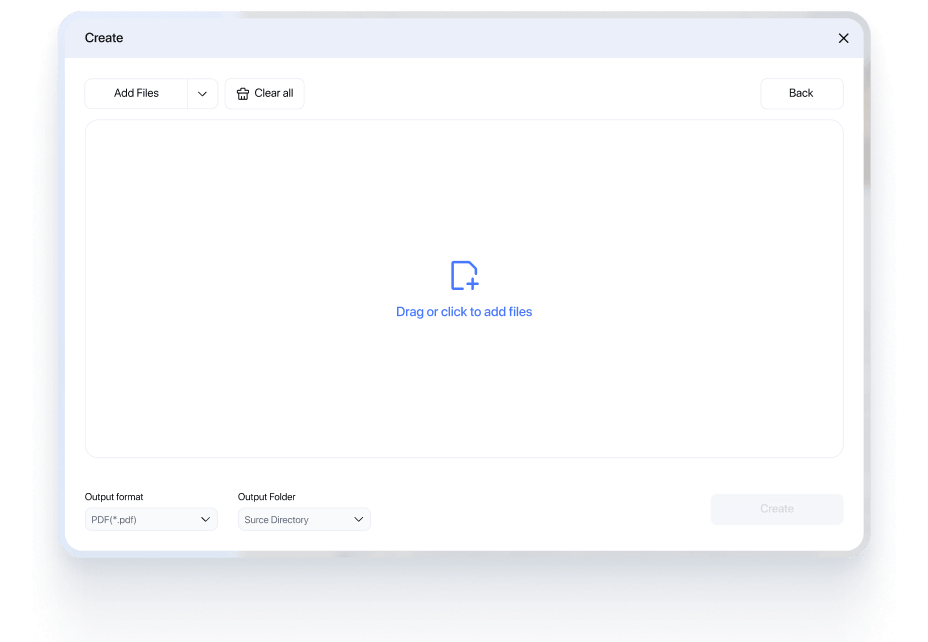
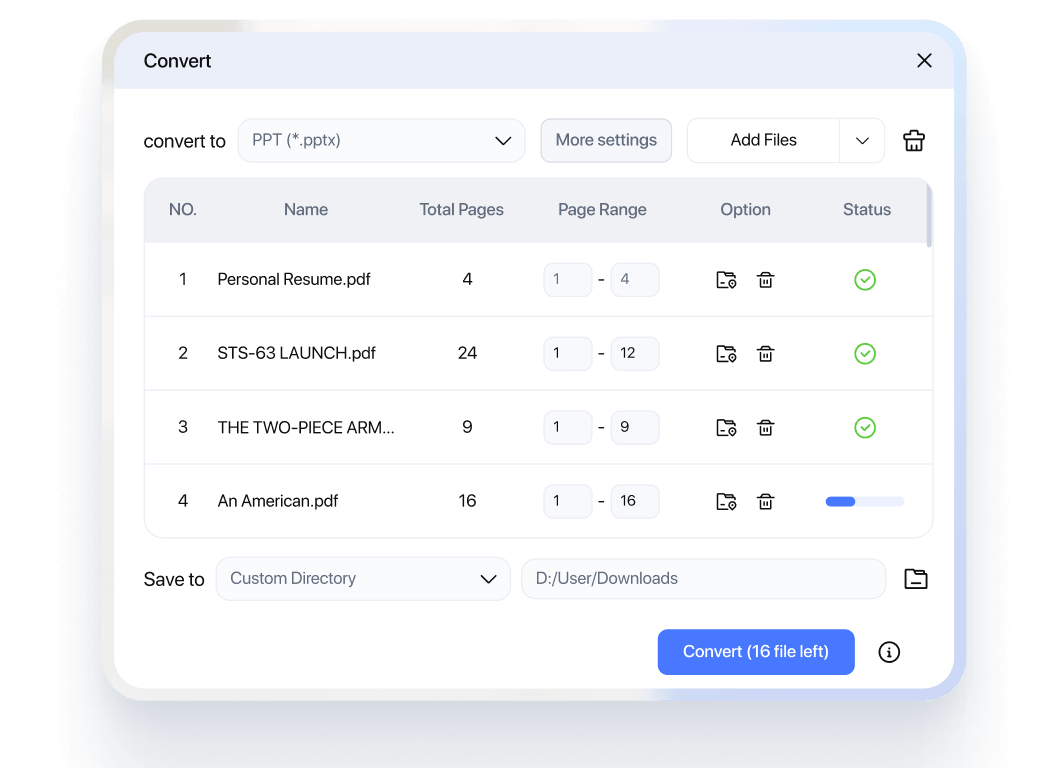
Batch convert PDF to and from other formats

  • · Convert multiple PDF files to other formats - or create PDFs from multiple files in one batch.
  • · Process large volumes of documents at once without repeating manual steps.
  • · Save time and maintain consistent output across all converted files.

Batch convert PDF to and from other formats

Batch convert PDF to and from other formats Batch convert PDF Batch convert other formats

Conversion Formats Supported by PDNob

Direction
Formats
TO PDF
Word, Excel, PowerPoint, JPG, PNG, BMP, TIFF
From PDF
Word, Excel, PowerPoint, JPG, PNG, TXT, PDF/A
OCR
Scanned PDF, Image-based PDF - Editable PDF, Word, Text
Batch
All supported formats

Convert PDFs with Accuracy Using PDNob

Accurate PDF conversion with preserved layout, structure, and quality - across all file types.

High-Accuracy Content Recognition

High-Accuracy Content Recognition

Text, tables, images, and paragraphs are accurately recognized and kept intact after conversion.

Preserve Original Layout and Formatting

Preserve Original Layout and Formatting

Advanced recognition ensures complex layouts, charts, and mixed content are converted correctly.

Convert Between PDF and Formats

Convert Between PDF and Formats

Convert files between PDF, Word, Excel, PowerPoint, and images without quality loss.

Reliable Conversion for Any File Type

Reliable Conversion for Any File Type

Handles scanned PDFs, large files, and complex documents with consistent results.

How to Convert a PDF to Other Formats

Step 1: Open Your PDF File

Upload the PDF you want to convert. Scanned PDF files are fully supported with built-in OCR.

Step 2: Select Output Format

Convert PDF to Word, Excel, PowerPoint, images, and more formats as needed.

Step 3: Convert & Save

Convert files in seconds and save them directly to your device.

Open Your PDF File
Select Output Format
Convert & Save

What Users Say About PDNob PDF Converter

Office & Business
Data & Analysis
Content Editing
Education

Streamlined My Daily Reports

“Converting PDFs into editable Word files has made updating reports much faster. I no longer need to recreate documents or fix formatting manually, and everything stays consistent. It saves me hours every week and makes my workflow much more efficient.”

Star Icon
User Avatar

Emily Carter

Operations Manager

Perfect for Presentation Edits

“I often need to turn PDFs into slides. Converting them to PowerPoint keeps the structure and layout intact, so I don’t have to rebuild everything manually. It makes preparing presentations much quicker and far less stressful.”

Star Icon
User Avatar

Daniel Brooks

Business Analyst

Simplified Office Workflows

“We handle a large number of PDFs every day. Converting them into editable formats makes updating, reviewing, and sharing documents much more efficient. It really helps streamline collaboration across the team.”

Star Icon
User Avatar

Sophia Nguyen

Administrative Coordinator

Accurate Table Extraction

“I converted financial reports from PDF to Excel, and the tables stayed perfectly aligned. It saved me from manual data entry and significantly reduced errors. I can now process reports much faster and with greater confidence.”

Star Icon
User Avatar

Michael Chen

Financial Analyst

Made Data Analysis Faster

“Pulling data directly into Excel has drastically improved my efficiency when working with large datasets. I can start analyzing immediately instead of spending time cleaning or reorganizing the data. It’s a huge boost to my daily productivity.”

Star Icon
User Avatar

Isabella Rossi

Data Specialist

Handled Complex Data with Ease

“Even multi-page tables were converted cleanly with the structure fully intact. I didn’t have to fix formatting or deal with missing data, which saved me a lot of time when handling complex reports and large files.”

Star Icon
User Avatar

Olivia Martinez

Accountant

Instantly Editable Documents

“I converted PDFs into Word documents and was able to edit them right away with no formatting issues. Everything stayed consistent, so I could focus on updating the content instead of fixing layout problems.”

Star Icon
User Avatar

James Wilson

Content Manager

Repurposing Content Made Easy

“I often reuse PDF content for blogs and presentations. Converting them saves me a lot of time and effort, and I can quickly adapt the content without starting from scratch. It really helps speed up my content workflow.”

Star Icon
User Avatar

Ava Thompson

Marketing Specialist

Perfect for Updating Files

“I had a lot of outdated PDFs that needed updates. Now I can convert them into editable formats and make changes easily without rebuilding everything. It’s made maintaining documents much more efficient.”

Star Icon
User Avatar

Ethan Clark

Training Coordinator

Better Study Notes, Faster

“I converted lecture PDFs into Word documents so I could highlight, edit, and organize my notes more effectively. Everything stayed well structured, which made studying and reviewing much easier and more efficient.”

Star Icon
User Avatar

Sophie Turner

Graduate Student

Essential for Research Work

“I download academic papers as PDFs all the time. Converting them makes it much easier to extract and reuse content without losing structure. It really helps streamline my research workflow.”

Star Icon
User Avatar

Daniel Fischer

PhD Candidate

Saved Me Hours on Assignments

“Instead of retyping content from PDFs, I convert them and start working immediately. It saves a huge amount of time and allows me to focus more on completing my assignments efficiently.”

Star Icon
User Avatar

Lucas Bennett

Undergraduate Student

Start Free. Upgrade for Advanced PDF Conversion

PDNob FREE Trial

Start converting PDFs with essential tools

$ 0.00

Free to use as long as you like. No credit card

Top Features

  • Convert PDF to Word, Excel, PowerPoint, and images
  • Preserve basic layout and formatting
  • OCR support for scanned PDFs
  • Limited number of conversions per week

FAQs by PDNob PDF Editor

FAQs
Get PDF Tips
Will formatting be preserved when converting PDF to Word?

Yes. PDNob PDF Editor uses advanced OCR and layout recognition to keep original formatting such as fonts, images, tables, and spacing as close as possible to the source file.

Can I convert scanned PDFs into editable files?

Absolutely. PDNob supports OCR (Optical Character Recognition), allowing you to convert scanned PDFs into fully editable Word, Excel, or text documents.

What file formats can I convert PDF into?

You can convert PDFs into multiple formats including Word (DOC/DOCX), Excel (XLS/XLSX), PowerPoint (PPT/PPTX), images (JPG/PNG), TXT, and more.

Is there a file size limit for PDF conversion?

PDNob PDF Editor supports large file conversions. However, performance may vary depending on your system configuration and file complexity.

Can I batch convert multiple PDFs at once?

Yes. PDNob allows batch conversion, so you can convert multiple PDF files to your desired format in one go, saving time and improving efficiency.

Will my files be secure during conversion?

Yes. Your files are processed locally on your device, ensuring maximum privacy and security without uploading sensitive documents to external servers.

Does PDF conversion affect image quality?

No. PDNob preserves image quality during conversion, ensuring that graphics and visual elements remain clear and sharp.

Can I convert specific pages instead of the whole PDF?

Yes. You can select specific pages or page ranges to convert, giving you full control over the output content.

View More
Edit PDF Edit PDF
Convert PDF Convert PDF
AI PDF Tips AI PDF Tips
OCR Tips OCR Tips
Image Translate Tips PDF Reviews