Batch Merge Multiple PDF into One
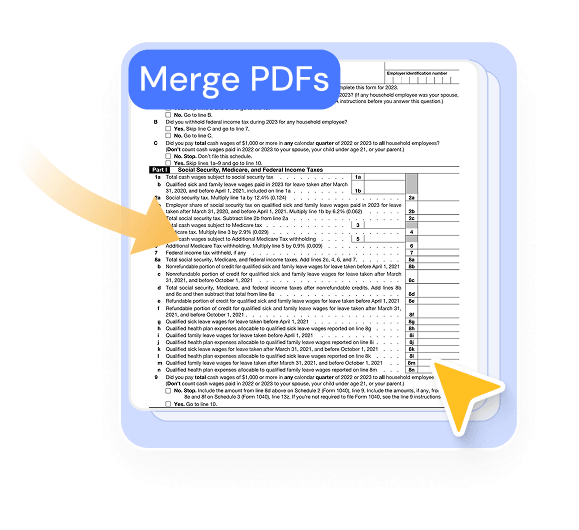
- · Combine multiple PDF files or selected page ranges with precision.
- · Reorder bulk PDF files freely before merging. Maintain original layout and formatting after merging
PDNob
One Click to merge, compress, convert, OCR, print, watermark, secure, and standardize batch PDFs at once

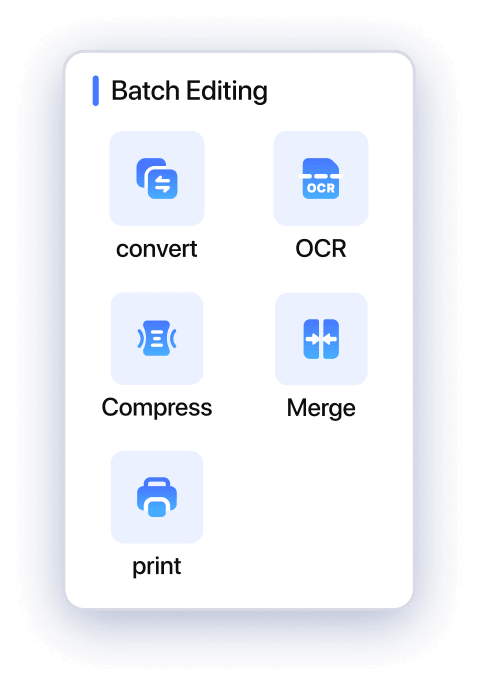

Batch Merge

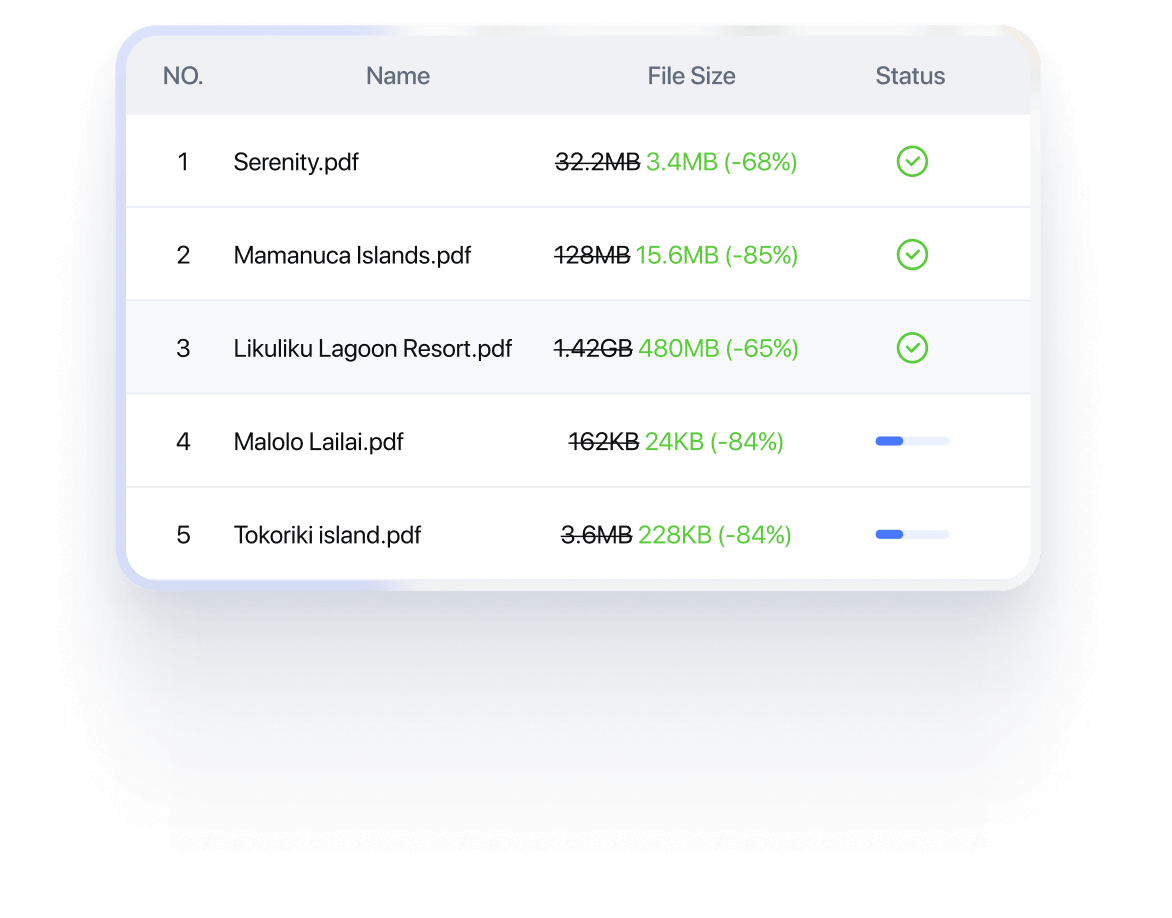
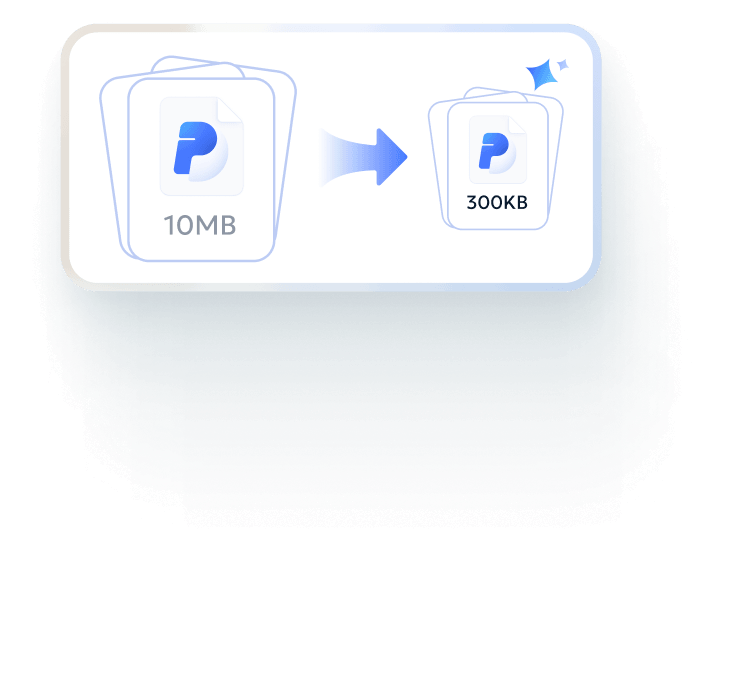
Batch Compress

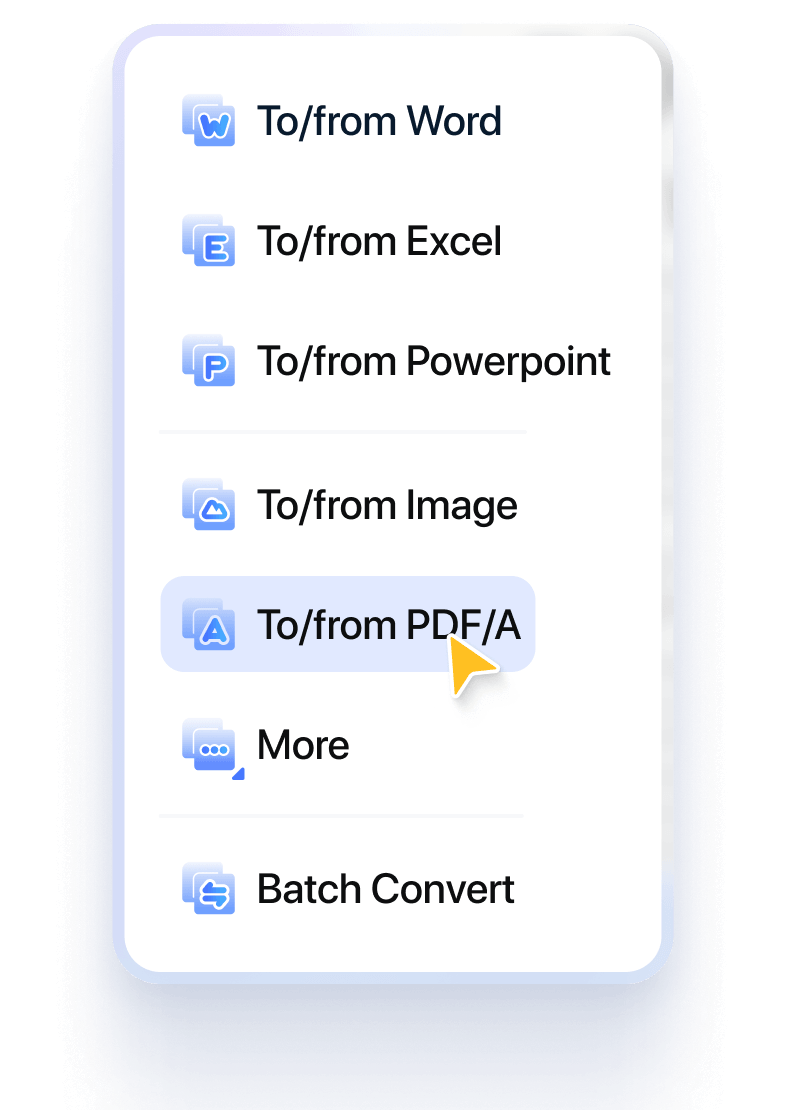
Batch Convert

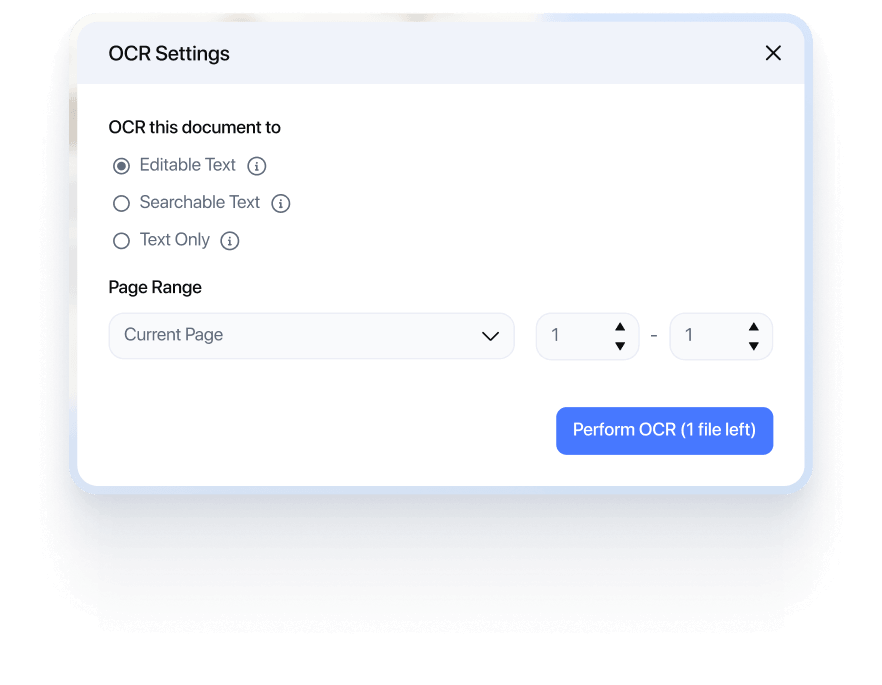
Batch OCR

Batch Standardize

Batch Print








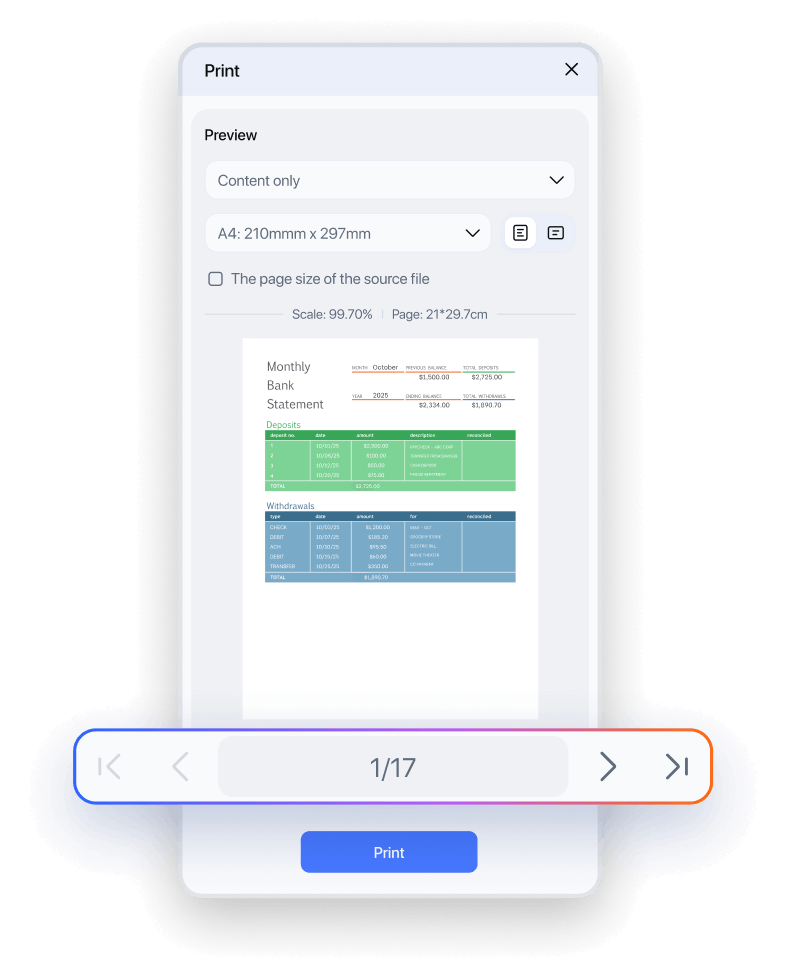
Process multiple PDFs at once while preserving layout, maintaining consistency, and keeping your data secure.

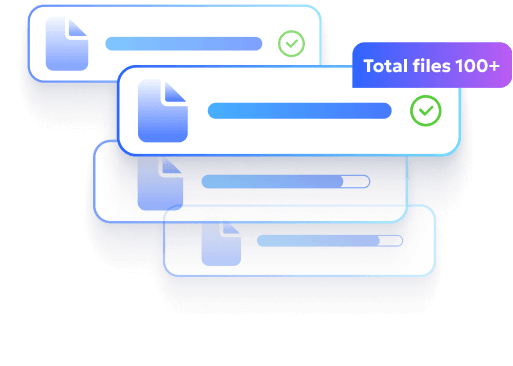
Process dozens of PDFs at once - convert, merge, compress, or organize in one go. Batch operations save hours of repetitive work and streamline your workflow.

Every file keeps its original structure, tables, columns, and images intact. No more misaligned layouts, missing content, or extra corrections after processing.

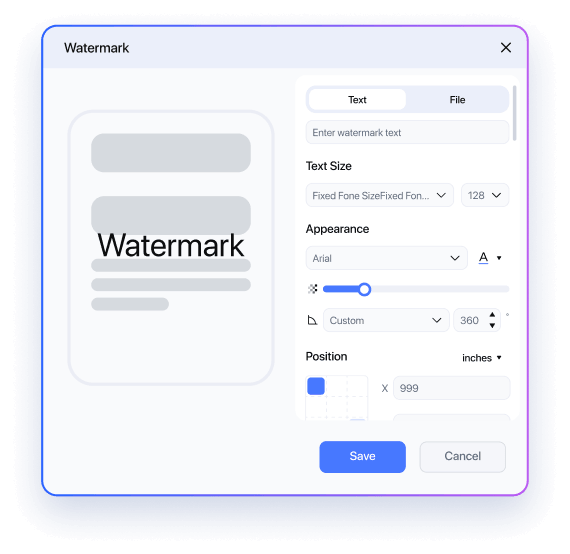
Apply watermarks, headers & footers, security settings, or compression settings to an entire batch. PDNob ensures uniform results and eliminates errors caused by manual adjustments.

All files remain secure while processed in batches. PDNob protects sensitive content with built-in encryption and consistent security settings, so bulk operations never compromise your data.
Simplified Our Admissions Workflow Overnight
“During admissions season, we receive hundreds of scanned PDFs. Batch compressing and organizing them before review keeps everything manageable and avoids delays.”


Mark Tan
Admissions Officer
Made Bulk Printing Actually Manageable
“Training materials, student forms, internal notices - we print them in bulk every month. Being able to set the print preferences once and apply them to the whole batch saves us hours.”


Professor Emily Wong
University Professor of Sociology
Turned Archived Records into Usable Files
“Most archived student records were scanned copies. Batch OCR made them searchable overnight, which completely changed how we access historical data.”

Angela Morris
Academic Coordinator
Kept Our Case Files Submission-Ready
“Case files come in separate documents - contracts, evidence, correspondence. Batch merging them in the correct order ensures nothing is missed before submission.”


Rachel Tan
Legal Assistant
Automated Bates Numbering Across Large Cases
“Applying Bates numbers across dozens of documents used to be time-consuming. Now we run it once in batch mode and everything stays sequential and court-ready.”

Thomas Reed
Paralegal
Standardized Compliance Files in Minutes
“Before delivering compliance documents, we add watermarks and security settings to the entire folder. Batch processing keeps everything consistent and professional.”

Linda Koh
Compliance Officer
Streamlined Our Month-End Reporting
“At month-end, we handle large volumes of invoices and reimbursement files. Batch converting and organizing them into standardized PDFs keeps our reporting clean.”

Daniel Wu
Finance Manager
Made Client File Delivery Much Easier
“We regularly compress multiple financial reports before emailing them to clients. Being able to reduce file size in bulk without losing clarity makes distribution much easier.”

Sarah Lim
Accounting Supervisor
Ensured Consistent Formatting Across Statements
“Adding headers, footers, and consistent formatting across financial statements used to take repetitive work. Batch processing ensures every document follows the same structure.”

Melissa Grant
Accounts Administrator
Removed Repetitive File Conversions
“Our team works across Word, Excel, and image files every day. Batch PDF creation and conversion streamlines our workflow and removes unnecessary back-and-forth.”

David Choi
Operations Manager
Modernized Our Document Archive
“We digitize paper documents regularly. Batch OCR and background adjustments help us turn scanned files into clean, searchable records in one go.”

Kevin Lau
Document Control Officer
Applied Consistent Branding in Bulk
“When managing project folders, we often need to apply the same watermark or security settings to all files. Batch processing keeps everything aligned without manual repetition.”

Nadia Rahman
Project Coordinator
Start free with everything you need
$ 0.00
Free to use as long as you like. No credit card
Top Features
Upgrace only if you want more advanced features
$ 64.99
Lifetime License - 2 Users
Top Features
Yes. PDNob processes files locally and securely, and does not store your documents after conversion, compression, or merging, ensuring full privacy.
You can batch compress large PDFs to reduce file size while maintaining clarity, making it faster to share or store multiple documents.
You can convert PDFs to 30+ formats, including Word, Excel, PowerPoint, Text, Images, EPUB, and PDF/A, or create PDFs from these formats in bulk.
No. PDNob allows you to choose low, medium, or high compression while maintaining original text and image quality.
Yes. Each batch action - convert, compress, print, merge, or apply watermarks - lets you adjust settings like page range, output format, or layout to fit your workflow.
Yes. Batch OCR supports 15+ languages, including English, Chinese, Japanese, Korean, and more, allowing you to process international documents efficiently.
Absolutely. You can batch protect PDFs with passwords and permissions, keeping sensitive documents safe without processing them individually.
Yes, PDNob PDF Editor is regularly updated to improve performance, add new features, and enhance compatibility. Updates also include optimizations like improved OCR accuracy and smoother handling of large files.
 Edit PDF
 Convert PDF
 AI PDF Tips
 OCR Tips
 Image Translate Tips
Can't edit your PDFs just right? Learn how to modify text, rearrange pages, add annotations, and lock files with passwords.
File stuck in the wrong format? Discover how to turn PDFs into Word, Excel, images, and back again hassle-free.
Still doing PDF work manually? Unlock AI-powered tricks to summarize long docs, rewrite content, and extract key info in seconds.
Scanned docs you can't copy from? Master OCR tools to turn images into editable, searchable text - fast.
Not sure which PDF tool is safe or worth it? Read honest, real-world tests and buying guides.

Your all-in-one PDF editor for Windows, Mac and iOS. Edit, convert, and manage PDFs anywhere - across all your devices.