Quickly extract key insights from lengthy PDFs with AI summarization
- · Instantly convert long PDFs into clear bullet points, summaries, or key terms
- · View direct citations with page and paragraph tags for every AI-generated answer.
PDNob
Summarize, understand, rewrite, and translate PDFs — all in one place.
Turn static PDFs into knowledge you can work with.



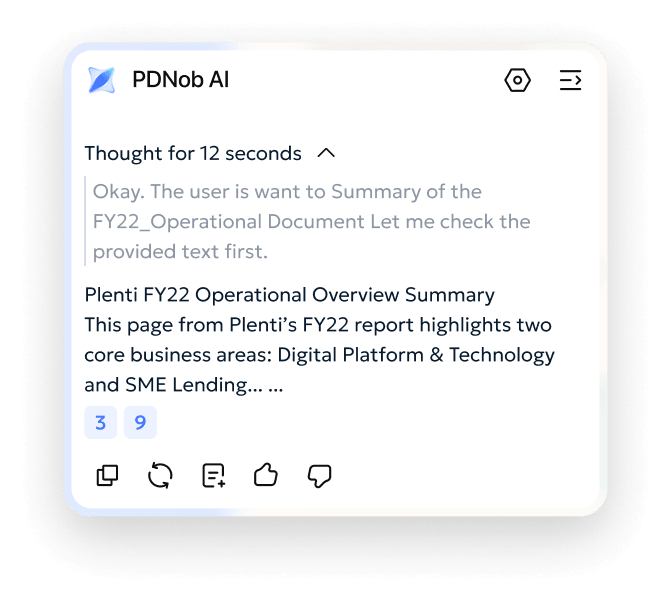

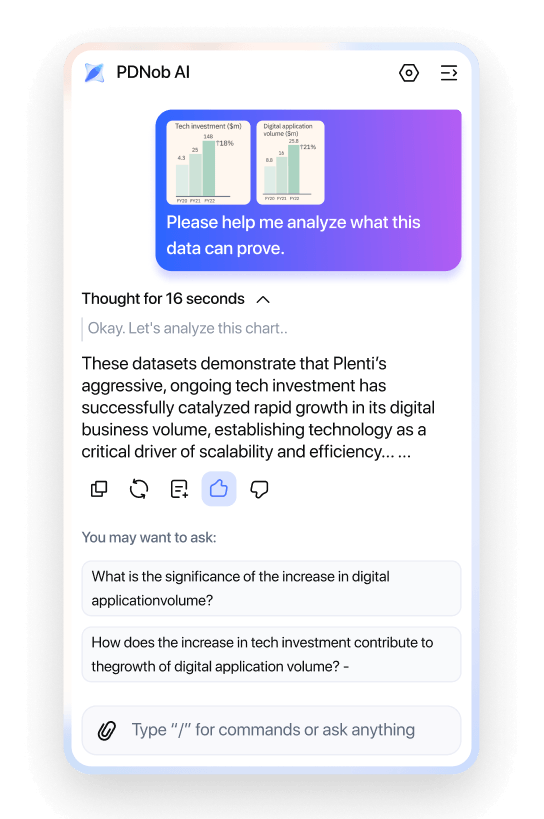
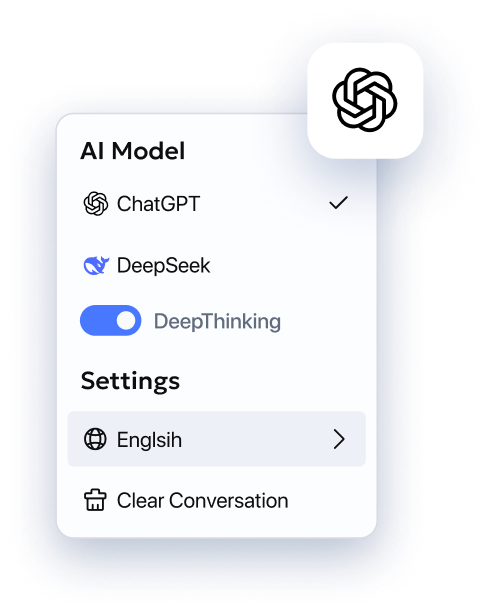
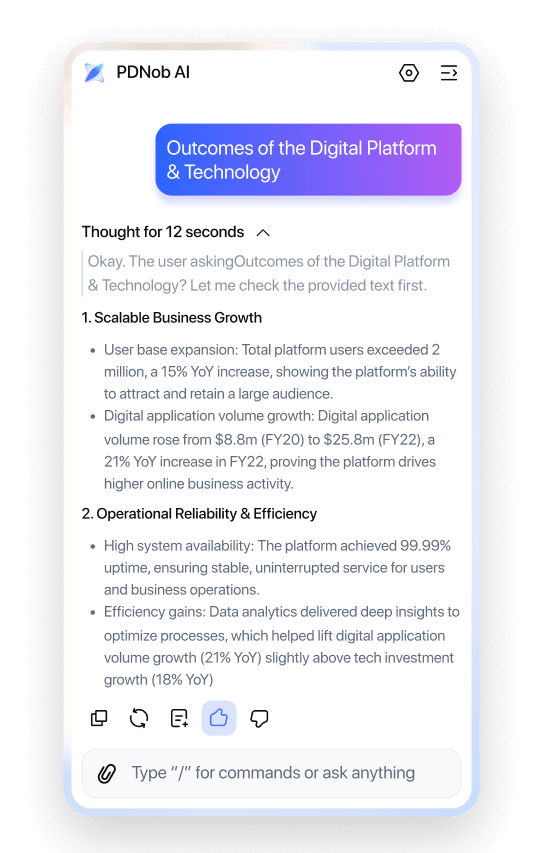

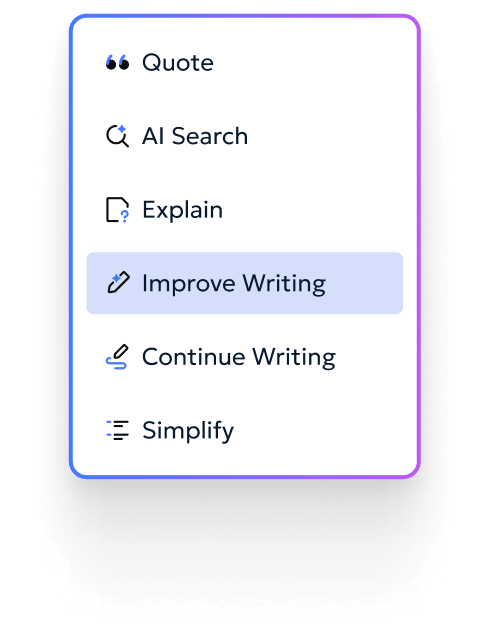
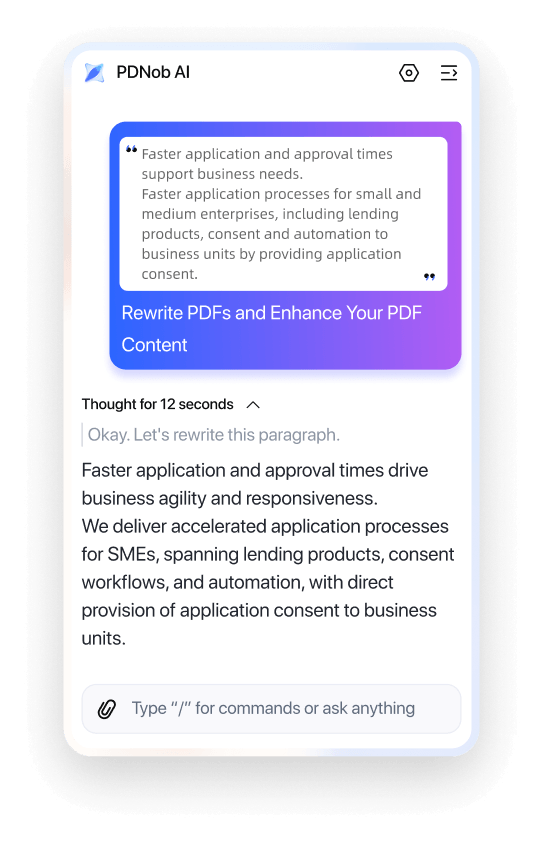

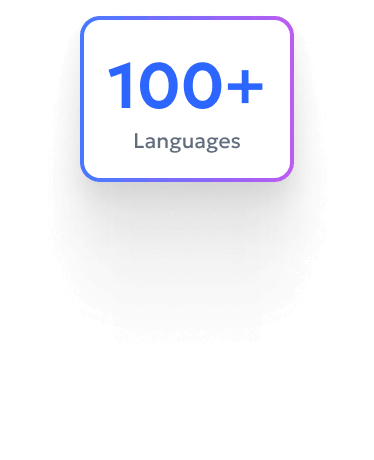
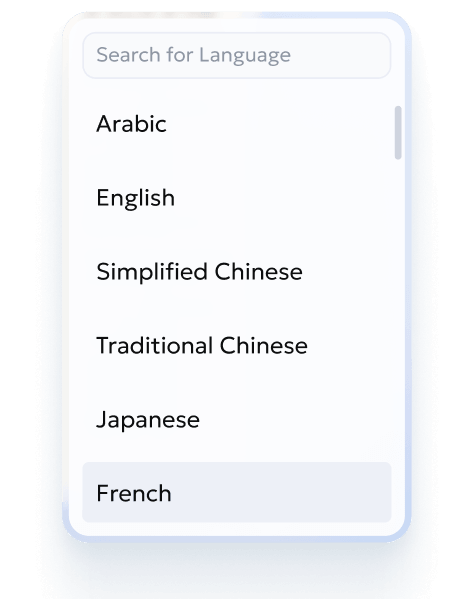
PDNob AI processes everything locally, keeping your PDFs off the cloud.


A Lifesaver for My Master's Thesis
"Reading piles of academic papers was overwhelming until I found PDNob. The Summarize feature saves me countless hours, but the Explain tool is the real game-changer—I can snapshot complex formulas and get instant logical breakdowns. It lets me focus on research rather than struggling with dense text."


Dr. Aris Thorne
History Postdoctoral Researcher
Bridging the Language Gap in Research
"My research involves many German and Japanese documents. PDNob's Translate feature is remarkably accurate and maintains consistent terminology. Combined with the Chat sidebar, I can dive deep into specific details, which has been invaluable for my literature review."


Victoria Chen
University Professor of Sociology
No More Fear of Heavy Textbooks
"Facing hundreds of scanned textbook pages, PDNob's AI OCR makes the text searchable. I love how it auto-generates summaries and suggests follow-up questions. It’s like having a 24/7 tutor ready to explain any concept I don't understand."


Clara Evans
Botanical Research Archivist
A Precision Tool for Clause Verification
"In legal work, accuracy is everything. PDNob's Chat feature stands out because of its 'Source Tagging.' When I ask about contract clauses, it cites specific page numbers. This gives me total confidence when responding to clients, without fearing AI hallucinations."

Dr. Sarah Jenkins
Senior Partner Attorney
Deciphering Complex Case Files in Seconds
"With mountains of case files, PDNob's Summarize helps me pinpoint disputes instantly. For obscure legal jargon, the Explain feature provides concise clarifications, significantly boosting our junior associates' productivity."

Sophie
Legal Consultant
The Perfect Assistant for Contract Polishing
"We often need to fine-tune contract tones for clients. PDNob's Rewrite feature is brilliant—it ensures legal rigor while making the language more persuasive. It's now a must-have tool during my contract review process."

James Sterling
Compliance Officer
Extracting Insights from Raw Data
"Financial statements are often dry and numbers-heavy. I use PDNob's Summarize feature to extract key trends from sales reports. For complex auditing standards, the Explain tool helps me grasp core requirements quickly."

Sarah Thompson
Senior Accountant
Effortless Handling of Scanned Invoices
"The combination of PDNob's AI OCR and AI Assistant is perfect. I can ask questions directly about scanned vouchers, like amounts or dates, and the AI always finds the answer. It has transformed how we handle tedious paperwork."

Robert Vance
Finance Manager
Professional Navigation for Business Plans
"While preparing investment pitches, I use the Rewrite feature to transform internal financial drafts into formal, competitive language. The AI even suggests key data points to highlight to investors—it's incredibly smart."

Professor James Miller
Investment Analyst
A Powerful Ally for Global Communication
"As an admin, I receive PDF notices from branches worldwide. PDNob's Translate allows me to read multiple languages in seconds. I also frequently use Rewrite to polish mass emails, ensuring they remain professional and appropriate."

Emily White
Administrative Supervisor
Simplifying Tedious Meeting Minutes
"Organizing PDF notes from transcripts is painful, but PDNob's Summarize generates key bullet points with one click. With the Chat feature, I can quickly retrieve specific deadlines mentioned during the meeting."

Chloe Adams
Office Manager
Expert in Document Formatting and Proofreading
"I don't just edit PDFs; I rely on PDNob's Rewrite to proofread reports. It catches grammatical errors I miss and suggests smoother phrasing. It makes my work look flawless."

Clara Evans
Executive Secretary
Start smart with all essential AI tools
$ 0.00
Free to use. No credit card required.
Top Features
Power up with massive credits and faster speed
$ 64.99
Lifetime License - 2 Users
Top Features
PDNob AI goes beyond basic Q&A by integrating a pro-grade AI OCR engine with DeepSeek R1 & ChatGPT dual models. It accurately recognizes scanned documents and screenshots, providing precise source tagging in answers for reliable document analysis.
Simply download and install PDNob, open your PDF, and click the AI icon. Guests and free users get 50 AI credits instantly to explore all features—no credit card required. To unlock 6,000 credits and large file support, upgrade to the Lifetime Plan.
We integrate two of the most powerful models: ChatGPT-4o (for fluent writing and translation) and DeepSeek R1 (for deep logical reasoning and technical analysis). You can switch between them based on your task.
PDNob AI features "Source Tagging." Whenever it provides an answer, it cites the original location and page number. Clicking the tag auto-navigates you to the corresponding paragraph in the PDF for instant verification.
No. A single Lifetime account allows you to log in and access AI credits and features across multiple platforms, enabling a smart workflow on all your devices.
Absolutely. We use enterprise-level encryption to protect your documents during analysis. Your private files and AI conversations are never used to train public models, ensuring your sensitive information remains secure and confidential.
Yes. Our integrated pro-grade AI OCR engine allows PDNob AI to "read" and analyze scanned documents and screenshots. This ensures you can chat with and extract insights from any non-searchable file just as easily as a standard PDF.
It depends on your task. Use DeepSeek R1 for complex logical reasoning and technical data extraction, or switch to ChatGPT-4o for natural language fluency, creative rewriting, and nuanced translations to get the best results.
 Edit PDF
 Convert PDF
 AI PDF Tips
 OCR Tips
 PDF Reviews
Can't edit your PDFs just right? Learn how to modify text, rearrange pages, add annotations, and lock files with passwords.
File stuck in the wrong format? Discover how to turn PDFs into Word, Excel, images, and back again — hassle-free.
Still doing PDF work manually? Unlock AI-powered tricks to summarize long docs, rewrite content, and extract key info in seconds.
Scanned docs you can't copy from? Master OCR tools to turn images into editable, searchable text — fast.
Not sure which PDF tool is safe or worth it? Read honest, real-world tests and buying guides.
Your all-in-one PDF editor for Windows, Mac and iOS. Edit, convert, and manage PDFs anywhere - across all your devices.