

PDNob Online is currently available only on Windows and Mac desktop computers. Please switch to a desktop browser to use our features.
Founded in 2007, Tenorshare PDNob is trusted by millions to simplify work.
8,508,519 Korean images have been converted to text for free.
Get PDNob Desktop, Your All-in-One PDF Solution!
Follow These 3 Steps to Read Korean Text from Any Image:
Upload a photo, screenshot, or scanned file that contains Korean text.
Set the recognition language to Korean and click "Start OCR" to begin extraction.
Copy the recognized Korean text, or translate it into English with one click.
A quick snapshot of a Korean menu or subway sign often comes out tilted, glared, or out of focus, which makes plain image-to-text conversion unreliable for casual travelers and daily use.
Korean business cards, invoices, and forms frequently combine Hangul with English brand names and numeric codes, which trips up OCR engines trained on a single script or language.
Contracts, visa notices, and academic transcripts pack fine print into a single page, so a low-resolution scan can lose entire clauses that matter for legal or academic review.
Typing Hangul characters on an unfamiliar keyboard layout is slow and easy to mistype, turning a short document into a tedious, mistake-prone data-entry task.
PDNob's OCR engine is trained on both Hangul and mixed Korean-English text, so it holds up whether the source is a phone photo, a screenshot, or a scanned document. Pixelated or low-contrast Korean characters, extract Korean text from photo and get turned into clean, digital text you can copy, edit, or search in seconds.
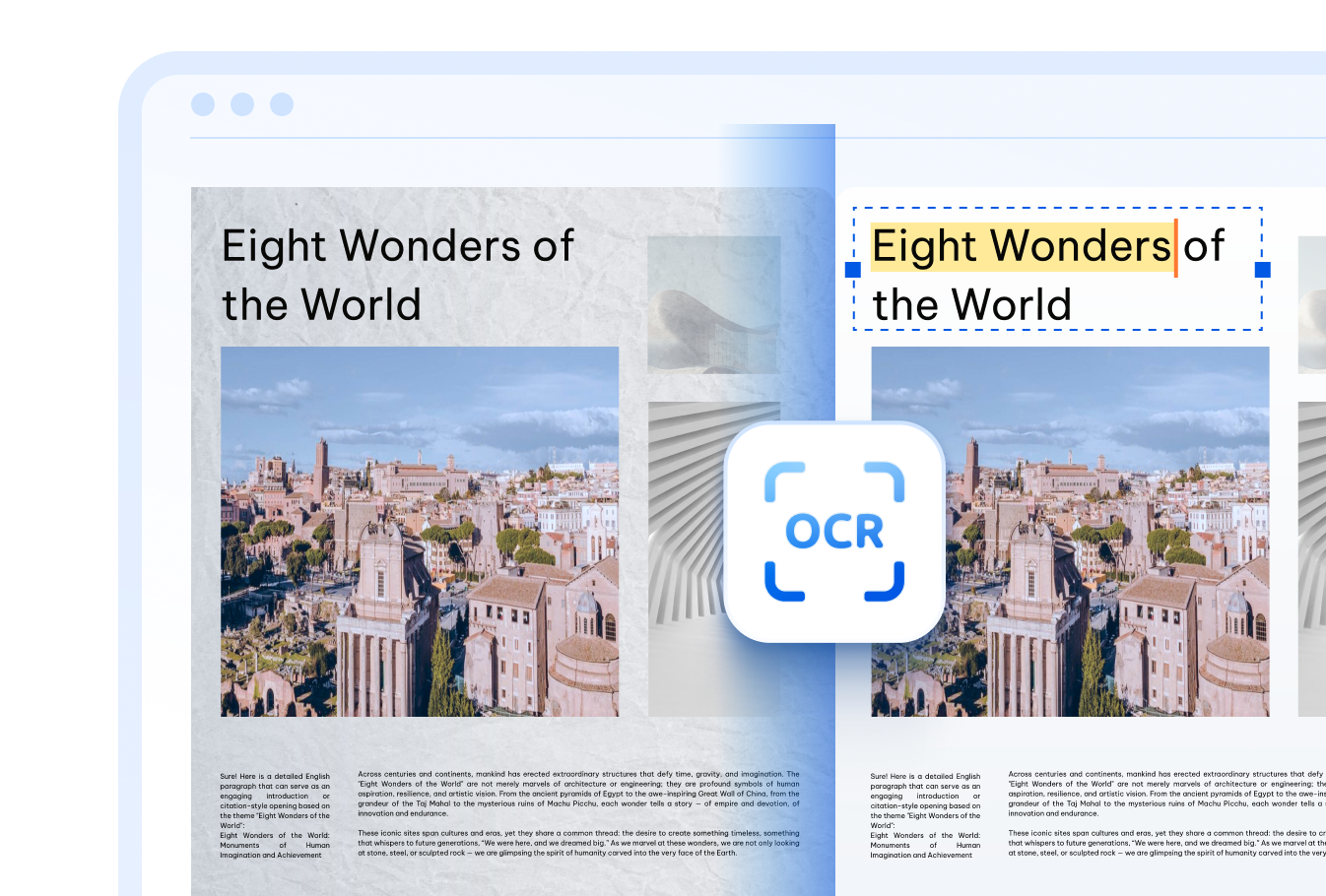
Once you have done Korean character recognition, PDNob can convert it to searchable and editable PDF right away — handy for reading menus, signs, contracts, or messages without jumping between separate apps.
Photos snapped on the go often come out shaky, angled, or poorly lit. PDNob's recognition engine is tuned to still pull readable Korean text out of imperfect images, so you don't have to retype a thing.
Every file you upload travels over an encrypted connection and is removed from our servers shortly after conversion, so your photos and documents are never stored or shared with anyone else.
Convert scanned documents, PDFs, and images into editable text with AI-powered OCR accuracy.
Go beyond basic text extraction — PDNob PDF Editor lets you edit extracted content directly, annotate, sign, compress, and manage PDFs entirely offline. Built for professionals who need precision and speed in every document task.

Upload your photo or scanned file to PDNob, set the recognition language to Korean, and click the extract button. The AI-OCR engine reads the Hangul characters and returns editable, searchable text in seconds — no account or software install needed.
Yes. After the Korean characters are recognized, you can translate the extracted text into English with a single click, so you don't need to copy it into a separate translation app.
PDNob handles printed Hangul text reliably and can recognize neatly written handwriting reasonably well. Very stylized or messy handwriting may reduce accuracy, so a clear, well-lit photo gives the best results.
PDNob accepts common image formats such as JPG, PNG, TIFF, and BMP, along with scanned PDF files. Photos taken directly on a phone camera work just as well as flatbed scans.
The cloud-based tool accepts files up to 15MB per upload. If you need to process larger batches or bigger scans, the PDNob desktop application removes that limit entirely.
On clean, well-lit images, PDNob's Korean OCR reaches high accuracy for both Hangul and mixed Korean-English content. Results depend on image quality, font style, and lighting — sharper source photos consistently produce cleaner text.
Edit, merge, sign, and convert PDFs effortlessly.
 PDNob Online
750,796,000 Users

PDF Leaders
Since 2007
10M+ Docs
Protected Daily
ISO
Certified Tools
Your Files
Never Stored