

PDNob Online is currently available only on Windows and Mac desktop computers. Please switch to a desktop browser to use our features.
Founded in 2007, Tenorshare PDNob is trusted by millions to simplify work.


8,574,720 files have been successfully converted for free.
Get PDNob Desktop, Your All-in-One PDF Solution!
3 simple steps to convert PDF to Word with OCR:
Upload your scanned or image-based PDF to PDNob's PDF to Word Converter.
Select OCR PDF to Word mode to recognize and extract text from your document.
Download your fully editable Word file, ready to copy, edit, or share.
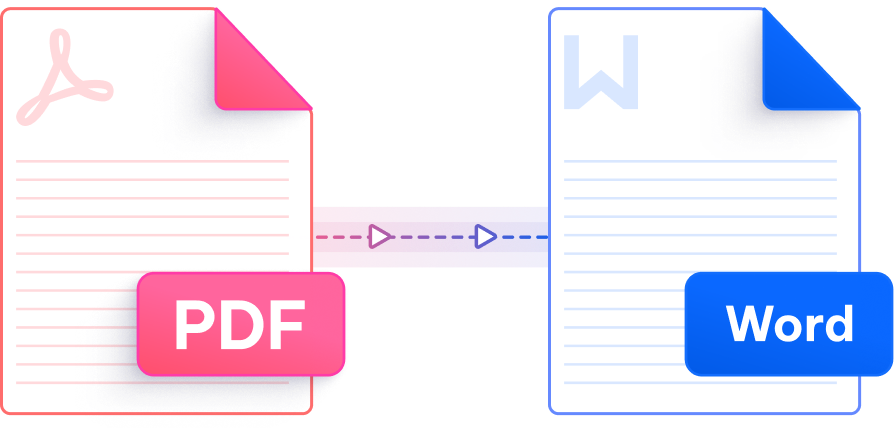
Unlock scanned PDFs and image files with intelligent OCR — accurate, multilingual, and built for real workflows.

PDNob uses the ABBYY OCR engine — a globally recognized leader in document recognition — to deliver text extraction with up to 99% character accuracy from scanned PDFs.

Columns, tables, fonts, and paragraph structures are faithfully reproduced in the output Word document — not just raw text dumps, but documents that actually look like the source.

Access the PDF to Word with OCR converter directly in your browser — no account creation, no email verification, and no software to install before you can get started.

OCR recognition spans over 16 languages — English, French, German, Spanish, Japanese, Korean, Arabic, Chinese (Simplified & Traditional), Portuguese, Russian, Italian, Dutch, Indonesian, Thai, and Turkish.

Whether you're on a Windows PC, Mac, or mobile browser, the PDF to Word with OCR converter runs entirely in the cloud — no local resources required, results delivered in seconds.

All file transfers are secured with 256-bit SSL encryption. Uploaded documents are automatically deleted after processing, and PDNob operates in full compliance with GDPR standards.
The AI-powered PDNob Desktop app goes beyond online conversion — handle large files, batch exports, advanced OCR scanning, smart annotations, and full PDF editing entirely offline. Built for professionals, students, and anyone managing documents at scale.

OCR stands for Optical Character Recognition — a technology that reads text embedded in images or scanned pages. When a PDF is created by scanning a paper document, its pages are stored as images with no selectable text. To convert a scanned PDF to Word, OCR is required to identify and extract the characters before they can be placed into an editable document. Without OCR, the output would be a Word file containing only pictures.
PDNob's PDF to Word with OCR tool is powered by the ABBYY OCR engine, which consistently achieves up to 99% character-level accuracy. Results are best on clearly scanned documents with standard fonts. Heavily degraded scans, handwritten text, or unusual typefaces may yield slightly lower accuracy — in those cases, reviewing the output Word document after conversion is recommended.
Yes. PDNob handles mixed PDFs that contain both digitally-created pages and scanned image pages. The tool automatically applies OCR where needed and standard text extraction elsewhere, so the resulting Word file is fully editable regardless of how each page was originally created.
Yes. PDNob's OCR engine supports over 16 languages including French, German, Spanish, Japanese, Korean, Arabic, Chinese (Simplified and Traditional), Portuguese, Russian, Italian, Dutch, Indonesian, Thai, and Turkish. Select the appropriate language before running OCR to achieve the best possible recognition quality for non-English documents.
The online PDF to Word with OCR tool supports files up to 15MB. If your scanned PDF is larger than 15MB, you can use PDNob Desktop for offline conversion without file size restrictions.
PDNob protects every upload with 256-bit SSL encryption during transit. Files are processed in a secure cloud environment and permanently deleted after conversion — they are never stored or shared. The platform is fully GDPR-compliant. For highly sensitive documents, the PDNob Desktop version allows fully offline conversion with no data leaving your device.
Some formatting discrepancies after OCR conversion are normal, especially with complex multi-column layouts, decorative fonts, or low-resolution scans. To improve results, ensure the source PDF is clearly scanned at 300 DPI or higher. After conversion, manually adjust any misaligned elements in Word. For consistently better output on complex documents, PDNob Desktop offers advanced OCR settings and post-conversion editing tools.
Edit, merge, sign, and convert PDFs effortlessly.
 PDNob Online
750,796,000 Users

PDF Leaders
Since 2007
10M+ Docs
Protected Daily
ISO
Certified Tools
Your Files
Never Stored