

PDNob Online is currently available only on Windows and Mac desktop computers. Please switch to a desktop browser to use our features.
Founded in 2007, Tenorshare PDNob is trusted by millions to simplify work.


8,574,720 files have been successfully converted for free.
Get PDNob Desktop, Your All-in-One PDF Solution!
Convert PDF to editable Word document in 3 easy steps:
Click "Choose File" or drag your PDF into the upload area to get started.
Select standard conversion or enable OCR to convert PDF to editable Word document from a scanned source.
Download the resulting .docx file directly to your device — ready to edit immediately.
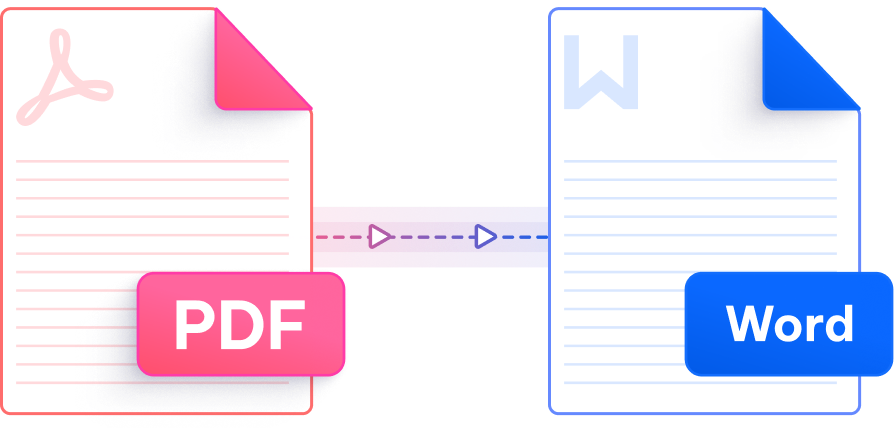
Precision conversion, intelligent OCR, and enterprise-grade security — all in one free online tool.

When you convert PDF to editable Word document, every table, heading, image, and paragraph spacing transfers with near-perfect fidelity — no manual clean-up needed.

No registration, no email verification — just upload your PDF and convert it to an editable Word document right away. Your time matters more than account creation.

Unlock text trapped in scanned PDFs using ABBYY's industry-leading OCR engine, transforming image-based pages into fully editable Word content with outstanding character accuracy.

Convert PDF to editable Word document across languages including English, French, German, Spanish, Japanese, Korean, Arabic, Chinese (Simplified & Traditional), Portuguese, Russian, Dutch, Indonesian, Italian, Thai, and Turkish.

Whether you're on a Mac, Windows PC, or Linux, PDNob runs entirely in the browser — no software to install, no plugins, no setup required to convert PDFs to editable Word documents.

All file transfers are protected by 256-bit SSL encryption. PDNob complies with GDPR and automatically removes uploaded files after processing, keeping your documents confidential.
This AI-powered PDF editor offers advanced editing, smart annotations, precise OCR scanning, and batch processing — all offline. Ideal for students, professionals, and efficient document management.

Yes. PDNob's conversion engine is specifically designed to retain complex structures when you convert PDF to editable Word document. Tables, inline images, multi-column layouts, and text formatting such as bold, italics, and font sizes are all mapped to their Word equivalents. Minor adjustments may be needed for highly complex designs, but most documents convert cleanly without any post-processing.
PDNob can convert PDF to editable Word document if the file is open-password protected and you provide the correct password during upload. Owner-locked PDFs (those with restrictions on editing or copying) may require the restriction password to be removed first. If you have the appropriate permissions for the document, the conversion will proceed normally.
PDNob's online converter supports PDF files up to 15MB for cloud-based conversion to editable Word documents. If your file exceeds this limit, consider using PDNob Desktop, which handles larger files locally without size restrictions and also supports more advanced editing features.
Upload your scanned PDF to PDNob, then choose the OCR conversion option before processing. PDNob uses ABBYY's OCR technology to recognize text within image-based pages and output a fully editable Word document. This is the most reliable way to convert scanned PDF to editable Word online, especially for multi-language or formatted documents.
PDNob uses 256-bit SSL encryption for all file transfers and automatically deletes uploaded files after conversion. The platform is GDPR-compliant and does not store or share your documents. That said, for highly sensitive or classified files, using an offline solution like PDNob Desktop ensures your data never leaves your device.
PDFs and Word documents use different rendering models — PDFs fix content to a page, while Word uses flowing text. Fonts not embedded in the PDF, complex vector graphics, or unusual page layouts can cause small visual differences after conversion. To minimize this, use PDNob's high-accuracy mode or the desktop version for documents with intricate formatting. Small manual tweaks after conversion are often all that's needed.
The online tool handles individual PDF files. For bulk conversion of PDF to editable Word document, use PDNob Desktop, which includes batch processing capabilities to convert multiple PDFs simultaneously — ideal for professionals managing large volumes of documents.
Edit, merge, sign, and convert PDFs effortlessly.
 PDNob Online
750,796,000 Users

PDF Leaders
Since 2007
10M+ Docs
Protected Daily
ISO
Certified Tools
Your Files
Never Stored