

PDNob Online is currently available only on Windows and Mac desktop computers. Please switch to a desktop browser to use our features.
Founded in 2007, Tenorshare PDNob is trusted by millions to simplify work.
8,508,519 JPG images have been successfully converted to searchable PDF with OCR.
Get PDNob Desktop, Your All-in-One PDF Solution!
3 Simple Steps to Turn JPG into Searchable PDF:
Upload your JPG file to PDNob.
Select the document language and click "OCR PDF" to begin OCR processing.
Download your searchable PDF with fully recognized and selectable text.
Backed by ABBYY's industry-leading OCR engine, PDNob convert JPG into searchable PDF documents with remarkable precision. From photographed documents and scanned receipts to faxed pages, every character in your image is accurately recognized and converted into machine-readable, selectable text — eliminating the need to retype anything manually.
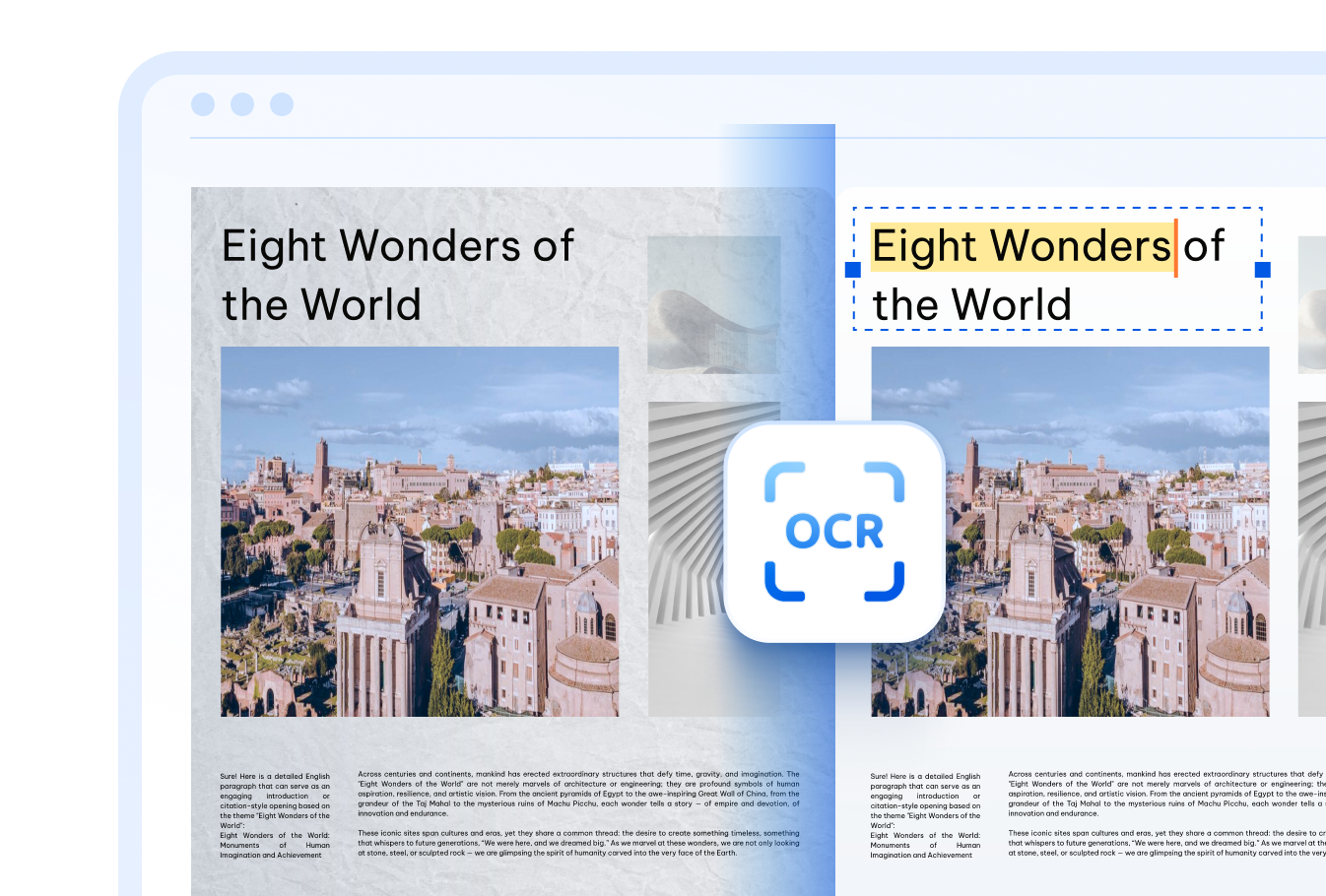

Create a searchable PDF from JPG image content in over 16 languages — covering English, Chinese (Simplified & Traditional), Japanese, Korean, Arabic, French, German, Spanish, Russian, Portuguese, Italian, Dutch, Turkish, Indonesian, Thai, and many more.

Even low-resolution photos, aged documents, and handwritten notes are no match for PDNob's cloud OCR engine. Upload your JPG and let the AI convert JPG to searchable PDF — right in your browser, no downloads needed.

Every file you upload is secured with TLS encryption and automatically deleted from our servers after the JPG to searchable PDF conversion is complete. Your documents remain private and protected throughout the entire process.
Students and educators can make JPG searchable PDF from textbooks, handwritten notes, and lecture slides — convert JPG to searchable PDF and find information instantly.



Convert JPG to searchable PDF with OCR across multiple languages — turn JPG into searchable PDF and extract text in any language you need.



Office workers can digitize photographed invoices, contracts, and HR paperwork by converting JPG files to searchable PDFs, enabling quick keyword lookup and reducing manual data entry across departments.



Go beyond simple JPG to searchable PDF conversion — PDNob PDF Editor lets you edit recognized text, annotate, sign, compress, and manage your PDFs offline. Designed for professionals who demand precision and efficiency in every document workflow.

Upload your JPG image to PDNob, select the document language, and click "OCR PDF." The ABBYY-powered OCR engine processes your image and generates a fully searchable PDF where every word can be found, selected, and copied — all done in your browser.
A regular image PDF contains only visual pixels — you can see the text but can't search, select, or copy it. A searchable PDF has an invisible text layer added by OCR, so you can use Ctrl+F to find words, highlight passages, and extract content just like a normal text document.
Yes. PDNob's AI-driven OCR is designed to handle imperfect images — including low-resolution photos, faded prints, and slightly skewed scans. While extremely degraded images may produce lower accuracy, most real-world JPGs are converted reliably with good text recognition results.
No. The OCR process adds a transparent text layer on top of your original image without altering it. The visual appearance of your JPG remains exactly the same — you just gain the ability to search, select, and copy the text within it.
PDNob supports JPG/JPEG along with other common image formats and scanned PDFs. Whether your file comes from a phone camera, scanner, or screenshot, you can upload it and convert it to a searchable PDF with OCR.
Absolutely. All file transfers are protected with TLS encryption, and your uploaded images are automatically deleted from PDNob's servers once the JPG to searchable PDF conversion is finished. Your documents stay private at every step.
Edit, merge, sign, and convert PDFs effortlessly.
 PDNob Online
750,796,000 Users

PDF Leaders
Since 2007
10M+ Docs
Protected Daily
ISO
Certified Tools
Your Files
Never Stored