

PDNob Online is currently available only on Windows and Mac desktop computers. Please switch to a desktop browser to use our features.
Founded in 2007, Tenorshare PDNob is trusted by millions to simplify work.


1,285,963 files have been successfully compressed for free.
Get PDNob Desktop, Your All-in-One PDF Solution!
Compress PDF to 90KB in just three quick steps:
Click the "Choose Files" button or drag your PDF into the drop zone.
Click the "Compress" button to start reducing your PDF file size to 90KB.
Download and save your compressed 90KB PDF file.
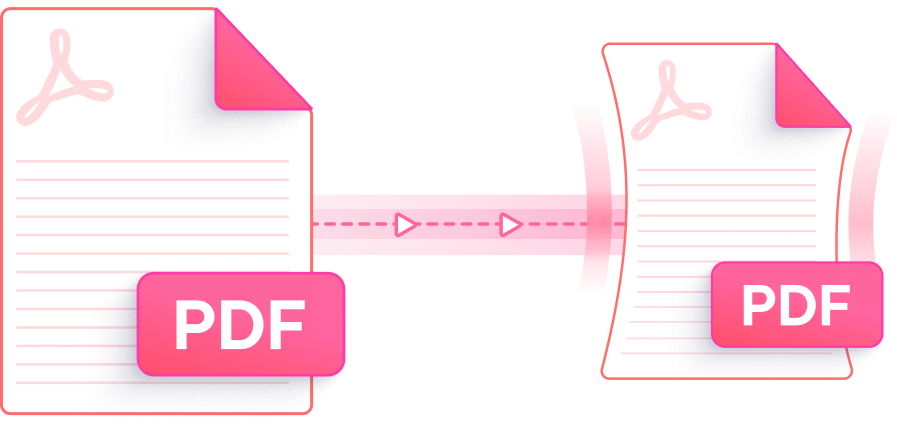
Get your document down to 90KB or less with a faster, smarter, and safer online compressor that keeps your pages looking great.

PDNob squeezes your document down to 90KB while keeping letters legible and graphics clean, so the layout you upload is the layout you download.

Pick the compression strength that fits your file. The High setting pushes the size lower, so you can compress PDF to 90KB even when the original runs to several megabytes.

Upload, compress, and save your file online without paying — no watermarks stamped across your pages and no sign-up form to fill in.

Nothing to download and nothing to set up. Open PDNob in Chrome, Safari, Edge, or Firefox on Windows or Mac and start shrinking PDFs straight away.

Every transfer is guarded by SSL encryption, and your uploads are wiped from our servers automatically once compression finishes — so your documents never linger online.

A clean, clutter-free screen walks you through each step, so reducing a PDF to 90KB feels effortless even if you have never touched a compression tool before.
This AI-powered PDF editor brings tiered compression, editing, annotation, OCR scanning, and document management together in one app — built for students, professionals, and anyone who works with PDFs all day.

Open PDNob's online compressor, upload your PDF, pick a compression level, and download the result — most documents drop to 90KB or smaller within a few seconds. It runs free in your browser, which is handy when an application portal or government form caps uploads at a small file size.
Scanners usually save each page as a high-resolution color image, which is why a handful of scanned sheets can swell to several megabytes. PDNob re-encodes those images at a lower quality during compression, so a heavy scan can normally be reduced to 90KB with the text still readable. Choose the High compression level for the biggest size drop.
Text generally stays sharp because PDNob compresses the embedded images and resources rather than the text layer itself. On photo-heavy PDFs you might notice slightly softer pictures at 90KB, but the document stays clear enough to read on screen and print cleanly.
Some files hold high-resolution photos, embedded fonts, or detailed vector art that resist heavy compression. Switch to a stronger compression level first. If the free online version still can't reach 90KB, or your file is over the 15MB online limit, PDNob's paid plan accepts larger uploads, and PDNob Desktop can process very large PDFs locally on your own computer.
The free online compressor works on one file at a time, which is perfect for a quick single document. If you regularly need to shrink many files in one sitting, PDNob's paid online plan unlocks batch compression and larger uploads, while PDNob Desktop lets you queue entire folders of PDFs offline.
Yes. Files travel over an encrypted SSL connection and are removed from PDNob's servers automatically once compression is done, so they aren't kept on file. If you would rather keep sensitive documents entirely on your own machine, PDNob Desktop compresses them locally with no upload at all.
Edit, merge, sign, and convert PDFs effortlessly.
 PDNob PDF
750,796,000 Users

PDF Leaders
Since 2007
10M+ Docs
Protected Daily
ISO
Certified Tools
Your Files
Never Stored