

PDNob Online is currently available only on Windows and Mac desktop computers. Please switch to a desktop browser to use our features.
Founded in 2007, Tenorshare PDNob is trusted by millions to simplify work.


1,285,963 files have been successfully compressed for free.
Get PDNob Desktop, Your All-in-One PDF Solution!
Compress PDF to 50KBin just 3 quick steps:
Hit "Choose File" or drag and drop your PDF into the upload area.
Select your preferred compression level and click "Compress" to shrink your PDF to 50KB.
Save your compressed file by clicking the download button.
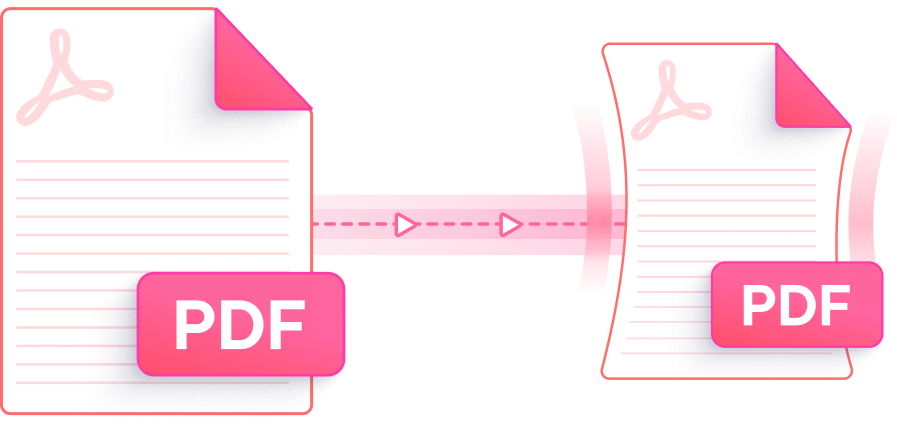
Make your PDF smaller than 50KB using a cloud-based tool built for speed, precision, and privacy — at no cost.

Even when reducing a PDF to 50KB, PDNob preserves the sharpness of text and the clarity of images through intelligent optimization — visible quality loss is minimized throughout.

Choose from multiple compression settings to find the right balance between file size and visual fidelity. Select the High Compression mode to aggressively Compress PDF to 50KB.

Compress PDF to 50KB in your browser without paying anything. No account creation, no watermarks — just upload and get your smaller file instantly.

Whether you're on a Windows PC, Mac, or mobile device, you can reduce PDF file size to 50KB directly from your browser — no downloads or installations needed.

All files are transferred via SSL encryption and permanently removed from our servers once processing is complete. Your documents remain entirely private and are never shared.

The streamlined interface guides you to compress PDF to 50KB in seconds — no learning curve, no technical knowledge required.
Go beyond basic compression — PDNob Desktop gives you a full suite of PDF tools including flexible compression settings, editing, annotation, AI-powered OCR, and complete document management. Trusted by students, professionals, and teams alike.

Yes — PDNob's cloud-based PDF compressor can reduce many PDF files to 50KB or below at no cost. Simply upload your file, choose a compression level, and download the result. No sign-up or payment is required, and the tool runs entirely in your browser.
Not necessarily. PDNob applies intelligent optimization to both text layers and embedded images, keeping your content readable even at very small file sizes. For documents packed with high-resolution images, some reduction in image sharpness is expected, but text clarity is always maintained.
On a Mac, open PDNob's online PDF compressor in any browser — Safari, Chrome, or Firefox — and upload your file to reduce it to under 50KB without installing anything. Alternatively, you can use macOS Preview by opening the PDF, going to File > Export, and applying the Quartz Filter "Reduce File Size," though PDNob typically achieves significantly smaller output with more control.
PDFs with many embedded high-resolution photos, scanned pages, or complex vector illustrations tend to be most resistant to aggressive compression. If your file contains mostly text or simple graphics, reaching 50KB is much more achievable. For image-heavy files, try selecting the highest compression setting available in PDNob to get as close to 50KB as possible.
Adobe Acrobat's built-in compression (File > Save As Other > Reduced Size PDF) can reduce file size, but reaching as low as 50KB often requires a paid Acrobat Pro subscription with PDF Optimizer settings. PDNob offers a free online alternative with comparable compression power — no subscription required.
The cloud-based compressor on PDNob supports file uploads up to 15MB. If your PDF exceeds this limit, PDNob Desktop handles files of any size locally on your computer — no upload cap, no internet connection required.
Edit, merge, sign, and convert PDFs effortlessly.
 PDNob PDF
750,796,000 Users

PDF Leaders
Since 2007
10M+ Docs
Protected Daily
ISO
Certified Tools
Your Files
Never Stored