

PDNob Online is currently available only on Windows and Mac desktop computers. Please switch to a desktop browser to use our features.
Founded in 2007, Tenorshare PDNob is trusted by millions to simplify work.


1,285,963 files have been successfully compressed for free.
Get PDNob Desktop, Your All-in-One PDF Solution!
Only 3 steps to compress PDF to 180KB or smaller:
Click the "Choose Files" button or drag your PDF into the drop zone.
Click the "Compress" button to start compressing your PDF to 180KB.
Download and save your reduced PDF file.
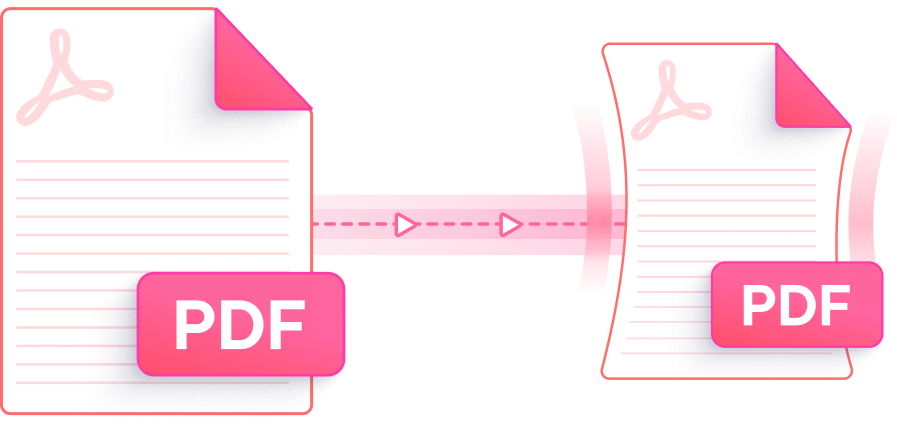
Shrink your PDF to 180KB or below — faster, smarter, and more reliably than any other free online tool.

Advanced compression algorithms shrink PDF files to 180KB or below while keeping text legible and images visually sharp — formatting stays intact throughout.

Select from different compression presets to match your needs. Crank it up to High Compression and your PDF will reach 180KB with ease — no manual tweaking required.

Compress PDF to 180KB at no cost, any time. No account creation, no watermarks added — just upload, compress, and download your file instantly.

Compress PDF to 180KB entirely in your web browser — nothing to install. Compatible with Chrome, Firefox, Safari, and Edge on Windows and Mac.

All uploads are protected by SSL encryption. Files are automatically purged from our servers once compression is complete — your documents are never stored or shared.

A streamlined, distraction-free interface makes compressing PDFs to 180KB straightforward for anyone — whether it's your first time or your hundredth.
This AI-powered PDF editor allows for different level of PDF compression, editing, annotation, OCR scanning, and documents management. Ideal for students, professionals, and power users.

Yes. PDNob PDF Compressor lets you compress PDF to 180KB online at no cost. Simply upload your file, select your compression level, and click Compress. The process takes seconds and requires no account or software installation — just open the tool in your browser and go.
Not with the right tool. PDNob optimizes image data and document resources independently, so text clarity and layout structure are preserved even when you compress PDF to under 180KB. Documents with dense graphics may show subtle changes, but readability is consistently maintained.
Open PDNob's online PDF compressor in Safari or any Mac browser — no installation required. Upload your PDF, choose a compression level, and download the result under 180KB. You can also use macOS Preview by going to File > Export and applying the Reduce File Size Quartz filter, though PDNob gives you more precise control over the output size.
Adobe Acrobat's PDF compression requires a paid subscription. PDNob's online compressor achieves comparable results for free — upload your PDF, compress it to 180KB, and download without spending anything. For power users who need batch compression or larger file support, upgrading to PDNob's paid plan or desktop version unlocks those capabilities.
PDFs with high-resolution photos, embedded typefaces, or layered vector art can be harder to compress. If your file is still above 180KB, try switching to a higher compression preset in PDNob. Upgrading to PDNob Online's paid plan unlocks enhanced compression for larger, more complex files, and PDNob Desktop can handle them locally with no file size cap.
The free version of PDNob's online compressor accepts PDF files up to 15MB. If your source file is larger than that, PDNob Online's paid plan raises the cap to 100MB and adds batch processing. For files of any size with no internet dependency, PDNob Desktop handles compression entirely on your computer.
Edit, merge, sign, and convert PDFs effortlessly.
 PDNob PDF
750,796,000 Users

PDF Leaders
Since 2007
10M+ Docs
Protected Daily
ISO
Certified Tools
Your Files
Never Stored