

PDNob Online is currently available only on Windows and Mac desktop computers. Please switch to a desktop browser to use our features.
Founded in 2007, Tenorshare PDNob is trusted by millions to simplify work.


1,285,963 files have been successfully compressed for free.
Get PDNob Desktop, Your All-in-One PDF Solution!
Just 3 steps to reduce PDF size from MB to KB:
Click "Choose File" or drag and drop your PDF into the upload area.
Hit the "Compress" button to start reducing your PDF size from MB to KB.
Download your compressed PDF file once processing is complete.
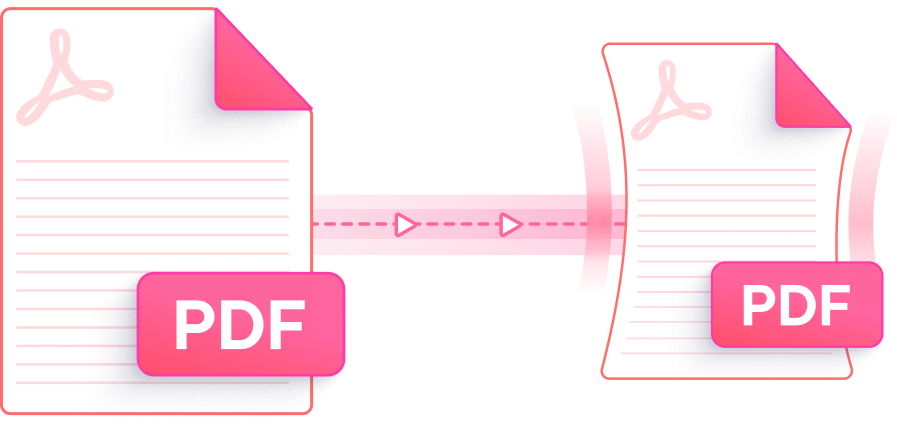
Cut PDF file size from MB down to KB with a fast, reliable, and browser-based tool — no quality compromise required.

PDNob's smart engine analyzes each PDF element individually to compress PDF from MB to KB while keeping text crisp and visuals clear. The result is a noticeably lighter file that still looks professional.

Whether you need a moderate reduction or want to aggressively shrink PDF from MB to KB, PDNob offers selectable compression levels to match your specific file size goals.

Access PDNob's PDF size reducer online without spending a cent. Upload your file, compress PDF from MB to KB, and save the result — no account creation or watermark involved.

There's nothing to install. Open PDNob in any desktop browser on Windows or Mac and start compressing large PDF files to KB right away — the tool runs fully online.

Every upload is transferred via SSL-encrypted connection. Once your compressed PDF is ready, all files are purged from the server automatically — ensuring your documents remain confidential.

No technical knowledge needed. PDNob's clean layout guides you through compressing PDF from MB to KB in a few clicks — whether you're a first-time user or handle documents daily.
PDNob Desktop is an AI-powered PDF suite with advanced compression, full editing, annotation, OCR scanning, and document management — built for professionals, students, and power users who need more than a browser tool.

The quickest method is to use PDNob's online PDF compressor. Upload your file, click "Compress," and the tool will automatically reduce PDF size from MB to KB. No registration or software download is needed — the whole process takes under a minute for most files.
Yes. PDNob compresses PDF from MB to KB by optimizing image resolution, stripping redundant data, and restructuring embedded resources — while keeping text fully legible. For image-heavy documents, you can select a lighter compression level to better balance file size and visual quality.
Open PDNob's PDF compressor in Safari or Chrome on your Mac — no installation required. Upload the PDF, choose your compression level, and download the reduced file in KB. You can also use macOS Preview's built-in "Reduce File Size" export option, though PDNob gives you more control over the output.
PDFs that contain many high-resolution images, embedded video thumbnails, or complex vector layers are harder to shrink below 1MB. Try switching to a higher compression level in PDNob, or consider splitting the document into smaller sections. If the PDF already uses compressed images, further reduction may be limited.
PDNob uses SSL encryption for all file transfers, meaning your documents are protected during upload and processing. All files are automatically deleted from the server after compression completes — they are never stored long-term or shared with third parties.
PDNob's free online tool accepts PDF files up to 15MB for cloud-based compression. If your file exceeds this limit, PDNob Desktop handles files of any size locally on your computer, making it suitable for compressing very large multi-MB PDFs down to KB.
Edit, merge, sign, and convert PDFs effortlessly.
 PDNob PDF
750,796,000 Users

PDF Leaders
Since 2007
10M+ Docs
Protected Daily
ISO
Certified Tools
Your Files
Never Stored