

PDNob Online is currently available only on Windows and Mac desktop computers. Please switch to a desktop browser to use our features.
Founded in 2007, Tenorshare PDNob is trusted by millions to simplify work.


8,508,519 files have been successfully OCR-processed for free.
Get PDNob Desktop, Your All-in-One PDF Solution!
3 Simple Steps to Turn PDF into Editable PDF:
Upload your PDF file — scanned documents, image-based PDFs, and standard files are all supported.
Select your document language and click "OCR PDF" to turn PDF into editable PDF instantly.
Download your converted editable PDF with fully selectable and searchable text — ready to use right away.
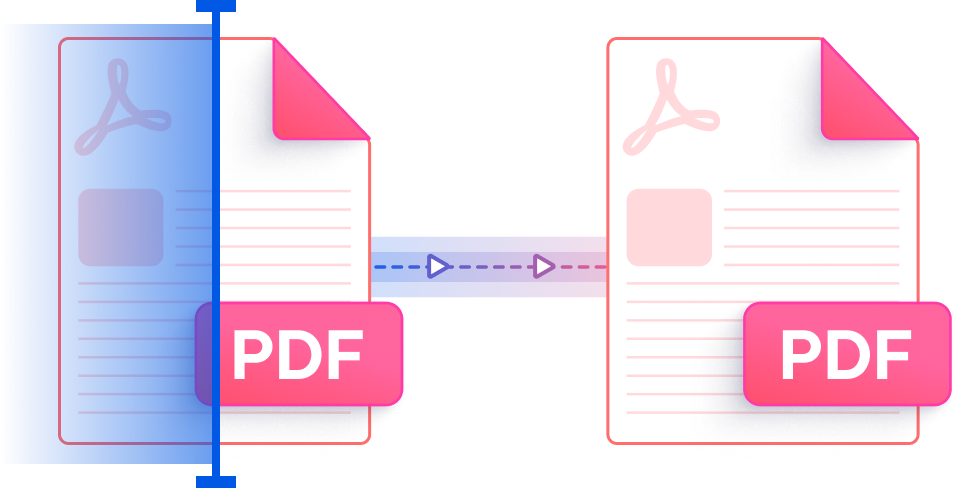
PDNob uses ABBYY OCR technology to turn PDF into editable PDF documents. Whether your source file came from a scanner, a photo, or a fax, the AI engine reads each character with precision and rebuilds it as real, selectable text — so you can edit, copy, and search without any manual retyping.
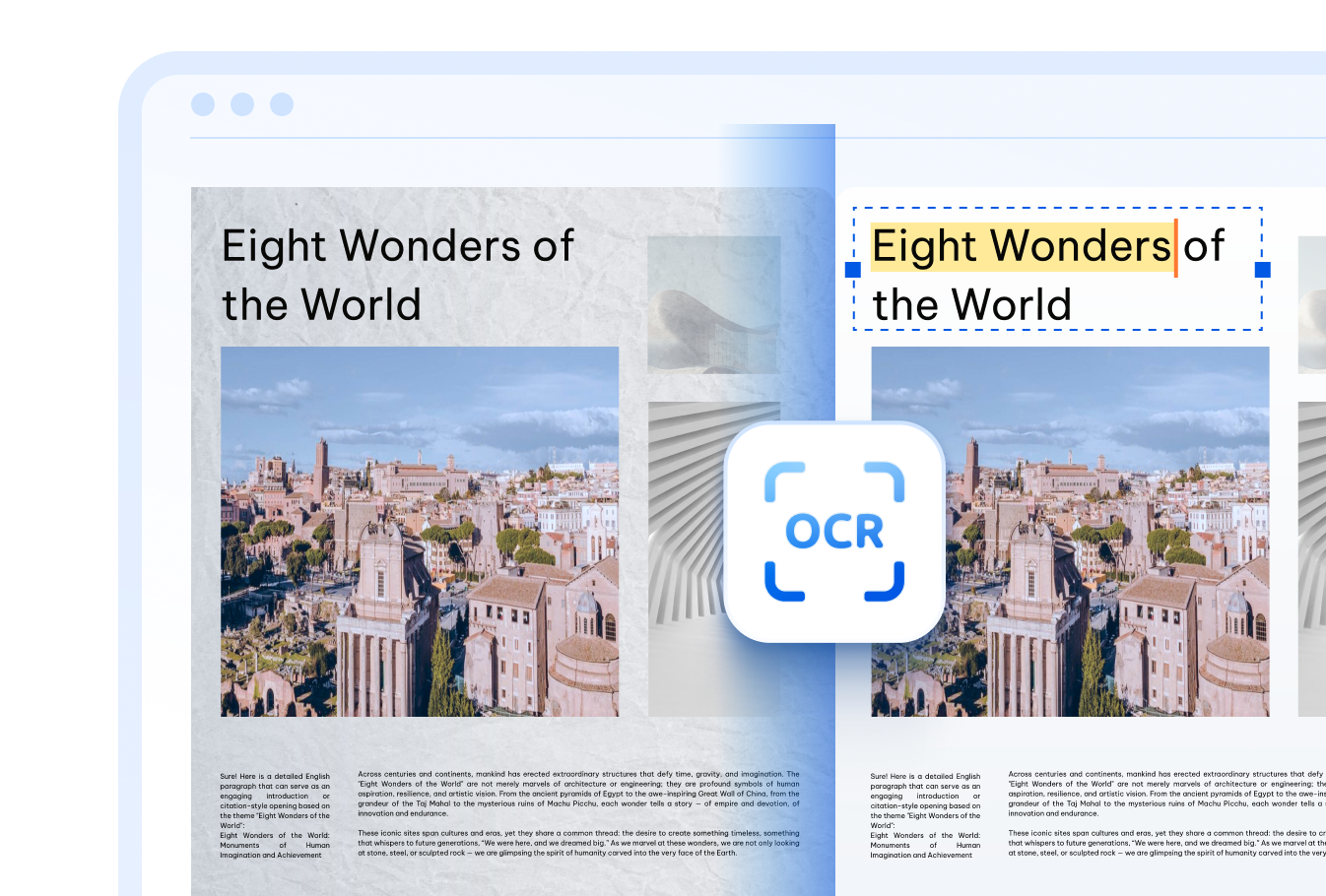

Make your PDF editable across more than 16 languages — English, Chinese (Simplified & Traditional), Japanese, Korean, Arabic, French, German, Spanish, Russian, Portuguese, Italian, Dutch, Turkish, Indonesian, Thai, and more. Multi-language documents are handled seamlessly.

PDNob's cloud engine can turn PDF into editable PDF even when the source is a degraded scan, a low-contrast printout, or a handwritten page. Just upload your file and let the AI handle the rest — no desktop software needed.

Every file you upload to make an editable PDF is sent over a TLS-encrypted connection and permanently deleted from our servers once processing is complete — so your sensitive documents never linger in the cloud.
Students and teachers can turn scanned textbooks, printed worksheets, and lecture handouts into editable PDFs — making it easy to annotate, highlight, and revise content digitally without retyping a single word.

Translators and multilingual teams can turn PDF into editable PDF in their working language, making it far simpler to extract, adapt, and localize content from documents originally produced in a foreign language.



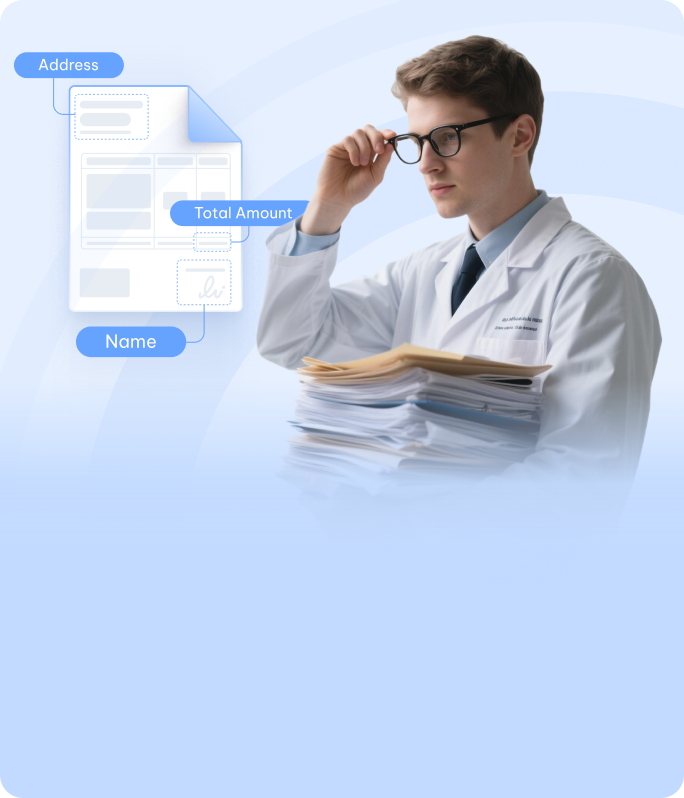
Administrative teams handling paper-based invoices, contracts, or archived records can turn PDF into editable PDF files — enabling fast data lookup, direct content updates, and a smoother transition to digital workflows.


Once you turn a PDF into an editable PDF, PDNob PDF Editor lets you go even further — modify content directly, add annotations, apply digital signatures, compress files, and manage multi-page documents entirely offline. Built for professionals who need real editing control, not just basic conversion.

Sign in to PDNob, upload your PDF, select the document language, and click "OCR PDF." The engine analyzes the content and returns a fully editable PDF where all text is selectable and searchable. Files up to 15MB are supported in the cloud version.
A downloaded PDF may still be non-editable if it was originally a scanned image rather than a text-based file. To make it truly editable, you need to run OCR first. PDNob's OCR engine processes the image layers and embeds real, machine-readable text into the PDF output.
Yes, PDNob's AI-OCR engine is trained to recognize handwritten content in addition to printed text. Results depend on the clarity of the handwriting — neatly written documents process with strong accuracy, while heavily stylized or cursive writing may yield partial recognition.
On a Mac, you can use PDNob's web-based tool directly in Safari or Chrome — no installation needed. While macOS Preview offers a basic export option, it does not perform OCR on image-based PDFs. PDNob gives you a properly editable PDF output with recognized text across the full document.
A regular PDF — especially one created from a scan — stores pages as images, meaning the text cannot be selected, copied, or searched. An editable PDF contains actual character data embedded in the file, allowing you to interact with the text directly. OCR tools like PDNob bridge the gap by converting image-based PDFs into editable ones.
PDNob's OCR process overlays recognized text onto your existing PDF pages, preserving the visual appearance of the original document. The output maintains your original formatting, page structure, and images — only the invisible text layer is added to make it editable and searchable.
Edit, merge, sign, and convert PDFs effortlessly.
 PDNob Online
750,796,000 Users

PDF Leaders
Since 2007
10M+ Docs
Protected Daily
ISO
Certified Tools
Your Files
Never Stored