

PDNob Online is currently available only on Windows and Mac desktop computers. Please switch to a desktop browser to use our features.
Founded in 2007, Tenorshare PDNob is trusted by millions to simplify work.


6,392,148 TIFF files have been successfully converted to searchable PDF for free.
Get PDNob Desktop, Your All-in-One PDF Solution!
3 Simple Steps to Convert TIFF to Searchable PDF:
Upload your TIFF image or scanned file to PDNob.
Select the document language and click "OCR PDF" to start the conversion.
Download your TIFF as a fully searchable, selectable PDF with recognized text.
PDNob runs on ABBYY's advanced OCR engine to read the text embedded inside TIFF images and rebuild TIFF as searchable PDF. Whether your TIFF comes from a flatbed scanner, a digital camera, or a fax machine, PDNob accurately recognizes the characters and convert TIFF to searchable PDF with selectable, searchable, and editable text — no retyping required.
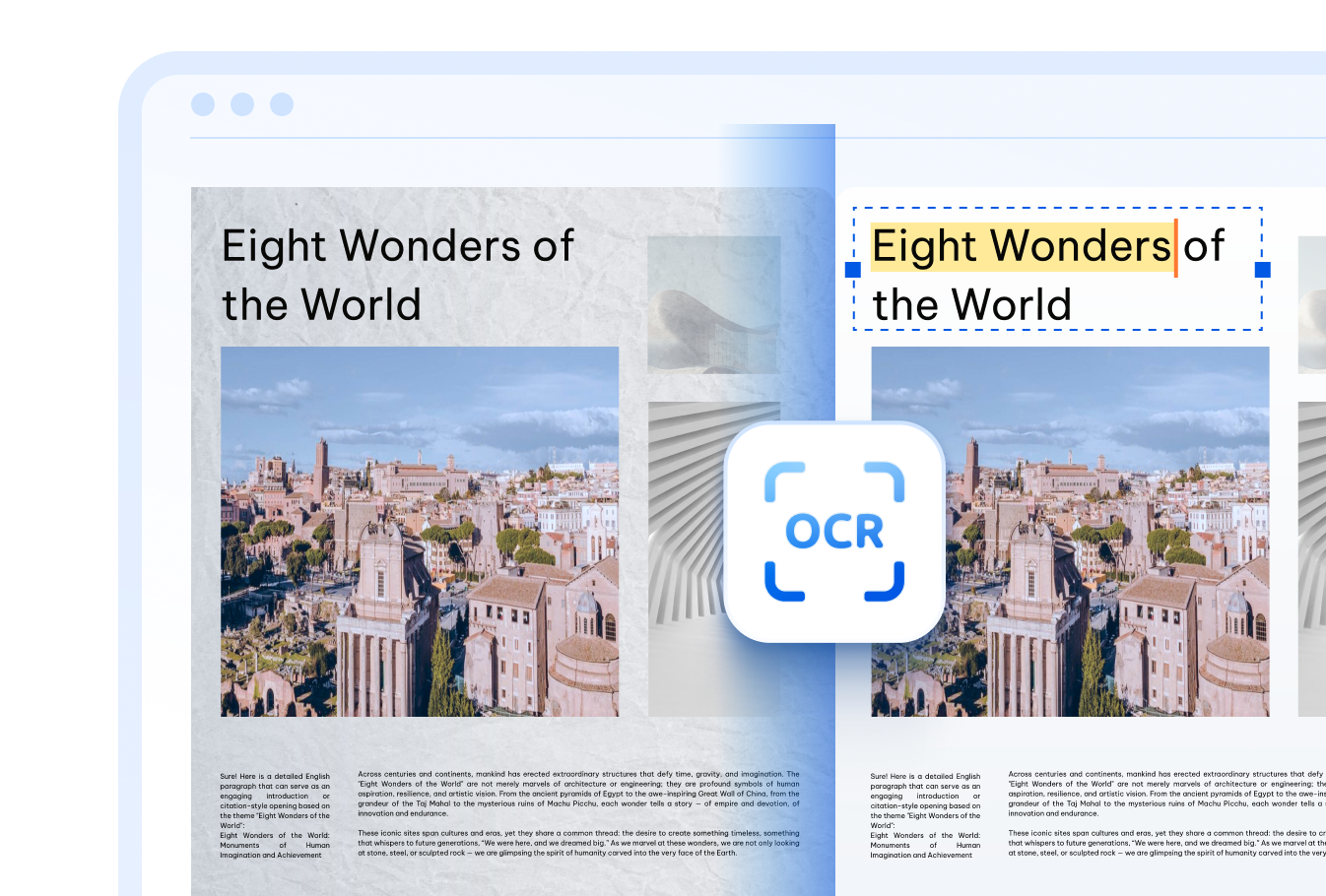

PDNob's OCR recognizes text inside TIFF files written in 16+ languages — including English, Chinese (Simplified & Traditional), Japanese, Korean, Arabic, French, German, Spanish, Russian, Portuguese, Italian, Dutch, Turkish, Indonesian, and Thai — making it simple to turn multilingual TIFF archives into searchable PDFs.

Many TIFF files contain dozens of stacked image pages. PDNob's cloud OCR engine reads through every page of a multi-page TIFF and merges the recognized text into one organized, searchable PDF — no desktop software needed.

Every TIFF you upload travels over an encrypted connection and is automatically removed from PDNob's servers once your searchable PDF is ready — keeping confidential scans and archives fully protected.
Students and researchers often receive scanned textbooks, lecture slides, or archived pages as TIFF files. Converting them to searchable PDF makes it easy to highlight, copy, and search through study materials.



Global teams handling multilingual TIFF scans can run them through PDNob's OCR, and convert TIFF to searchable PDFs, making it easy to copy, translate, or search foreign-language text without retyping every page.



Offices that archive contracts, invoices, or ID scans as TIFF files can convert TIFF to searchable PDF to speed up filing, enable instant keyword search, and cut down on manual data entry across departments.



Go beyond TIFF conversion — PDNob PDF Editor lets you edit the recognized text directly, annotate, sign, compress, and manage your PDF files entirely offline. Built for professionals who need precision and speed in every document task.

Upload your TIFF image to PDNob, choose the language used in the document, and click "OCR PDF". The AI-OCR engine scans the text inside the TIFF and generates a searchable, selectable PDF that you can download right away.
Yes. When you upload a multi-page TIFF file, PDNob processes every page in order and combines the recognized text into a single searchable PDF, keeping the original page sequence intact.
A TIFF is an image format, so any text it contains is part of the picture rather than digital characters. Running the file through PDNob's OCR converts those image-based characters into real, searchable text inside a new PDF.
PDNob's OCR can recognize many handwriting styles, though accuracy depends on legibility. Printed text in TIFF scans generally converts with higher accuracy than handwritten notes.
A basic TIFF to PDF conversion simply places the image inside a PDF container. A TIFF to searchable PDF conversion runs OCR on the image first, adding an invisible text layer so the content can be searched, selected, and copied.
PDNob's cloud-based converter supports TIFF files up to 15MB. For larger TIFF files, the PDNob desktop application can process bigger files without this limit.
Edit, merge, sign, and convert PDFs effortlessly.
 PDNob Online
750,796,000 Users

PDF Leaders
Since 2007
10M+ Docs
Protected Daily
ISO
Certified Tools
Your Files
Never Stored