

PDNob Online is currently available only on Windows and Mac desktop computers. Please switch to a desktop browser to use our features.
Founded in 2007, Tenorshare PDNob is trusted by millions to simplify work.


4,568,995 files have been successfully converted for free.
Get PDNob Desktop, Your All-in-One PDF Solution!
Convert PNG, JPG, JPEG, BMP, or TIFF screenshots to PDF in just 3 quick steps:
Upload one screenshot or drag and drop several at once. We accept PNG, JPG, JPEG, BMP, and TIFF files.
Click “Convert” to turn your screenshots into a single PDF document.
Download the high-quality PDF and share it anywhere.
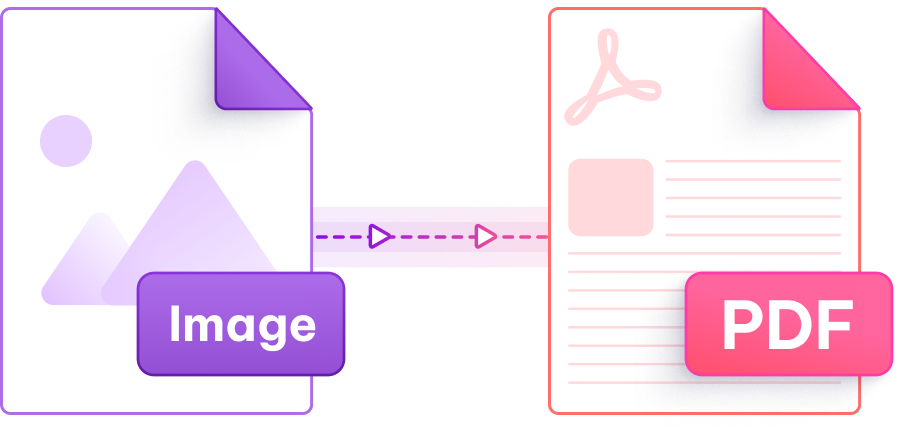
Built-in screenshot tools only grab what's visible on screen, so anything that scrolls (chat threads, error logs, long articles) needs multiple captures and manual stitching before it can be turned into a clean PDF.
Some online converters compress screenshots aggressively and crisp UI labels, dropdown values, and toolbar icons turn into fuzzy rectangles once they sit inside a PDF page. Tiny numbers become unreadable fast.
Default file names like "Screenshot 1", "Screenshot 2" tell you nothing about content or sequence, and reordering pages inside a finished PDF is click-heavy without a drag-and-drop reorder step before conversion.
A PNG copied to your Mac clipboard rarely pastes cleanly into a Windows-friendly tool, and HEIC screenshots from phones often refuse to upload at all without first opening a separate converter app.
Use our screenshot to PDF converter free online to turn any capture into a polished PDF in seconds. Convert screenshots to PDF, fast and private, and it works in your browser without installing anything.

Turn screenshots into PDF online at no cost. No account, no installation, no pop-up ads eating your screen.

Your screenshot's resolution stays intact through conversion, so tiny UI text and icons stay crisp in the final PDF, ready for printing or sharing.

Drop dozens of screenshots at once and merge them into one PDF. Reorder pages by dragging before you click Convert.

Open the page, upload, done. No downloads, no plugin installs, no waiting for an installer to finish.

Every screenshot you upload travels through a secure encrypted channel, gets processed automatically, and is wiped from our servers within minutes.

Works with PNG, JPG, JPEG, BMP, and TIFF screenshots captured on Windows, Mac, or most screen-grab tools, including multi-monitor captures.
PDNob PDF Editor turns your screenshots into editable, searchable documents. Add callouts, redact sensitive info, merge with other PDFs, and run OCR on captured text. All without leaving your desktop.

Yes. Upload your screenshot to PDNob's free online tool, click Convert, and the resulting PDF preserves the original pixel layout. You don't need to open the Print dialog or use “Save as PDF” through your browser. The file comes out as a standalone PDF.
On Mac, you can turn screenshot into pdf on mac without installing anything. Just use the built-in Screenshot app or Cmd+Shift+4 to capture, then drag the PNG or JPG files into PDNob's upload area at once. The tool merges them in the order you drop them, so you can drag to reorder before downloading the merged PDF.
Yes, the free screenshot to PDF converter lets you convert screenshots to PDF online with no signup required. Free plan covers up to 10 screenshots or 15MB per session. If you regularly convert larger captures, the paid plan bumps the limit to 100MB per file.
No. PDNob embeds screenshots at their original pixel dimensions, so a 2560×1440 capture stays 2560×1440 in the PDF. Retina and 4K screenshots don't get downscaled when you turn a screenshot into a PDF here.
After taking the screenshot with Snipping Tool or Win+Shift+S, save it as PNG and drop it into PDNob's online converter. The full flow takes about 5 seconds per file, and you can convert screenshots to PDF in batches of up to 10 on the free tier. For heavier work, the PDNob Desktop app handles larger batches offline.
Edit, merge, sign, and convert PDFs effortlessly.
 PDNob Online
750,796,000 Users

PDF Leaders
Since 2007
10M+ Docs
Protected Daily
ISO
Certified Tools
Your Files
Never Stored