

PDNob Online is currently available only on Windows and Mac desktop computers. Please switch to a desktop browser to use our features.
Founded in 2007, Tenorshare PDNob is trusted by millions to simplify work.


8,508,519 documents have been successfully scanned and converted for free.
Get PDNob Desktop, Your All-in-One PDF Solution!
3 Steps to Turn Your Scanned Document into a Searchable PDF:
Upload your scanned document or image file (JPG, JPEG, PNG, TIFF, BMP, or PDF) to PDNob.
Select the document language and click "OCR PDF" to begin scanning and text recognition.
Download your converted PDF — fully searchable, selectable, and ready to use.
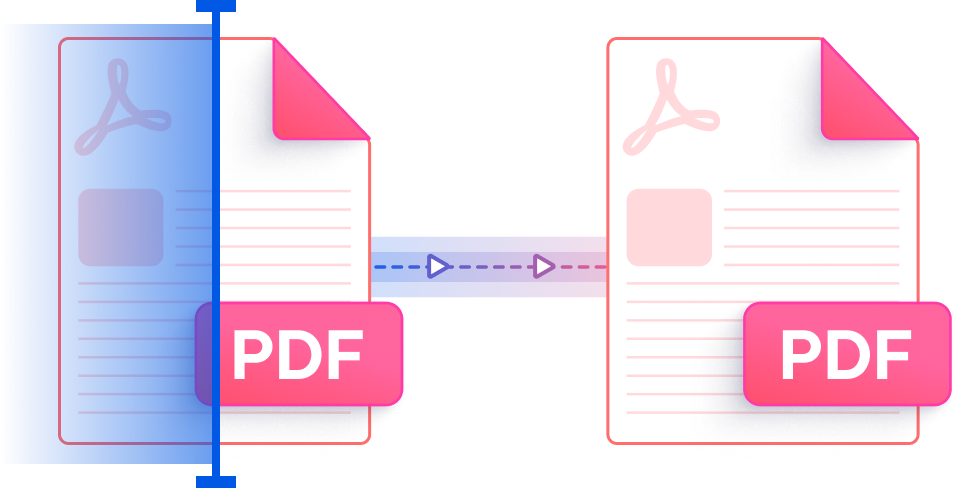
PDNob uses ABBYY-powered AI to scan documents and convert them into precise, machine-readable text. Whether the source is a physical paper scan, a photographed receipt, or a fax output, PDNob identifies every character with exceptional clarity — delivering a fully editable and searchable PDF without any manual input from you.
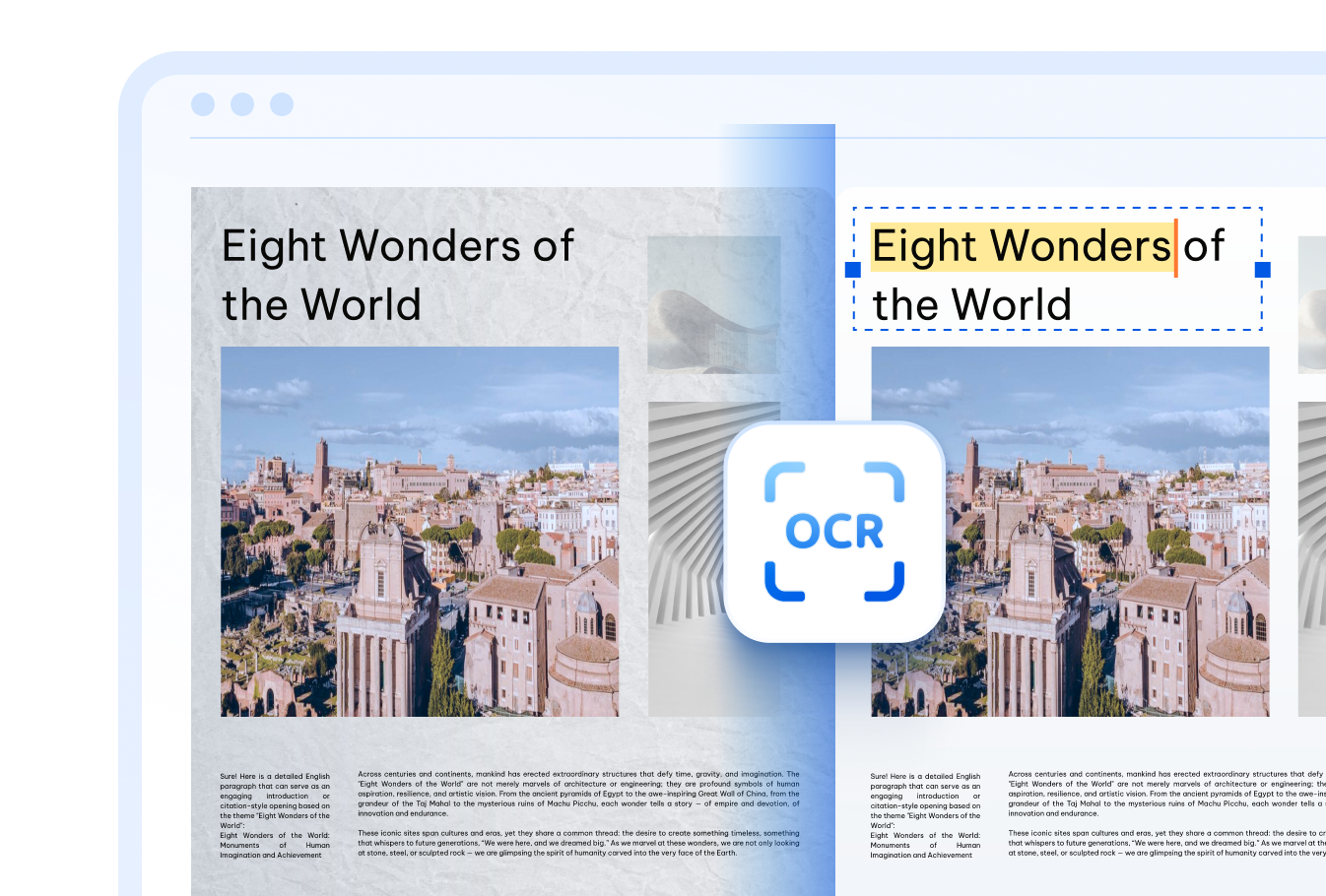

Recognize and convert scanned documents written in more than 16 languages — English, Chinese (Simplified & Traditional), Japanese, Korean, Arabic, French, German, Spanish, Russian, Portuguese, Italian, Dutch, Turkish, Indonesian, Thai, and more.

PDNob's cloud-based scanner handles documents with uneven lighting, faded ink, low resolution, or even moderately unclear handwriting. No special preparation needed — just upload your file and the AI takes care of the rest.

Every file you upload is transmitted through TLS-encrypted channels and permanently deleted from our servers once processing is complete. Your scanned documents are never stored or shared — privacy is built into every step.
Students and educators scan physical textbooks, handwritten notes, and printed assignments to create digital copies they can search and annotate — no more flipping through paper stacks.


Translators and international teams scan multilingual documents to quickly extract text for translation workflows — supporting over 16 languages without any manual retyping.



Office teams scan paper invoices, contracts, HR forms, and meeting records to build fully searchable digital archives — cutting retrieval time and eliminating manual data entry from daily workflows.



Go beyond scanning — PDNob PDF Editor lets you edit recognized text directly, annotate pages, add signatures, compress files, and manage your entire PDF workflow entirely offline. Purpose-built for professionals who demand accuracy and efficiency in every document task.

Yes. PDNob lets you scan documents to PDF directly from your browser using any image file — including photos taken with your phone camera, screenshots, or files exported from a flatbed scanner. Upload the image (JPG, JPEG, PNG, TIFF, or BMP), click "OCR PDF," and download the resulting searchable PDF. No physical scanner app or hardware required.
PDNob's online document scanner accepts JPG, JPEG, PNG, TIFF, and BMP image files, as well as existing PDF documents. This covers the most common formats produced by flatbed scanners, mobile scanning apps, and digital cameras. After processing, the output is always a searchable, selectable PDF.
PDNob uses ABBYY OCR technology, which delivers up to 99% recognition accuracy on clean, high-resolution scans in the desktop version. The cloud-based tool performs strongly on most standard documents. Accuracy depends on scan quality, font clarity, and source language — sharper originals consistently produce better results.
The cloud version of PDNob supports document uploads up to 15MB per file. If your scanned document exceeds this size, the PDNob desktop application can handle larger files without this restriction, making it the better option for high-resolution or multi-page document scans.
PDNob's AI OCR engine is trained to handle a range of handwriting styles in addition to printed text. While very stylized or heavily degraded handwriting may yield lower accuracy, most everyday handwritten notes and forms are processed reliably. For best results, ensure the scan is well-lit and in focus before uploading.
Yes. All files uploaded to PDNob are transferred using TLS encryption and are automatically removed from the server after processing is complete. Your scanned documents are never retained, sold, or accessed by third parties — security is applied at every stage of the scanning and conversion process.
Edit, merge, sign, and convert PDFs effortlessly.
 PDNob Online
750,796,000 Users

PDF Leaders
Since 2007
10M+ Docs
Protected Daily
ISO
Certified Tools
Your Files
Never Stored