

PDNob Online is currently available only on Windows and Mac desktop computers. Please switch to a desktop browser to use our features.
Founded in 2007, Tenorshare PDNob is trusted by millions to simplify work.


8,508,519 files have been successfully OCR-processed for free.
Get PDNob Desktop, Your All-in-One PDF Solution!
3 Simple Steps to Convert PNG to Searchable PDF:
Upload your PNG image file to PDNob.
Choose the document language and click "OCR PDF" to start OCR processing.
Download your converted file as a fully searchable, selectable PDF with recognized text.
PDNob is built on ABBYY's industry-leading OCR engine, which reads the text inside your PNG images — whether they're screenshots, photographed pages, or design exports — and turns PNG to searchable PDF you can select, copy, and edit without retyping a single word.
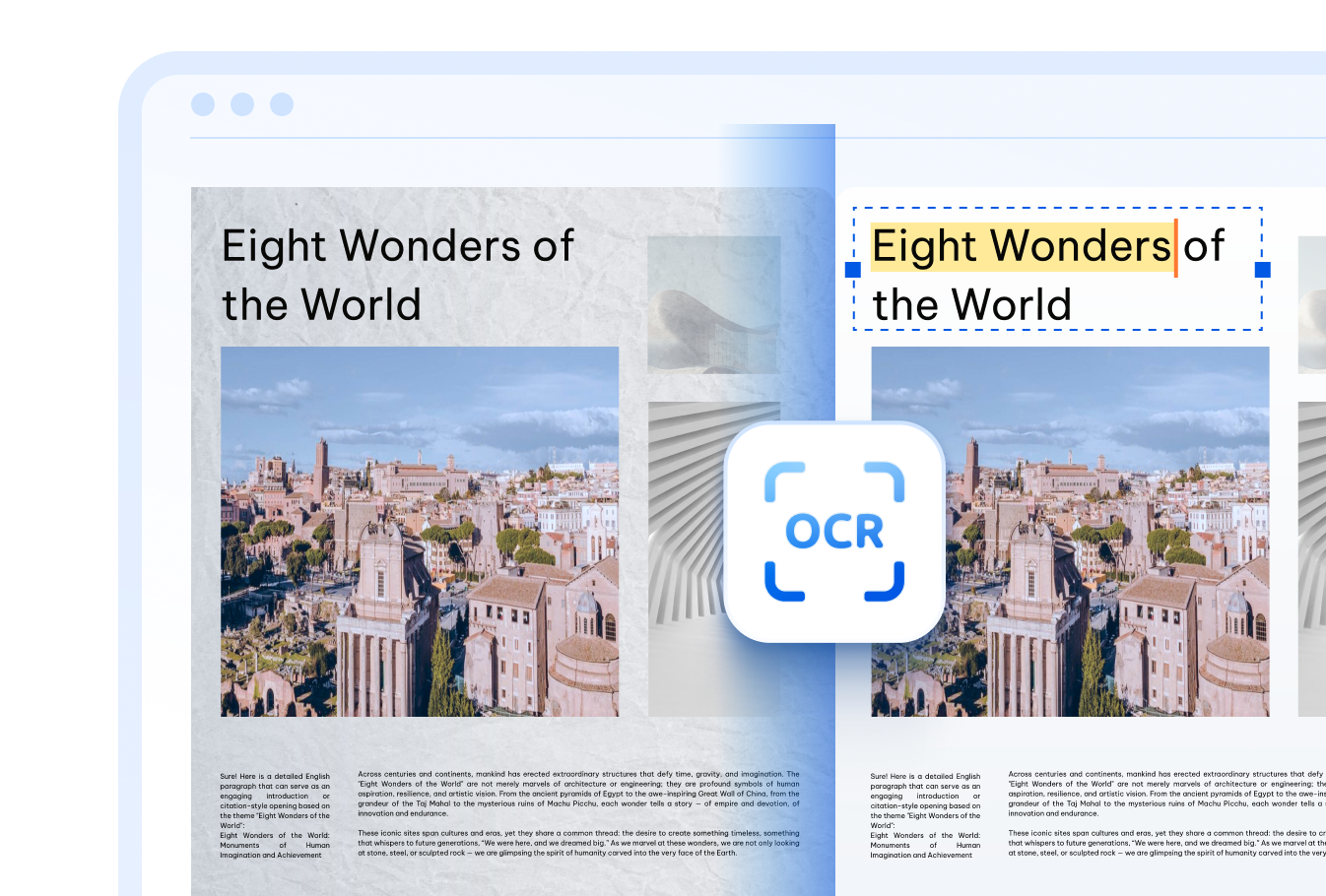

PDNob recognizes text in PNG images across 16+ languages — including English, Chinese (Simplified & Traditional), Japanese, Korean, Arabic, French, German, Spanish, Russian, Portuguese, Italian, Dutch, Turkish, Indonesian, and Thai — so multilingual PNGs become searchable PDFs in one pass.

Blurry screenshots, low-resolution photos, or faded scans saved as PNG are no problem — PDNob's cloud OCR engine still reads the text and easily convert PNG to searchable PDF. Just upload your image and let the AI handle the rest.

Every PNG you upload travels over a TLS-encrypted connection and is automatically removed from our servers once the conversion finishes — keeping your images and the converted PDF confidential the whole way through.
Students and teachers who save lecture slides, handwritten notes, or textbook pages as PNG screenshots can convert them to searchable PDFs, making it easy to highlight key points and find information while studying.



Translators and researchers who collect foreign-language images can convert PNG to searchable PDF to quickly locate specific terms and copy text for translation, instead of retyping content by hand.



Office teams that keep receipts, business cards, ID photos, or scanned forms as PNG files can turn them into searchable PDFs for faster filing, quicker keyword lookups, and tidier digital recordkeeping.



Beyond converting PNG to searchable PDF, PDNob PDF Editor lets you edit the recognized text directly, annotate, sign, compress, and manage your PDFs entirely offline — built for anyone who wants more control over every document task.

Yes. Upload your PNG screenshot to PDNob, select the recognition language, and click "OCR PDF." The AI-OCR engine analyzes the image and outputs a PDF where the text becomes selectable, searchable, and ready to copy.
No. PDNob keeps the original visual layout of your PNG and adds an invisible text layer underneath it. The resulting PDF still looks like your image, but the text inside can now be searched, highlighted, and copied.
A standard PNG to PDF conversion simply places the image on a PDF page, so any text remains part of the picture and can't be selected. A searchable PDF created with OCR adds a hidden, recognized text layer on top of the image, letting you search, select, and copy the text directly.
Yes. PDNob's ABBYY-powered OCR engine is designed to handle structured content such as tables, columns, and forms inside PNG images, preserving the general layout while extracting the text into a searchable PDF. Clear, high-resolution PNGs give the best results.
The online tool processes one PNG at a time to keep each conversion fast and accurate. If you regularly need to combine multiple images or process several files together, the PDNob desktop app offers batch conversion features for larger workloads.
In addition to PNG, PDNob's OCR tool also supports JPG, JPEG, TIFF, and BMP image files, as well as scanned PDF documents — so you can convert PNG to searchable PDF or any of these formats using the same workflow.
Edit, merge, sign, and convert PDFs effortlessly.
 PDNob Online
750,796,000 Users

PDF Leaders
Since 2007
10M+ Docs
Protected Daily
ISO
Certified Tools
Your Files
Never Stored