

PDNob Online is currently available only on Windows and Mac desktop computers. Please switch to a desktop browser to use our features.
Founded in 2007, Tenorshare PDNob is trusted by millions to simplify work.


6,488,793 files have been successfully converted for free.
Get PDNob Desktop, Your All-in-One PDF Solution!
3 simple steps to turn any scanned or image-based PDF into an editable Excel spreadsheet.
Upload your scanned or image PDF to the PDF to Excel OCR converter.
Select OCR mode to recognize text in scanned PDFs and convert to Excel.
Download your fully editable Excel file with data intact.
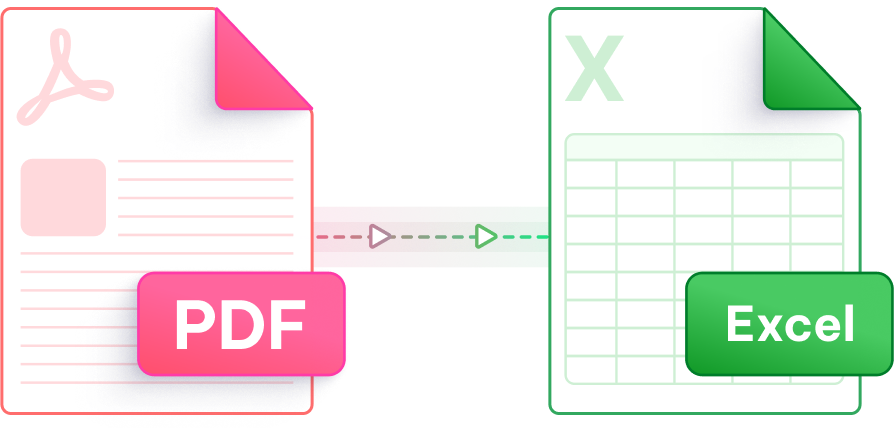
Turn scanned documents into structured spreadsheets — fast, accurate, and completely browser-based.

Our intelligent OCR engine reads characters from scanned pages and image-based PDFs, turning static content into structured, editable Excel data with high recognition accuracy.

Start converting PDF to Excel with OCR instantly — no account creation, no email required. Open your browser and get results without any sign-up friction.

Uploaded files are processed over an encrypted SSL connection and permanently removed from our servers after conversion — keeping your sensitive documents completely private.

Rows, columns, and cell boundaries from scanned tables are intelligently mapped to Excel grid structure, so your data lands in the right cells without manual cleanup.

Whether you are on Windows, Mac, or a mobile device, PDNob's cloud-based PDF to Excel OCR tool runs entirely in the browser — no software installation or plugin needed.

PDNob's OCR engine recognizes text across multiple languages, making it ideal for converting international documents, invoices, and reports from scanned PDF to Excel format.
PDNob's desktop app goes beyond OCR conversion — it delivers a complete PDF workflow with advanced editing, annotation tools, precise text recognition, and bulk processing, all running offline for maximum speed and privacy.

OCR (Optical Character Recognition) is the technology that reads text from images and scanned documents. When a PDF is created by scanning a paper document or saving images, there is no actual text data inside — just pixels. OCR analyzes those pixels, identifies letters and numbers, and converts them into real, selectable, editable text. Without OCR, a standard PDF-to-Excel tool would produce a blank or image-only spreadsheet. PDNob applies OCR automatically when it detects a scanned PDF, so the resulting Excel file contains actual data you can edit and sort.
Yes. Invoices and receipts are among the most common scanned documents people need to extract data from. PDNob's PDF to Excel OCR converter identifies line items, quantities, amounts, and totals from scanned invoice PDFs and maps them into corresponding Excel cells. This makes it much faster to process expense reports or accounting records compared to manual data entry.
PDNob uses a high-accuracy OCR engine that achieves strong recognition rates on clearly scanned documents. Accuracy depends on scan quality — a clean, high-resolution scan at 300 DPI or above will yield very reliable results. Low-quality or skewed scans may have minor errors, especially with small fonts or handwritten text. For most typed documents, tables, and printed forms, PDNob delivers output that requires little or no manual correction.
Yes, PDNob's OCR engine supports multiple languages, including major European and Asian languages. This makes it suitable for converting multilingual reports, international invoices, and foreign-language scanned documents into Excel. If you regularly work with documents in a specific language, the multilingual support ensures characters are recognized correctly rather than rendered as symbols or garbled text.
The free version of PDNob online PDF to Excel OCR tool supports files up to 15MB. For larger scanned PDFs — such as multi-page reports or lengthy archived documents — PDNob's desktop version handles bigger files without size restrictions. The desktop app also processes OCR faster on large documents since conversion runs locally on your machine rather than through the cloud.
A regular PDF that was created from a Word or Excel file contains actual embedded text, so converting it to Excel is straightforward — the tool just reads and maps the text. A scanned PDF contains only images of text, so the tool must first run OCR to identify and extract those characters before the conversion to Excel can happen. The OCR step adds processing time but is essential for producing an editable, usable spreadsheet from a scanned source.
Edit, merge, sign, and convert PDFs effortlessly.
 PDNob Online
750,796,000 Users

PDF Leaders
Since 2007
10M+ Docs
Protected Daily
ISO
Certified Tools
Your Files
Never Stored