

PDNob Online is currently available only on Windows and Mac desktop computers. Please switch to a desktop browser to use our features.
Founded in 2007, Tenorshare PDNob is trusted by millions to simplify work.


8,508,519 insurance and policy documents scanned and digitized for free.
Get PDNob Desktop, Your All-in-One PDF Solution!
3 Quick Steps to Scan and Digitize Your Insurance Documents:
Upload your insurance document — PDF, JPG, JPEG, PNG, TIFF, or BMP — to PDNob.
Select the document language and click "OCR PDF" to begin recognizing text in your insurance file.
Download your digitized insurance document as a fully searchable, selectable, and editable PDF.
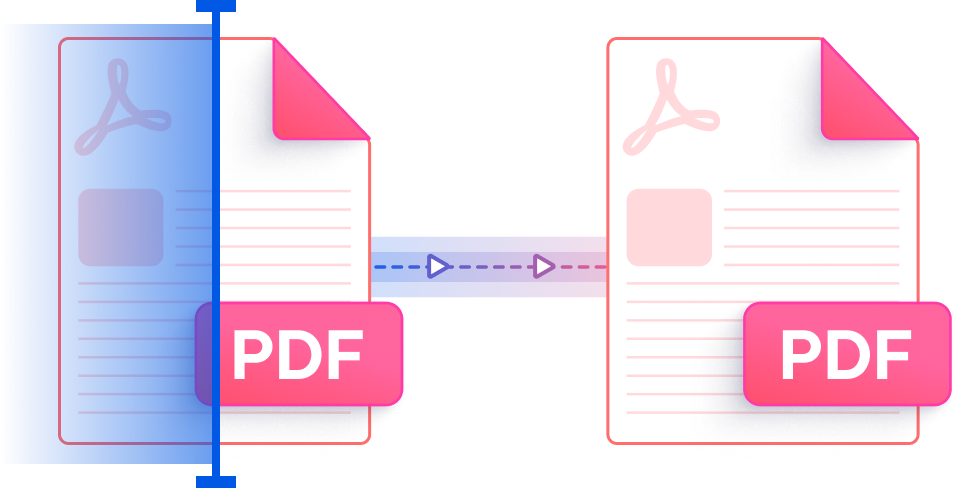
PDNob uses ABBYY-powered AI recognition to digitize insurance documents with exceptional precision. Whether you're working with a scanned policy form, a claim report image, or a photographed coverage certificate, PDNob accurately reads every field and converts it into selectable, editable content — eliminating the need to retype critical insurance data by hand.
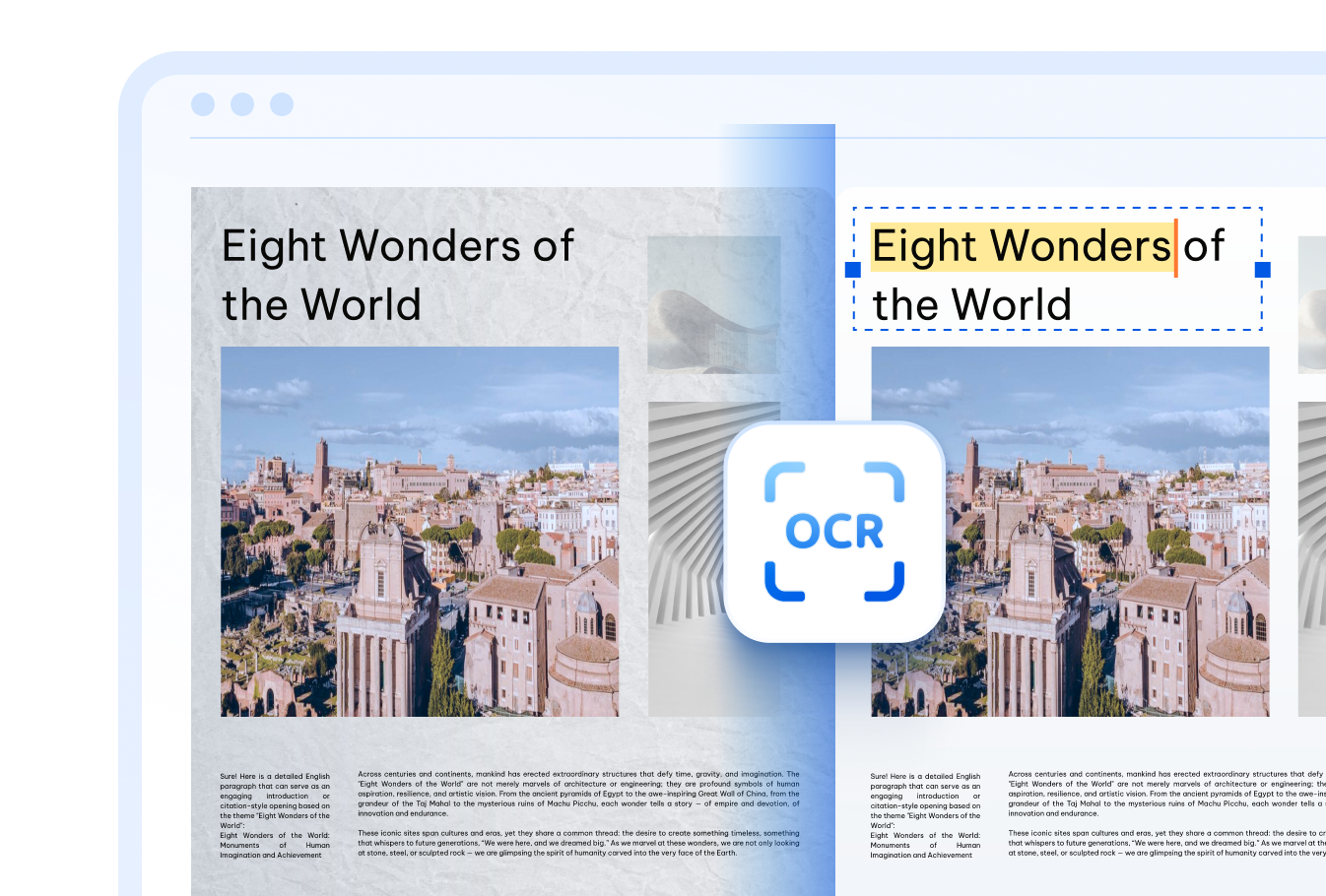

Digitize insurance paperwork from around the world. PDNob's insurance scanner handles documents in English, Chinese (Simplified & Traditional), Japanese, Korean, French, German, Spanish, Arabic, Russian, Portuguese, Italian, Dutch, Turkish, Indonesian, Thai, and more — making it ideal for multinational coverage and cross-border claims.

Old policy papers, faded claim forms, and low-resolution photos of insurance cards are no problem for PDNob. The cloud-based engine is built to recover text from imperfect source material — just upload your file and receive clean, machine-readable output without installing any software.

Insurance documents contain personally identifiable information and financial data. PDNob safeguards every upload with TLS-encrypted transfer and automatically purges files from its servers once processing is complete — so your policy details and personal records never linger online.
Schools and universities can use PDNob to scan student insurance enrollment forms and health coverage certificates, turning paper-based records into organized digital files that are easy to store, search, and share across administrative teams.
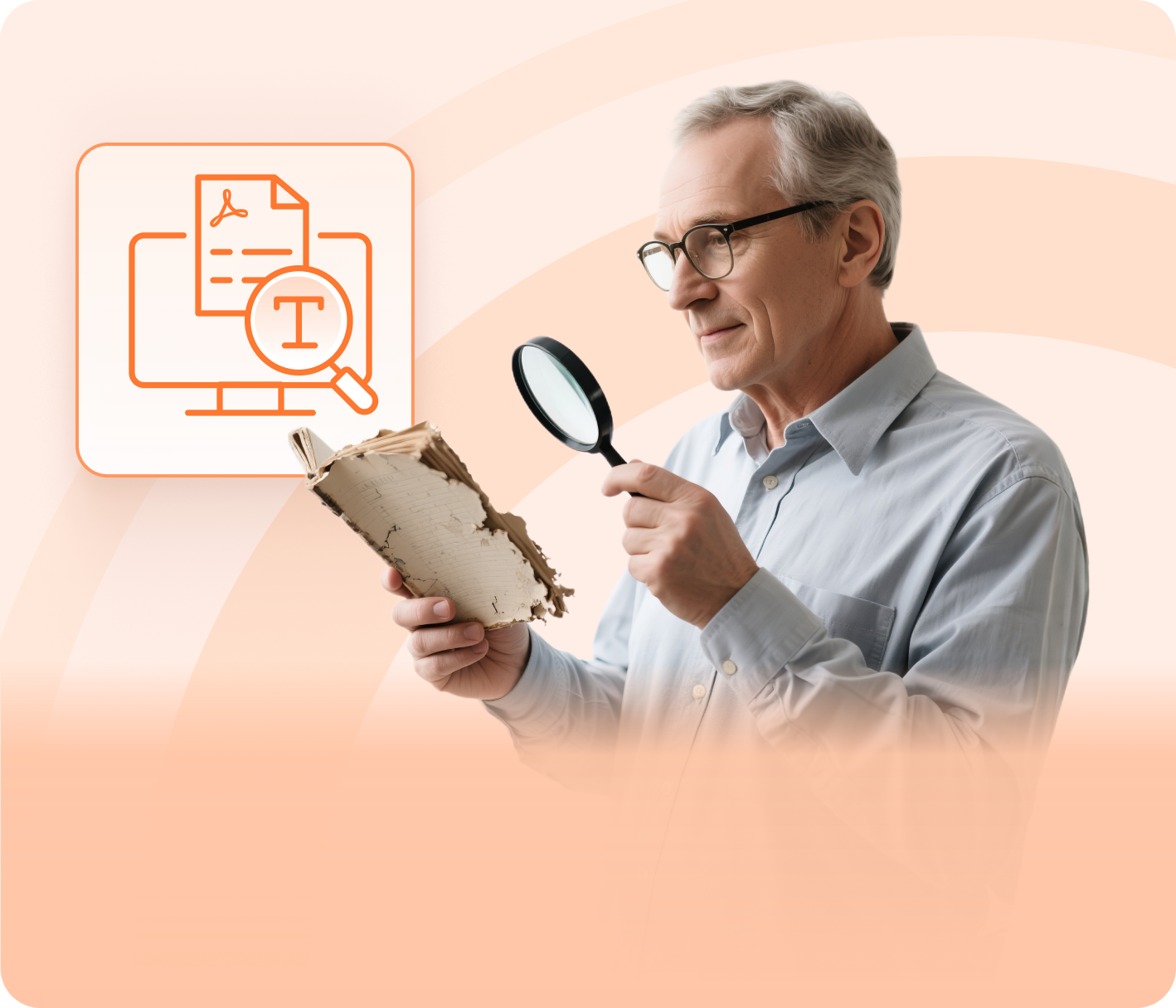


International teams and cross-border insurance professionals rely on PDNob to convert policy documents and claim forms written in foreign languages into editable digital text — streamlining translation workflows and eliminating the need for manual data re-entry.



HR departments, insurance brokers, and administrative teams handling large volumes of physical policy forms, claim submissions, and compliance records can use PDNob to rapidly convert paper files into searchable digital archives — reducing manual entry errors and accelerating document retrieval.


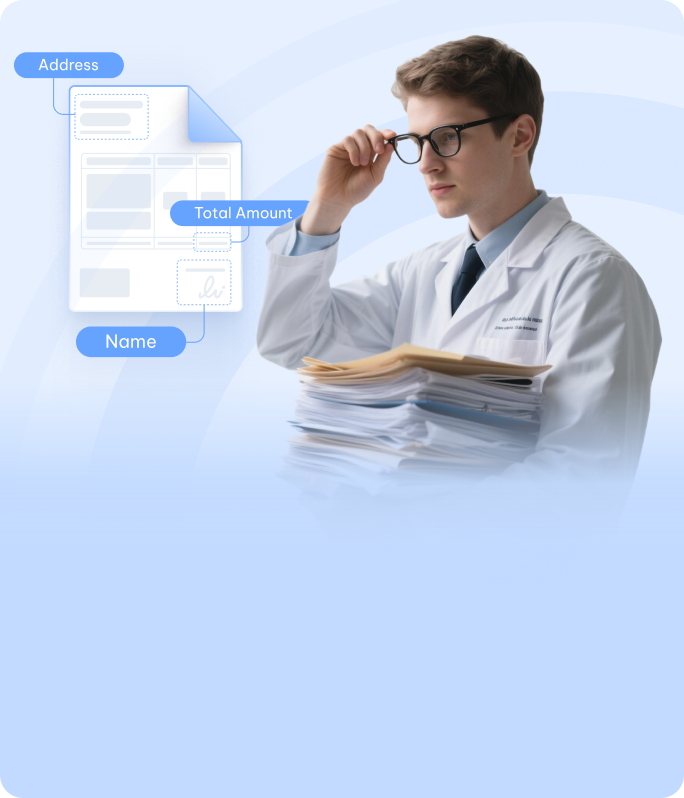
Go beyond scanning — PDNob PDF Editor lets you edit recognized text in insurance forms, redact sensitive fields, annotate policy documents, add signatures, and manage your entire PDF workflow entirely offline. Built for professionals who need precision and speed when handling critical insurance records.

An insurance scanner is an OCR-powered tool that converts physical or image-based insurance documents — such as policy forms, claim papers, and coverage certificates — into searchable, editable digital files. PDNob's online insurance scanner uses ABBYY-backed AI to recognize text in uploaded PDFs and images (JPG, JPEG, PNG, TIFF, BMP) and returns a fully selectable PDF without requiring any desktop software.
Yes. You can photograph your insurance card or policy document with a smartphone camera, save it as a JPG or PNG, and upload it to PDNob's insurance scanner from a desktop browser. The OCR engine will extract the text and produce a searchable PDF — no physical scanner hardware required. For best results, photograph the document in good lighting against a flat surface.
PDNob's desktop OCR engine, powered by ABBYY technology, achieves up to 99% recognition accuracy on clean, high-resolution insurance documents. The cloud-based insurance scanner delivers strong results for standard policy forms and claim records. Accuracy may vary for heavily degraded or handwritten documents — using a higher-resolution source image consistently improves output quality.
Yes. PDNob transfers all files over TLS-encrypted connections and automatically deletes them from its servers after processing is complete. Your policy numbers, personal details, and financial information are never stored or shared. For users handling particularly sensitive insurance records, the PDNob desktop application offers fully offline processing with no data ever leaving your device.
PDNob's online insurance scanner accepts PDF files as well as common image formats including JPG, JPEG, PNG, TIFF, and BMP. This covers documents produced by flatbed scanners, smartphone cameras, fax machines, and screen capture tools. All supported formats are processed through the same AI recognition engine and returned as a text-selectable PDF.
Yes. PDNob's insurance scanner supports 16+ languages, including Chinese (Simplified and Traditional), Japanese, Korean, French, German, Spanish, Arabic, Russian, Portuguese, Italian, Dutch, Turkish, Indonesian, and Thai. When uploading, simply select the language of your insurance document before clicking OCR PDF to ensure the recognition engine applies the correct linguistic model.
Edit, merge, sign, and convert PDFs effortlessly.
 PDNob Online
750,796,000 Users

PDF Leaders
Since 2007
10M+ Docs
Protected Daily
ISO
Certified Tools
Your Files
Never Stored