
PDNob Online is currently available only on Windows and Mac desktop computers. Please switch to a desktop browser to use our features.
Founded in 2007, Tenorshare PDNob is trusted by millions to simplify work.


1,285,963 files have been successfully compressed for free.
Get PDNob Desktop, Your All-in-One PDF Solution!
Just 3 simple steps to compress PDF to 5MB:
Click the "Choose File" button or drag your PDF directly into the upload area.
Click the "Compress" button to begin reducing your PDF file size to 5MB.
Download your compressed PDF once the process is complete.
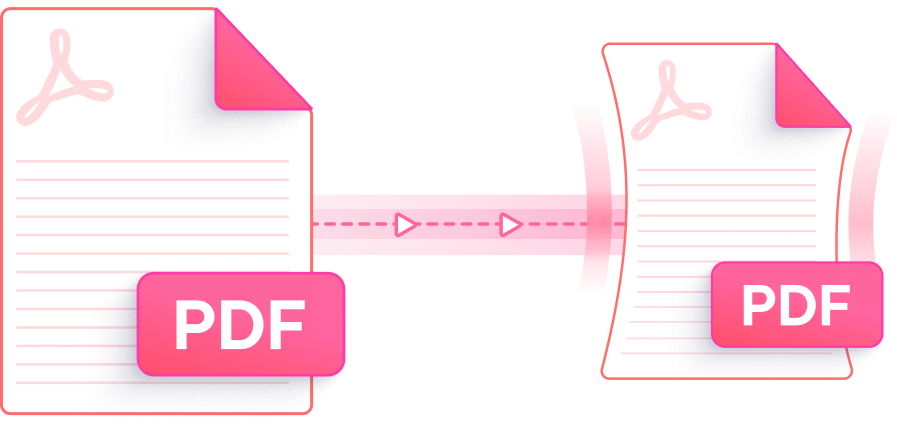
Compress PDF to 5MB with a tool built for speed, precision, and total privacy — no software required.

Advanced compression algorithms analyze your PDF structure and selectively compress PDF to 5MB — keeping text sharp, layouts intact, and images visually clear throughout.

Choose from multiple compression levels to balance file size and output quality. Whether you need a moderate reduction or maximum shrinkage under 5MB, the right setting is just a click away.

Access the PDF compressor at no cost — no registration, no watermarks, and no ads cluttering your experience. Just upload your file, compress PDF to 5MB, and download.

Everything runs in your web browser — no plugins or desktop applications to install. Compress PDF to 5MB on Windows or Mac with any modern browser, anytime.

Every file is transferred over SSL-encrypted connections and permanently purged from our servers after processing. Your documents are never stored, shared, or accessed by third parties.

The clean, clutter-free interface guides you through compressing a PDF to under 5MB in seconds — no learning curve required, whether it's your first time or your fiftieth.
The quickest method is to use PDNob PDF Compressor directly in your browser. Upload your PDF, click "Compress," and the tool will automatically reduce your PDF file size to 5MB within seconds — no installation or account required. For best results on image-heavy files, select a higher compression level before starting.
Many email platforms, job application portals, and government upload systems impose a 5MB attachment limit. PDFs generated from scans or high-resolution images often exceed this threshold. Compressing your PDF to 5MB makes it compatible with these systems without requiring the recipient to use a special viewer or download tool.
On Mac, open PDNob's online compressor in Safari or Chrome and upload your PDF — no installation needed. Alternatively, Mac's built-in Preview app lets you export a PDF with the "Reduce File Size" Quartz filter, though results vary. PDNob provides more consistent compression and gives you control over the compression level to reliably get under 5MB.
Yes. PDNob uses intelligent compression that targets redundant data, compressible image layers, and embedded resource overhead rather than stripping out visual content. Text sharpness and layout fidelity are maintained even after reducing a PDF file below 5MB. For PDFs with very dense imagery, selecting a moderate compression level helps maintain the balance between size and clarity.
PDNob's free online PDF compressor handles files up to 15MB per upload. This covers most standard PDFs that need to be compressed to under 5MB. If your source file is larger than 15MB — such as high-resolution scanned documents — PDNob Desktop can compress PDFs of any size locally on your computer without upload restrictions.
If your compressed PDF remains above 5MB, the file likely contains high-resolution embedded images or complex vector elements that resist standard compression. Try switching to the highest compression level available in PDNob's online tool and re-compress. For PDFs that still exceed the limit, PDNob's paid online plan or PDNob Desktop offers deeper compression settings and batch processing to bring even stubborn files under 5MB.
Edit, merge, sign, and convert PDFs effortlessly.
 PDNob PDF
750,796,000 Users

PDF Leaders
Since 2007
10M+ Docs
Protected Daily
ISO
Certified Tools
Your Files
Never Stored