

PDNob Online is currently available only on Windows and Mac desktop computers. Please switch to a desktop browser to use our features.
Founded in 2007, Tenorshare PDNob is trusted by millions to simplify work.
8,508,520 BMP images have been turned into searchable PDFs using ABBYY OCR.
Get PDNob Desktop, Your All-in-One BMP OCR Solution!
3 Simple Steps to Turn BMP into Searchable PDF:
Drop your BMP file into the upload area. Free online uploads go up to 15MB.
Pick the document language and click "OCR PDF" to start. ABBYY reads the image and lays an invisible text layer on top.
Download your new PDF. Every word is now searchable, selectable, and copyable — your original image stays untouched.

PDNob offers free OCR for BMPs into searchable PDFs, backed by the precision of ABBYY's industry-leading engine. From photographed pages and old BMP scans to invoices and faxed sheets, every letter in your image is recognized and turned into machine-readable, selectable text — no retype, no guesswork.



OCR BMP files in over 16 languages — English, Chinese (Simplified & Traditional), Japanese, Korean, Arabic, French, German, Spanish, Russian, Portuguese, Italian, Dutch, Turkish, Indonesian, Thai, and more. Mixed-language pages are picked up automatically.

Blurry screenshots, faded BMP scans, slightly tilted photos — the cloud OCR still pulls out clean text. Just upload and let PDNob handle the heavy lifting in your browser, nothing to install.

Every BMP you upload is protected with TLS encryption and automatically deleted from our servers once your searchable PDF from BMP file is ready. No backups, no sharing — just your document, returned to you.
Pull text out of old scanned textbooks, whiteboard photos, and typed worksheets. Search a keyword in seconds instead of scrolling page by page through every BMP.

Anyone working across languages can OCR a foreign-language BMP and get a clean, searchable English (or other language) version ready for sharing, quoting, or translation.



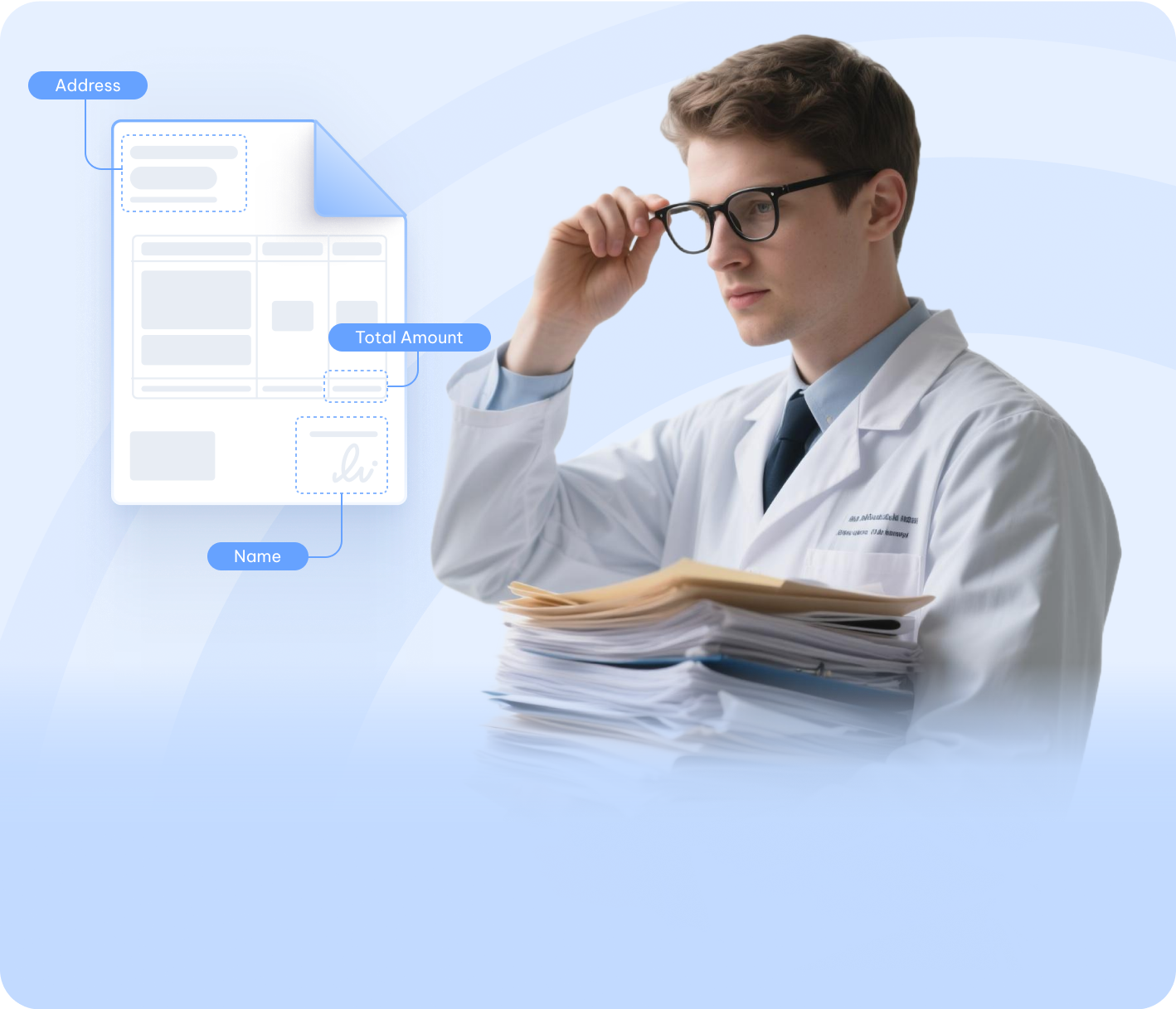
Office teams can turn photographed invoices, contracts, and HR paperwork into searchable PDFs, then run a quick Ctrl+F instead of retyping or hand-filing every page.

Move past a single BMP image to searchable PDF converter — PDNob PDF Editor lets you edit the recognized text, annotate, sign, compress, and manage your PDFs offline. Aimed at professionals who want a full toolkit, not just a one-off OCR.

Upload your BMP to PDNob online, choose the document language, and click "OCR PDF." The ABBYY engine reads every word in your image and adds a hidden text layer to the PDF, so you can search, copy, and highlight — all in your browser. Free users get full OCR on single files up to 15MB.
Yes, in most cases. PDNob's ABBYY OCR is trained for imperfect inputs — small screenshots, faded prints, and slightly skewed scans usually come through cleanly. If your BMP is under 150 DPI or very noisy, expect a few misread characters, but normal phone photos and flatbed scans work great.
No. The OCR step adds a transparent text layer on top of your image — the original BMP pixels are never changed. You only gain the ability to search, select, and copy the words on top of your picture.
For the cleanest reads, use a BMP at 200 DPI or higher. The tool still works on lower-res files, but small text and thin lines start to suffer below 150 DPI. If you can re-scan at 300 DPI, do that for the best results.
Free online users can process one BMP at a time. To OCR a whole folder of bitmaps, upgrade to a PDNob online paid plan for cloud batch OCR, or use PDNob Desktop for full offline batch conversion on your own computer.
Yes. Every upload is sent over TLS, and the file is removed from PDNob's servers shortly after the searchable PDF is generated. Nobody else can see, store, or use your images — only you download the result.
ABBYY is built for printed text, so clear block letters usually work but cursive or stylized handwriting often gets misread. For messy notes, you may need to fix a few words by hand after conversion. Printed documents are nearly always accurate.
The output PDF works anywhere — phones, tablets, laptops, any PDF reader can open and search it. The conversion itself, though, runs in a desktop browser today, so you'll need a Windows or Mac computer to upload the BMP and start the OCR.
Edit, merge, sign, and convert PDFs effortlessly.
 PDNob Online
750,796,000 Users

PDF Leaders
Since 2007
10M+ Docs
Protected Daily
ISO
Certified Tools
Your Files
Never Stored